Link Shortener in Social Planner
A link shortener (also called a URL shortener) is a tool that converts a long URL into a shorter, more manageable link, which redirects users to the original destination when clicked. Social Planner supports the Link Shortener.
How Does It Work?
- Navigate to Marketing > Social Planner
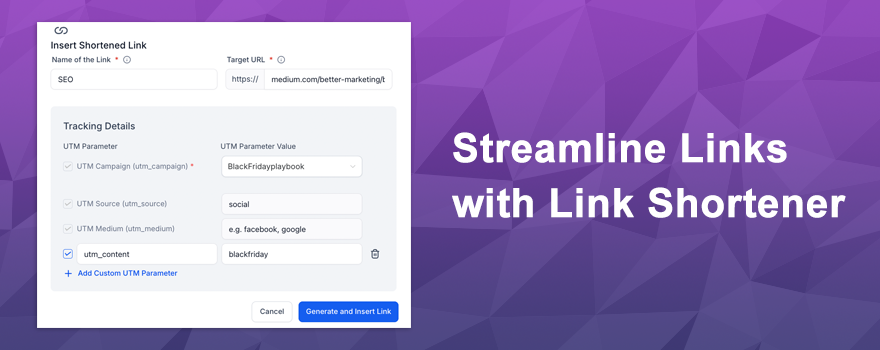
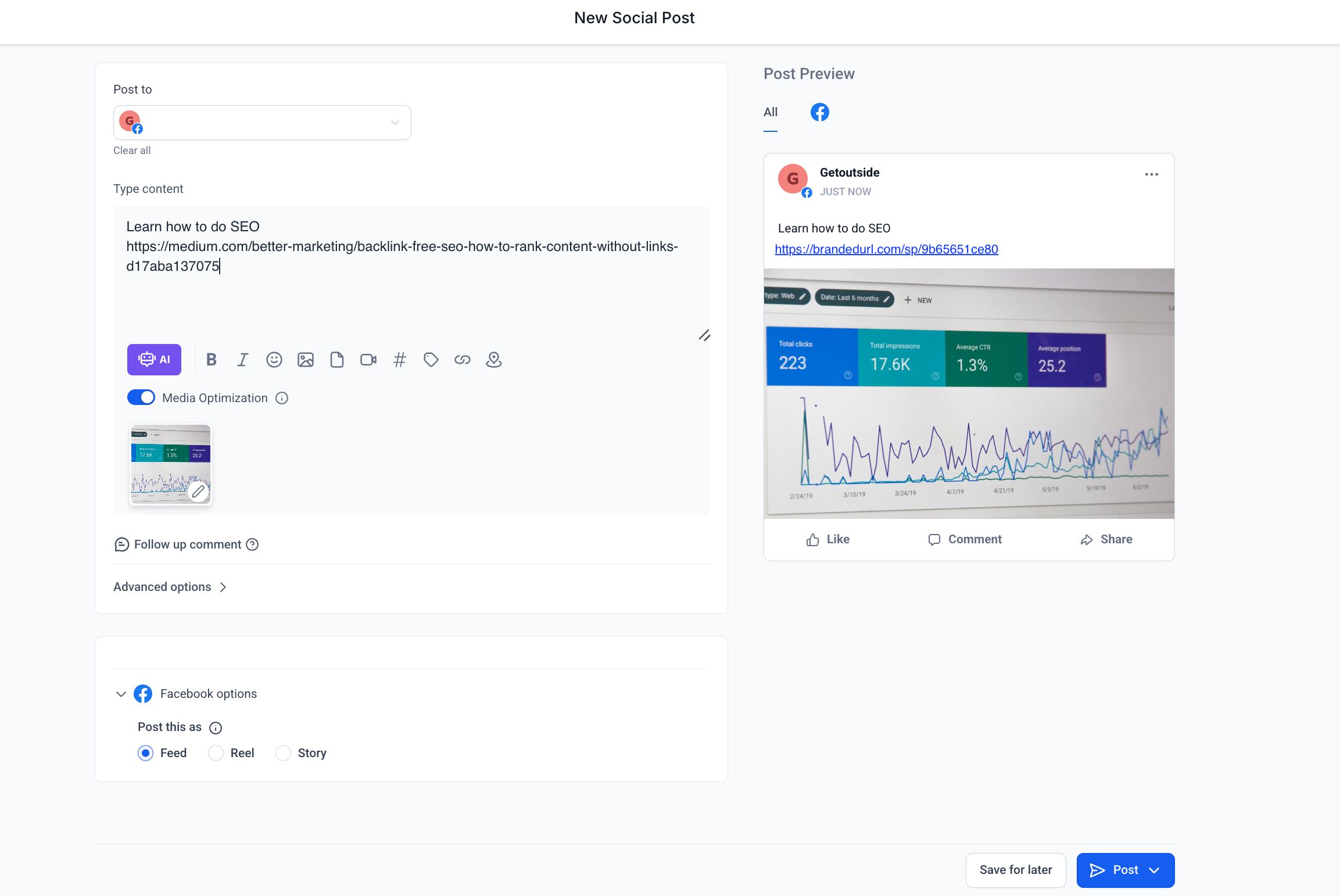
- Click on Create post, there is an option to “Insert Shortened Link”
 – User can create a new campaign if they wish to track the shortened URL.- User will have to click on the shortened URL icon to start with adding the name of the link, add the target URL, and add all the custom parameters.- If you generate and insert the link, you will be able to use the same link again.
- User can add the content for the social post where if you add a long URL. If you click on the URL shortener, the URL will get shortened in the preview. In the input box of content, it will stay as a long URL.
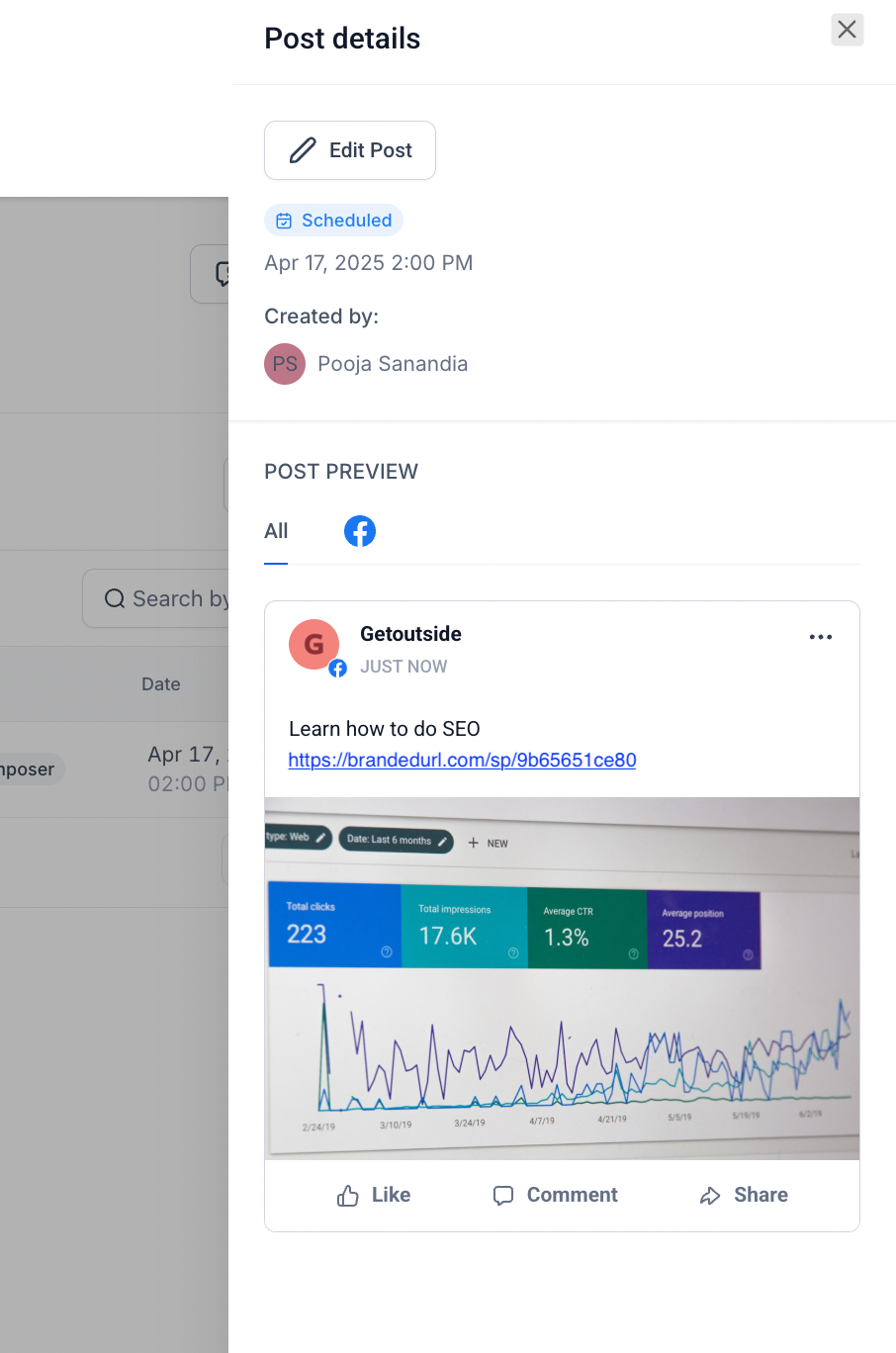
- Publish the post or schedule it out. 😇
Few Notes
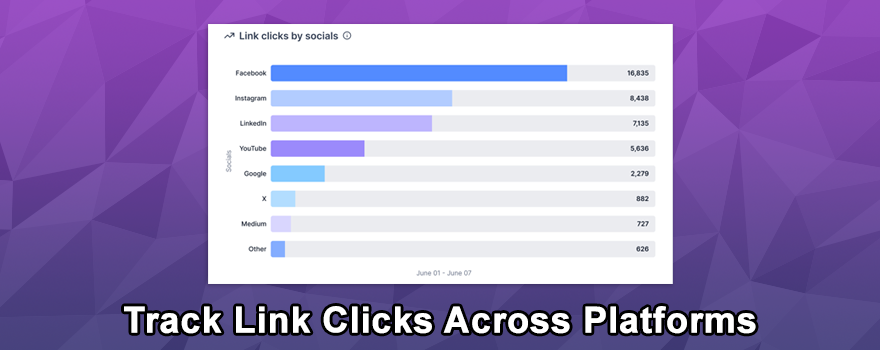
- Statistics for the people who clicked on the link is upcoming.
- In Preview, the short URL will be shown, and in the input box, the long URL will show.
- The domain will be selected from a branded domain in your location settings > if no branded domain is available, we will use the Automator’s domain
🚀 Ready to elevate your social planning? Log into your Social Media Boosters™ account today and start using the new Link Shortener feature!
What's your Reaction?
You have reacted on"Introducing Link Shortener in Social Planner🚀🔗"
A few seconds ago


 Subscriptions
 My Orders
 My Wishlist
 Refer & Earn💸
 My Projects
 Conversations
 Website Services
 New Website Request
 Website Addons
 eCommerce Addons
 eCommerce Modules
 Software Development
 Graphic Design
 Video Production
 Content Writing
 Marketing Services
 Marketing Products
 Get a Marketing Plan
 Local SEO Audit
 Sales Automation
 Service Automation
 Operations Automation
 Marketing Automation
 Payments Automation
 Premium Modules
 Support Tickets
 Latest Updates
 Consultation Calls
 Tools & Extensions
 Tech Tips & Tricks
 Domains & Emails