What’s New? 🚀
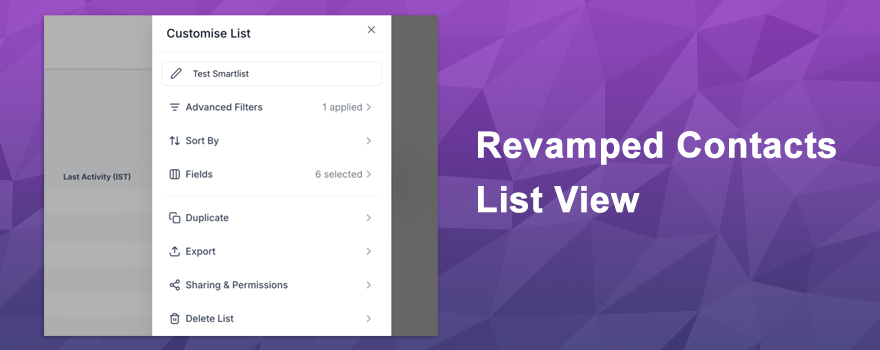
Say hello to a completely revamped Contacts module! The new List View and SmartLists 2.0 bring a fresh, modern design that makes managing your contacts smoother than ever. With intuitive features like drag-and-drop column management, advanced filtering options, and flexible sharing controls, you’ll spend less time organizing and more time building relationships.
How It Works 🛠️
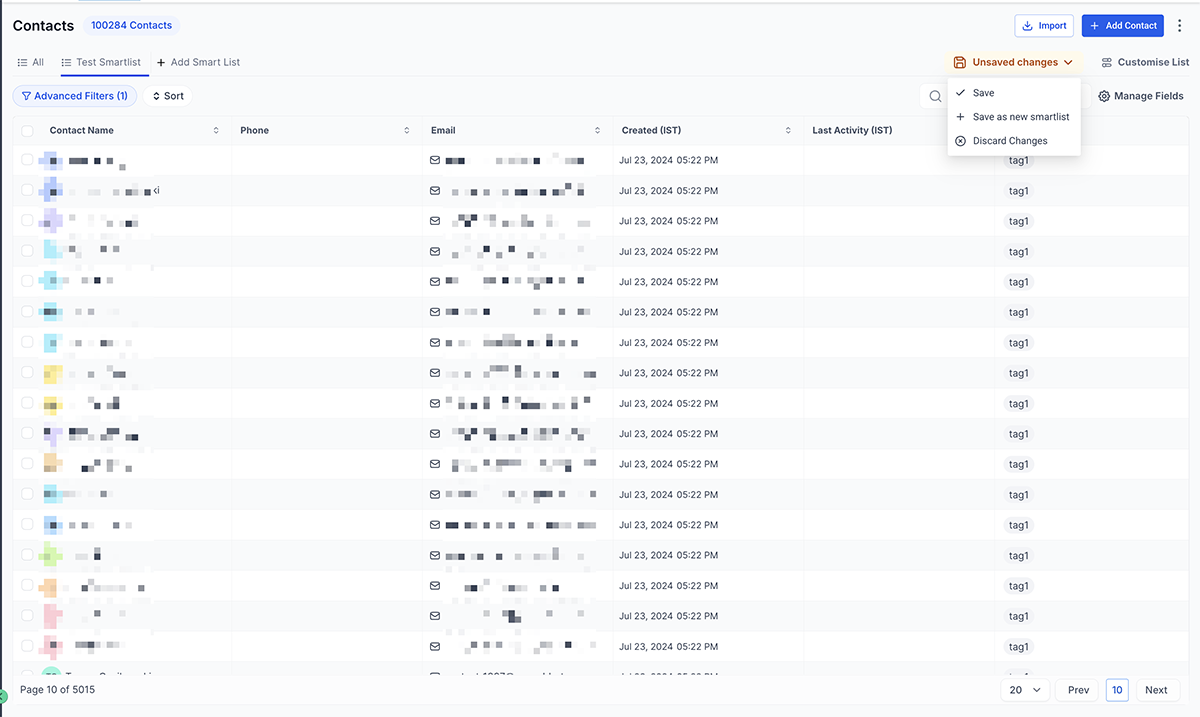
The updated Contact List View gives you a cleaner, more consistent interface that’s easy to navigate and scan. You can quickly customize your view by searching for columns and dragging them into your preferred order.
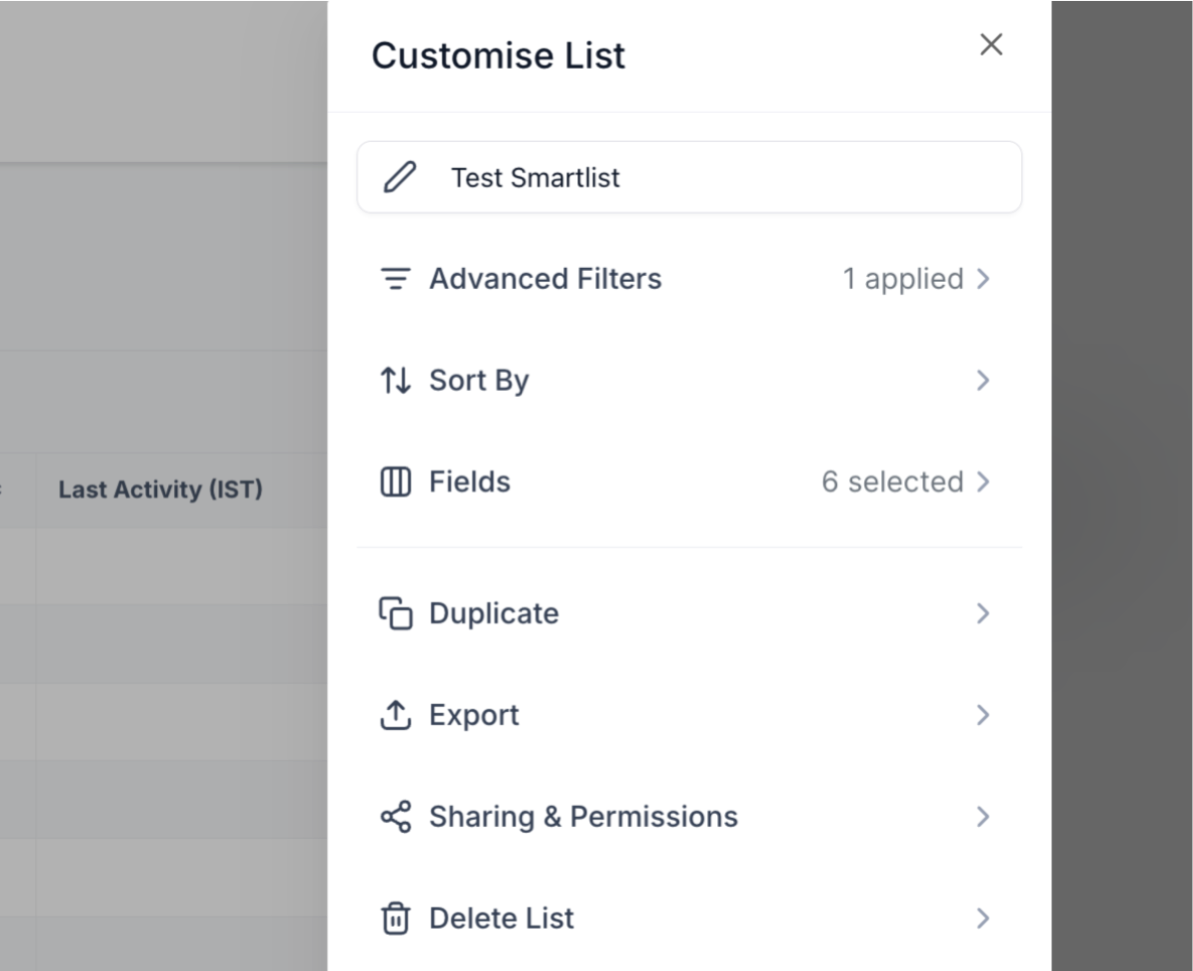
SmartLists 2.0 takes things up a notch by combining powerful tools into one seamless workflow:
- Advanced filter builder with AND/OR logic for precise contact queries
- Easy field management to add, remove, or reorder contact information
- Integrated sorting to organize contacts by any criteria you choose
- Enhanced sharing and permissions settings for better control over who accesses your lists
Everything works together to help you create, manage, and share contact groups with minimal effort and maximum efficiency.
Smart Lists Use Cases ✅
SmartLists makes it easy to automatically organize contacts into meaningful groups. If you don’t know how to organize them better, here is a quick cheat sheet for you!
📊 By Status
- Hot Leads
- New Leads
- Cold Leads
- Clients
- Past Clients
- Lost Leads
📢 By Marketing Source
- Website Leads
- Paid Ads
- Social Media
- Referrals
- Walk-Ins
📍 By Location
- City / State
- Service Area
- Local vs Remote
💼 By Activity
- Recently Contacted
- Follow-Up Needed
- No Response
- High Engagement
🏷️ By Tags & Custom Fields
- Service Type
- Industry
- Priority Level
- Customer Type
Why You’ll Love It 💡
This update is all about making your life easier. The modern interface aligns perfectly with the rest of your CRM, so everything feels familiar and intuitive. You’ll save time with quick column management and complex filtering that actually makes sense. Plus, the streamlined SmartLists mean you can set up sophisticated contact groups in seconds instead of minutes .
Whether you’re segmenting audiences for campaigns, tracking leads, or organizing client data, these improvements put you in complete control with less hassle and more clarity.
Ready to experience the new Contacts module? Head over to your Contacts page and start organizing and segmenting your contacts with SmartLists 2.0 today!


 Subscriptions
 My Orders
 My Wishlist
 Refer & Earn💸
 My Projects
 Conversations
 Website Services
 New Website Request
 Website Addons
 eCommerce Addons
 eCommerce Modules
 Software Development
 Graphic Design
 Video Production
 Content Writing
 Marketing Services
 Marketing Products
 Get a Marketing Plan
 Local SEO Audit
 Sales Automation
 Service Automation
 Operations Automation
 Marketing Automation
 Payments Automation
 Premium Modules
 Support Tickets
 Latest Updates
 Consultation Calls
 Tools & Extensions
 Tech Tips & Tricks
 Domains & Emails