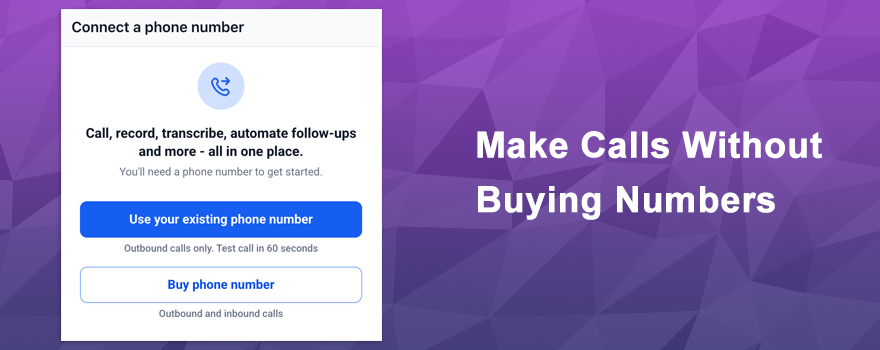
What if you could start making voice calls right now — without buying a new phone number first? 🎉 Now you can. This new feature lets you verify a phone number you already own and use it as your caller ID for outbound calls, all from inside the platform. No purchases, no waiting, no barriers. Just verify and go.
What’s New? 🚀
Previously, making voice calls required purchasing a dedicated phone number before you could place a single call. That barrier is officially gone.
- Use any existing phone number you own as your outbound caller ID
- Verify your number and start calling in under a minute
- No need to purchase a new number upfront — just bring the one you already have
- Call costs remain the same as regular outbound calling
- Inbound calls continue to ring on your existing phone as usual
How It Works 🛠️
Getting started is fast and straightforward!
Step 1: Open the dialer
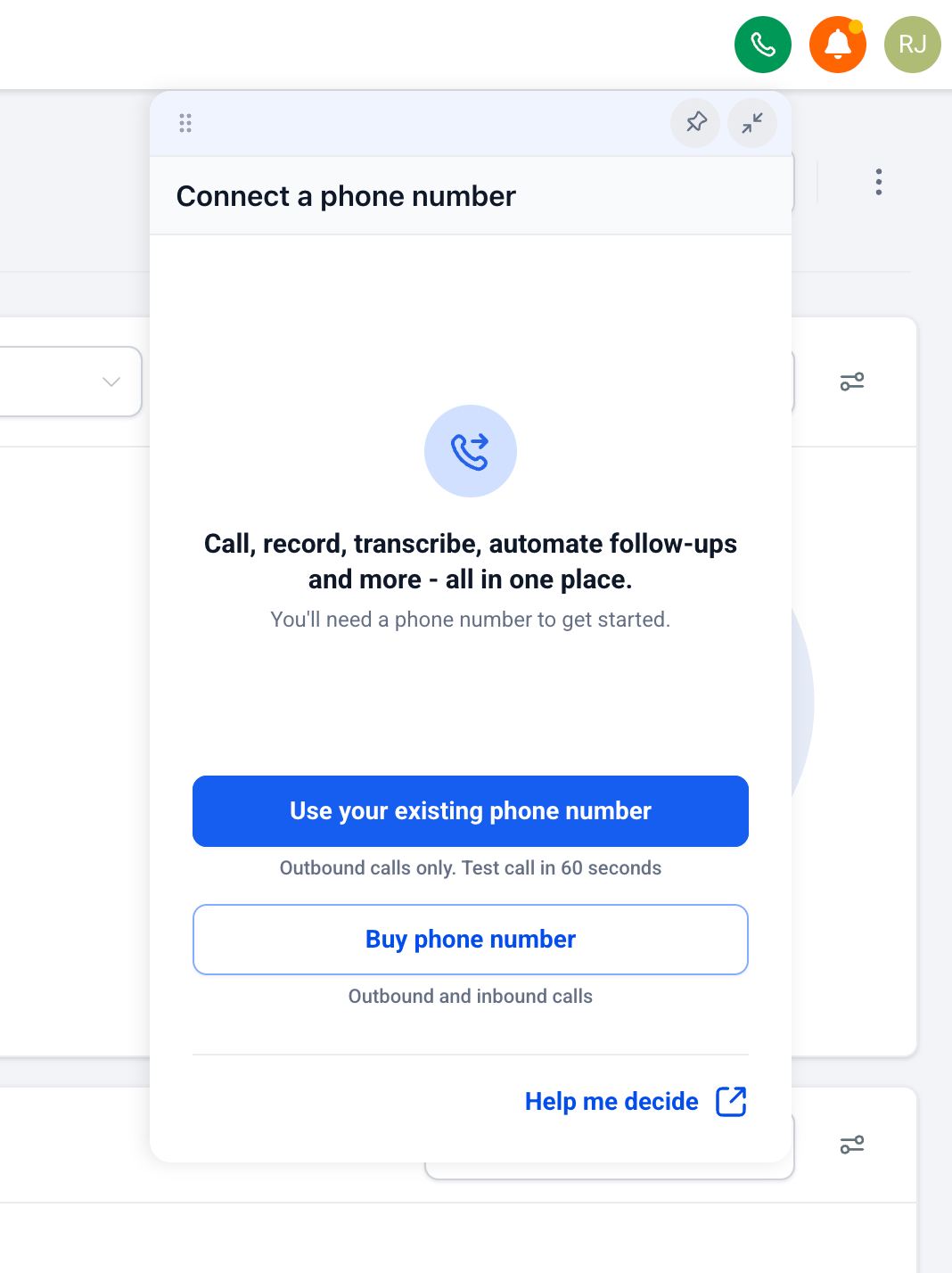
- When you open the dialer without a purchased phone number, you’ll see the option to use your existing number
- Click Use Your Existing Phone Number and enter the number you’d like to display as your caller ID
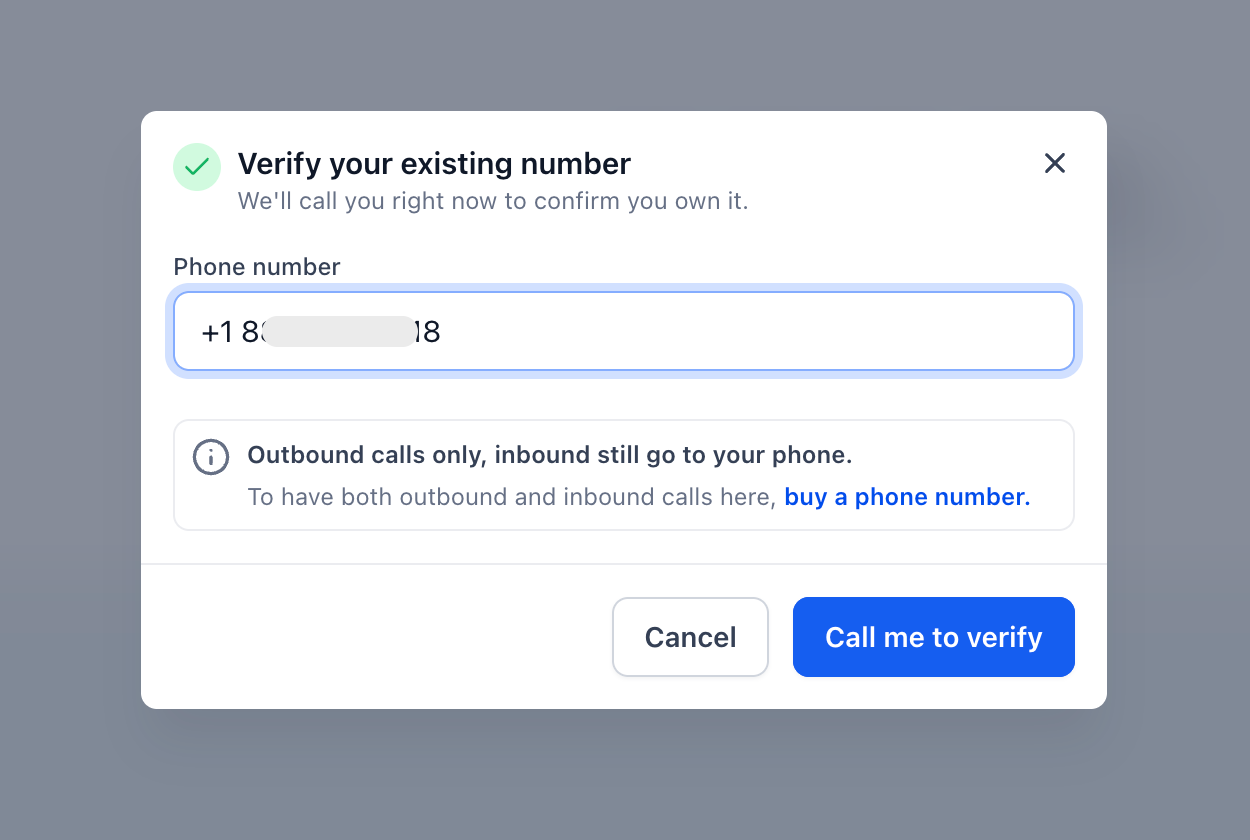
Step 2: Verify your number
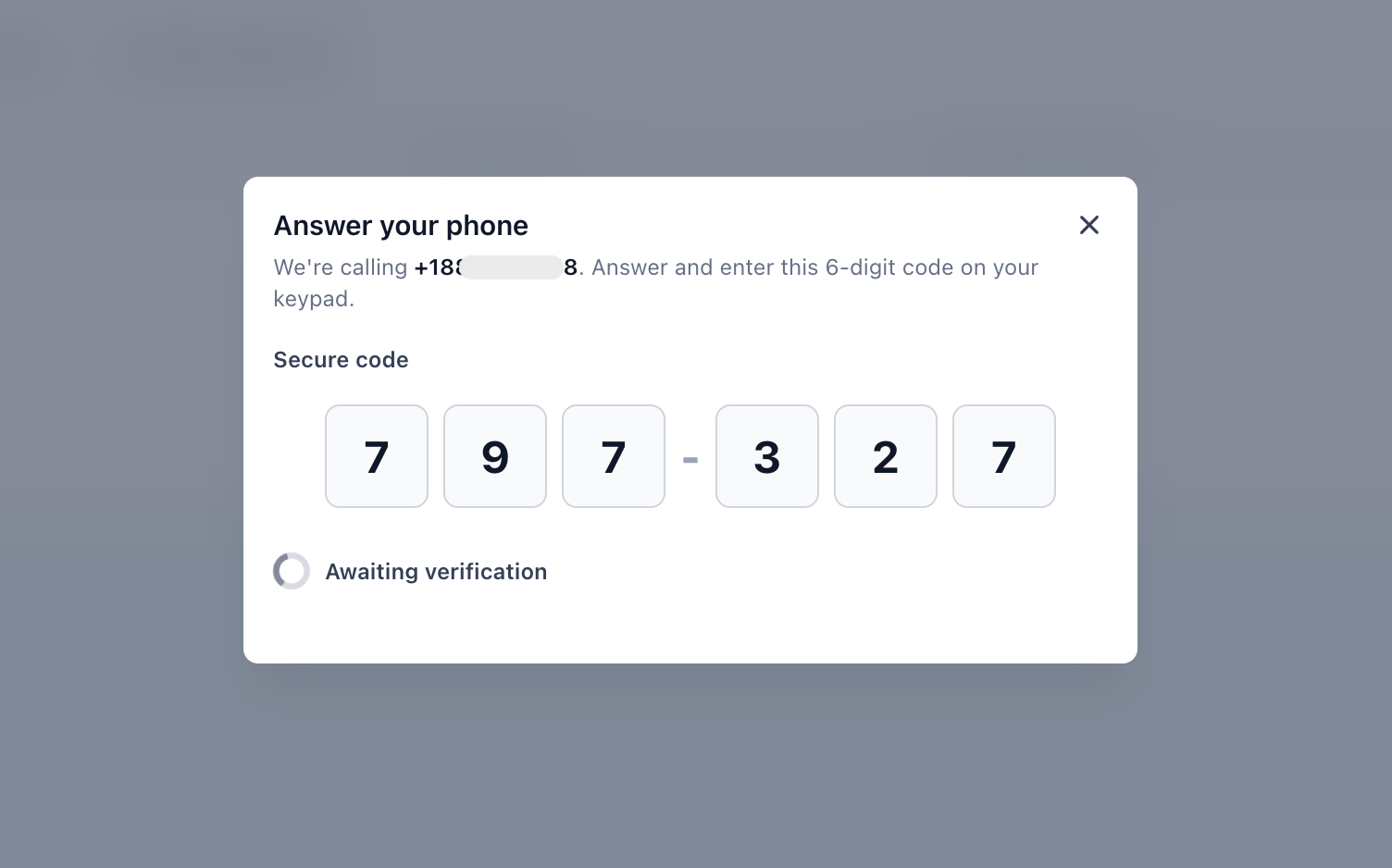
- You’ll receive a call on your existing number with a 6-digit verification code
- Answer the call and enter the code to confirm ownership
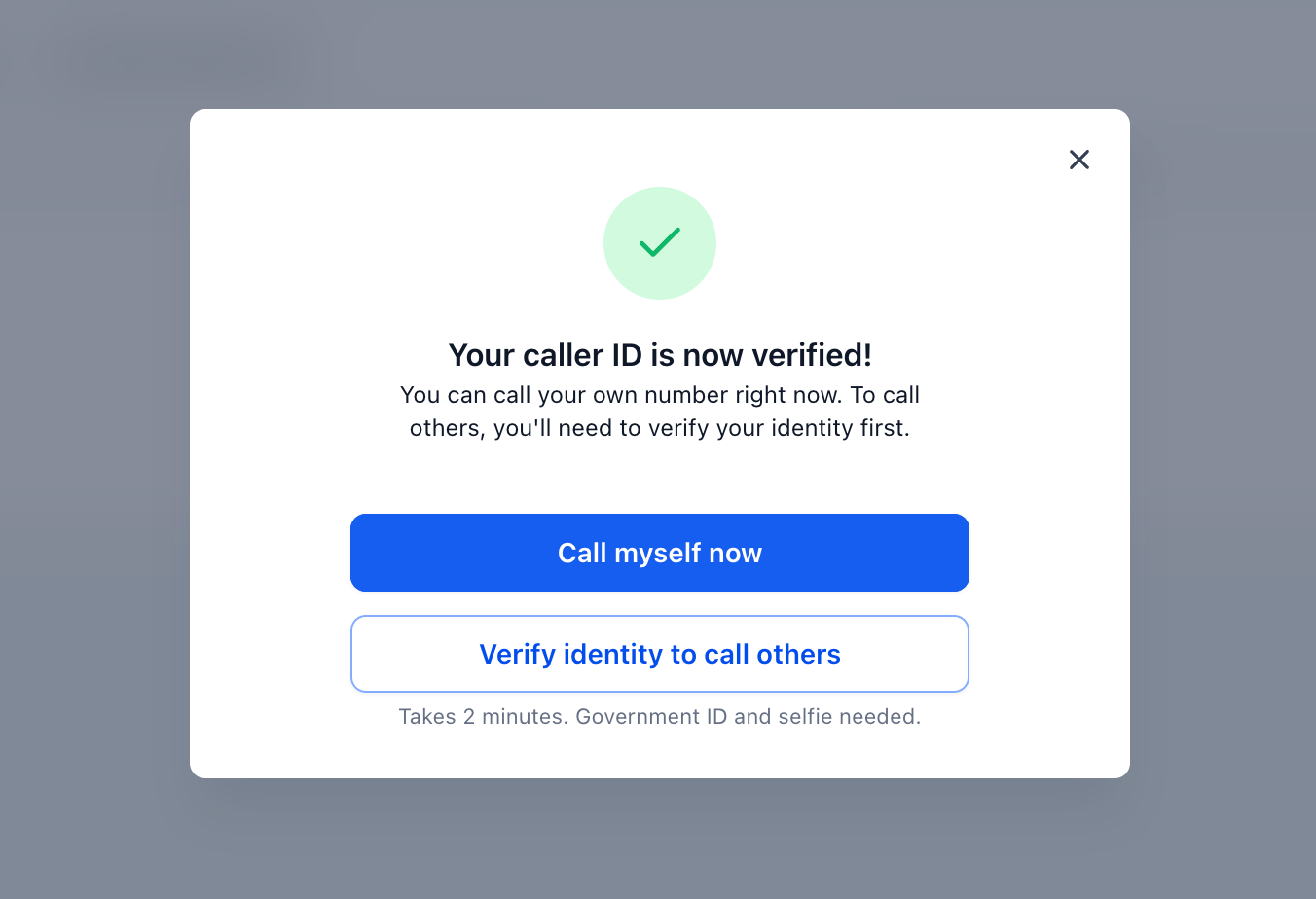
Step 3: Make your first call
- Call yourself first to try out voice calling instantly
- To call contacts, complete a one-time identity verification using a government ID and selfie
That’s it — you’re up and running.
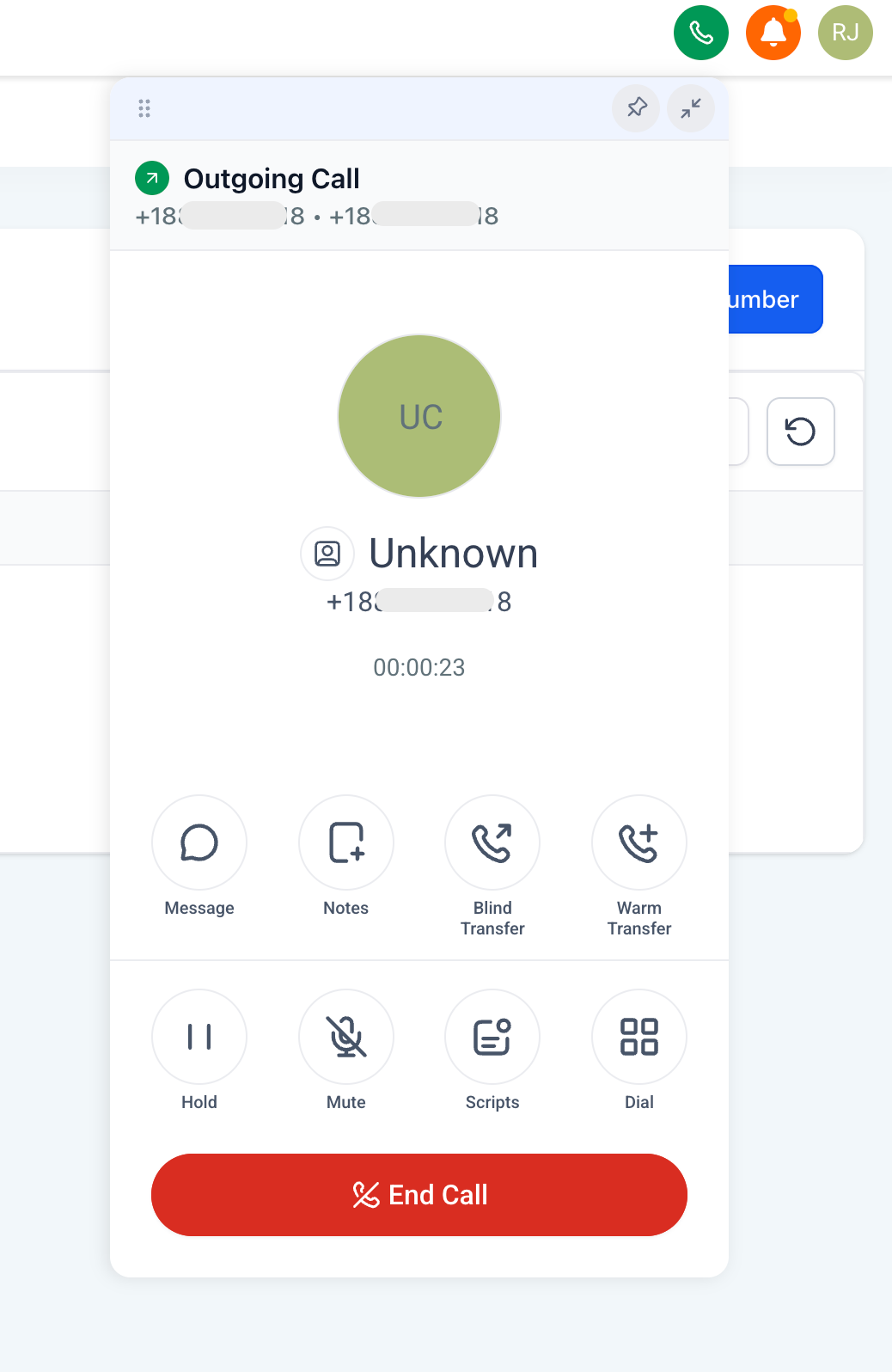
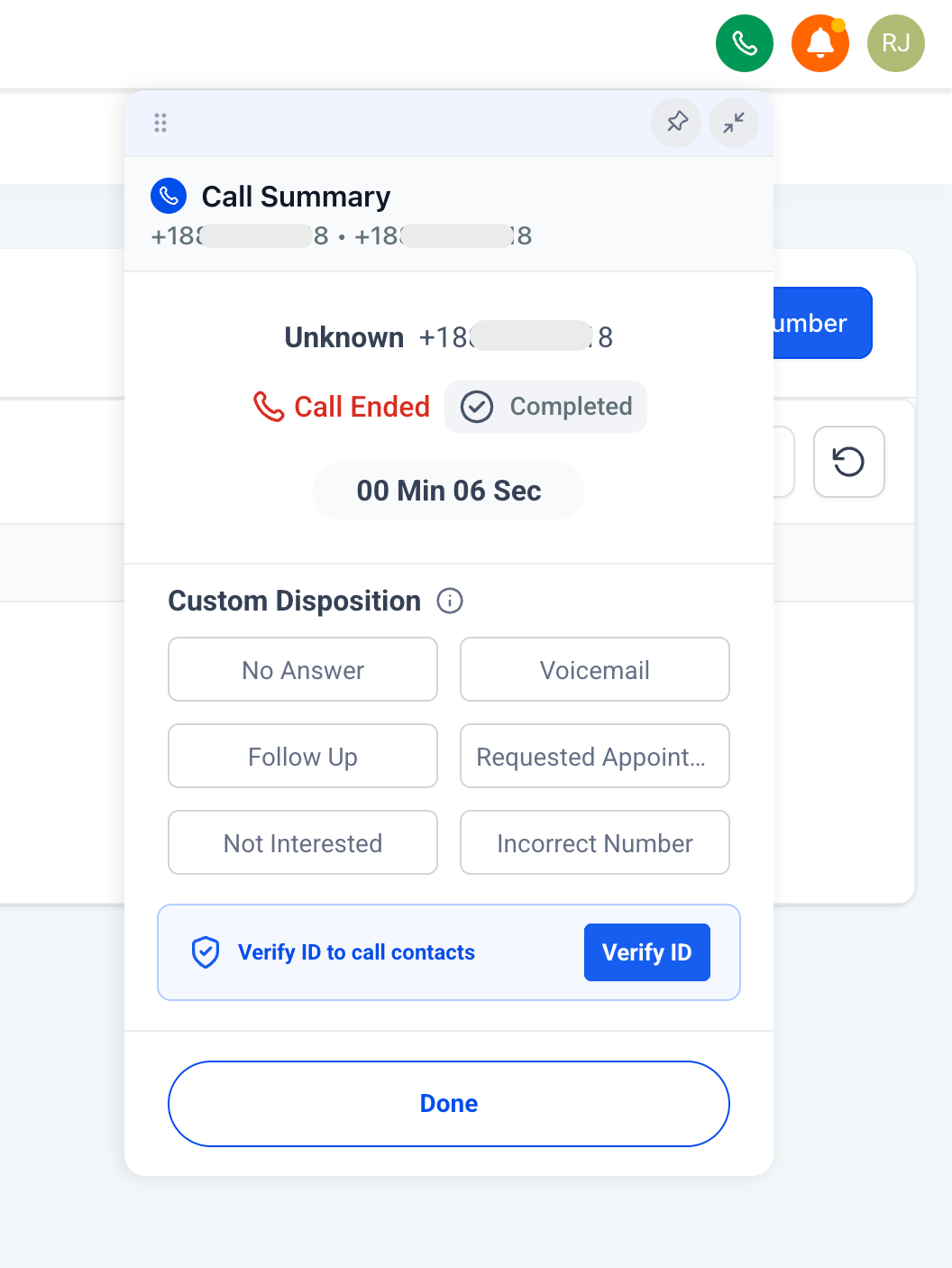
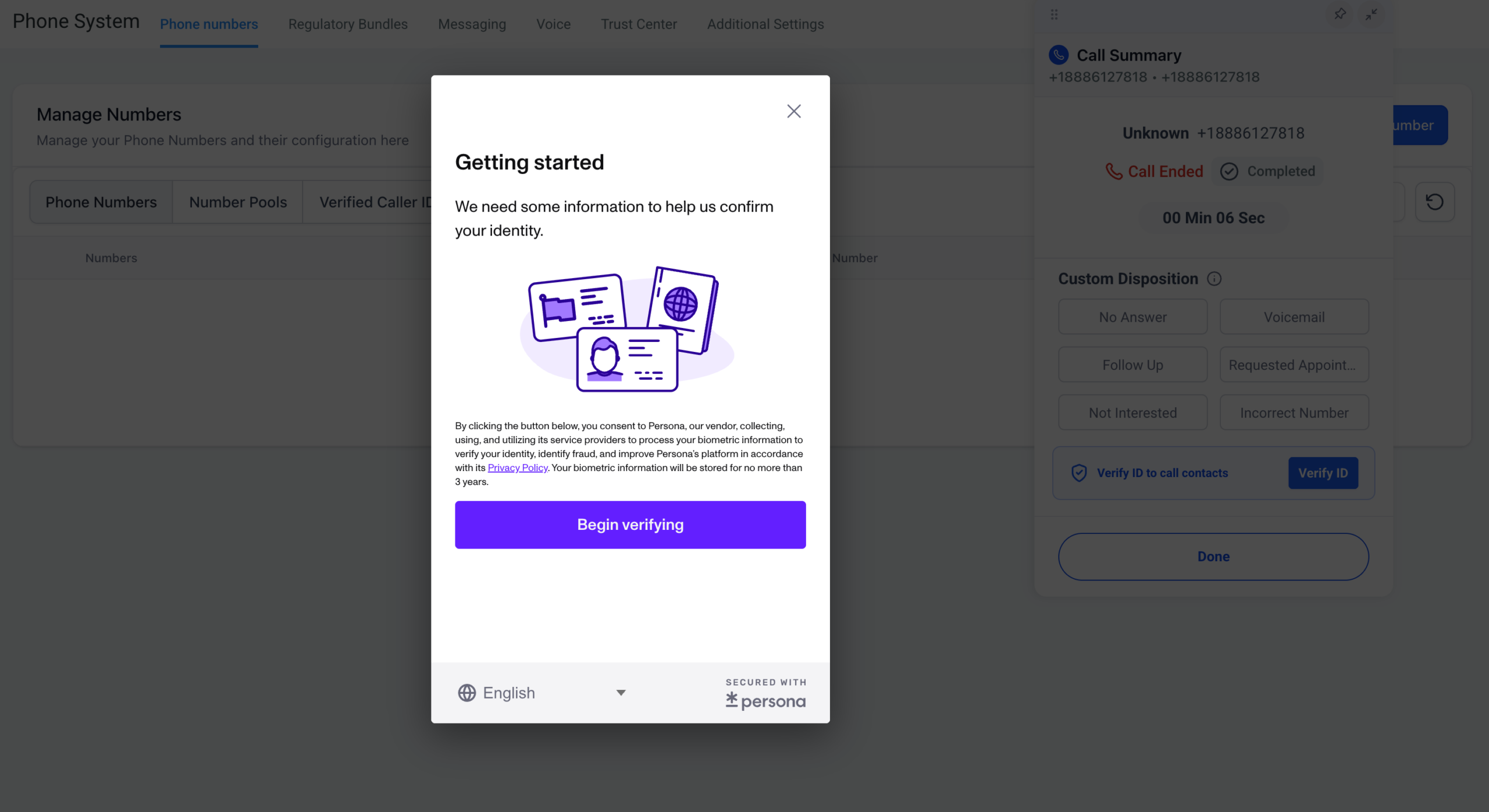
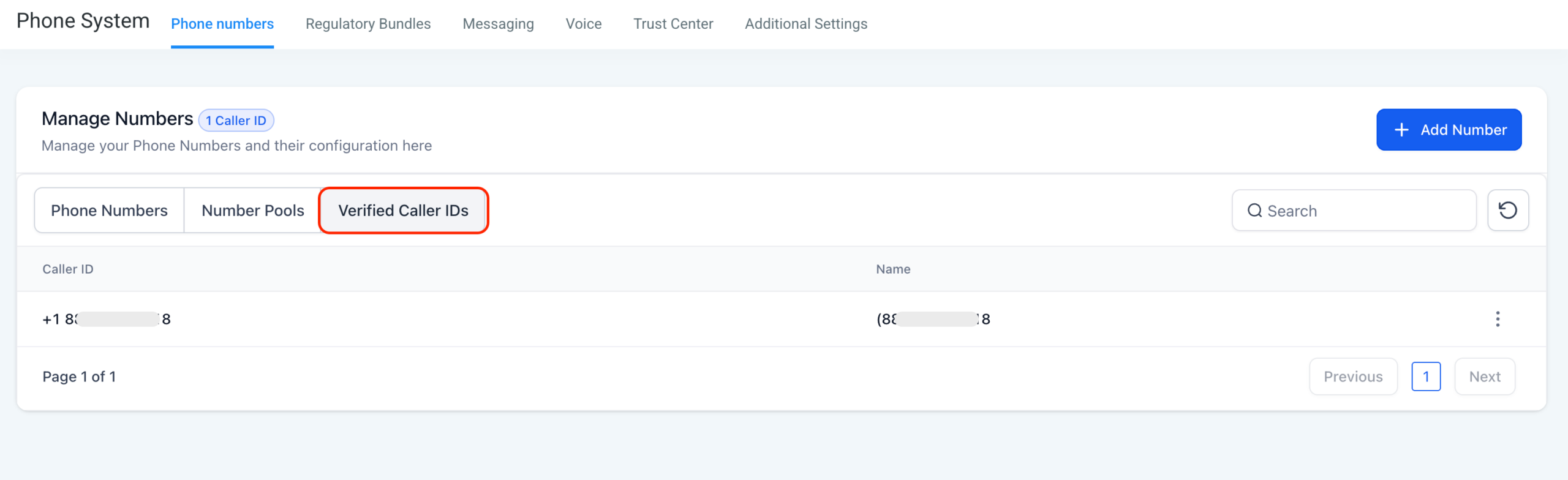
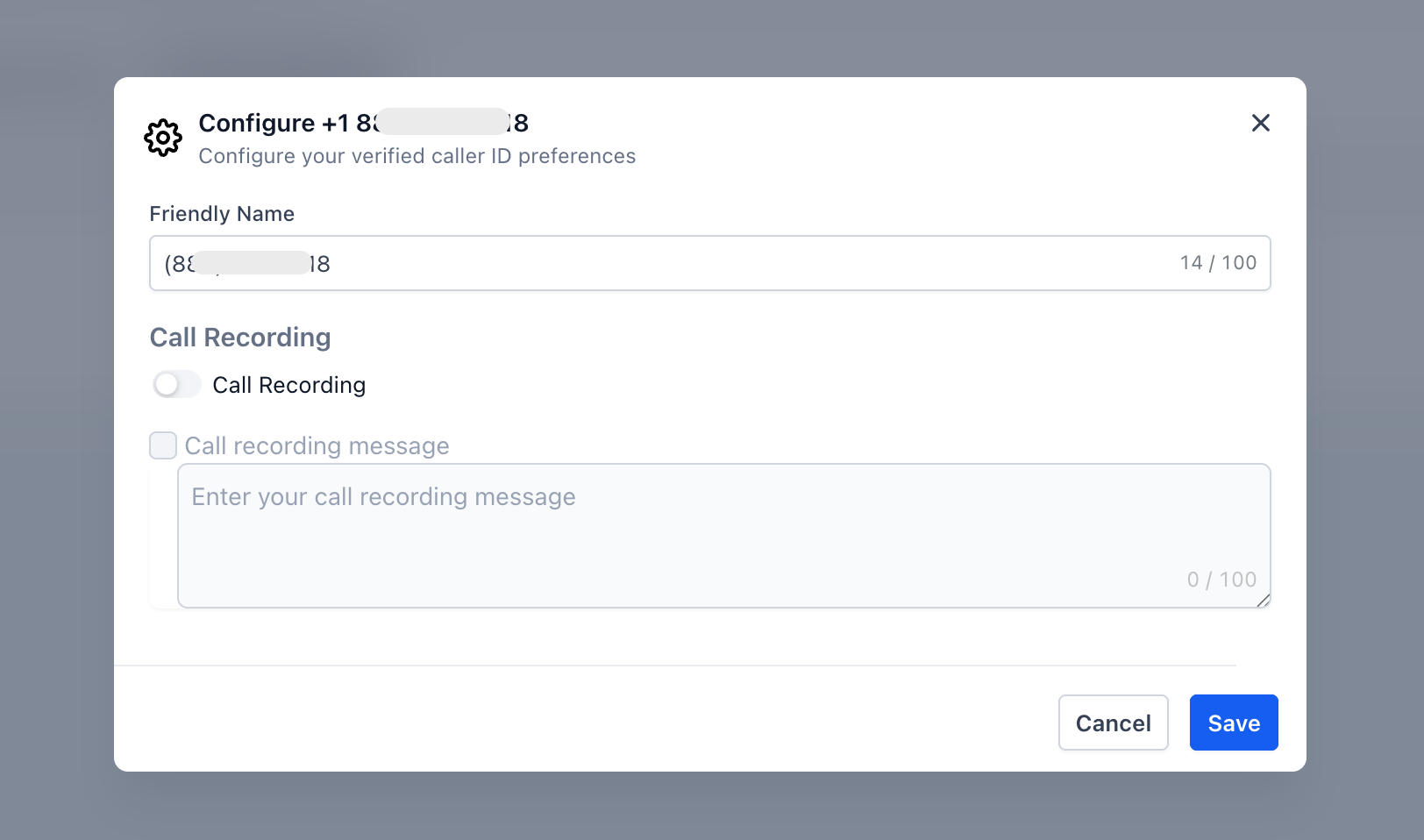
Managing your Verified Caller ID is easy too. Head to Settings → Phone System → Phone Numbers → Verified Caller ID to view your setup. From the 3-dot menu, you can enable call recording whenever you need it.
A few things to keep in mind:
- You can still make outbound calls from your existing phone outside the platform
- You can always purchase a dedicated phone number later to execute advanced calling/sms features
- Your existing number continues to receive inbound calls normally — nothing changes on that end
Why You’ll Love It 💡
This feature removes the single biggest barrier to getting started with voice calling.
- Start calling in under a minute with zero upfront purchases
- Use a number your contacts already recognize and trust as your caller ID
- Lower the commitment to try voice calling — no new number needed
- Keep your existing phone workflow intact while adding platform-powered calling on top
- Same call quality and costs as regular outbound calling
- Mobile app support coming soon
Whether you’re testing voice calling for the first time or just want to keep things simple, this gets you up and running faster than ever.
Ready to make your first call? Open the dialer, verify your existing number, and start calling in minutes! 📞🚀
What's your Reaction?
You have reacted on"Start Calling With Existing Numbers 📞🔥"
A few seconds ago


 Subscriptions
 My Orders
 My Wishlist
 Refer & Earn💸
 My Projects
 Conversations
 Website Services
 New Website Request
 Website Addons
 eCommerce Addons
 eCommerce Modules
 Software Development
 Graphic Design
 Video Production
 Content Writing
 Marketing Services
 Marketing Products
 Get a Marketing Plan
 Local SEO Audit
 Sales Automation
 Service Automation
 Operations Automation
 Marketing Automation
 Payments Automation
 Premium Modules
 Support Tickets
 Latest Updates
 Consultation Calls
 Tools & Extensions
 Tech Tips & Tricks
 Domains & Emails