The “Dashboard” is the first page you see when you log in and it contains the summary of your entire account.
Below are the different sections of the Dashboard you will find:
TOP SECTION
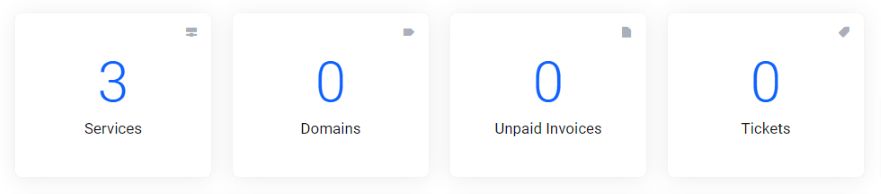
Services: It contains the number of active recurring service/products purchased and the details of each. Read more about the “Addons Service” page>>
Domains: It contains the number of active domains you have on your account. Read more about the “My Domains” page>>
Due Invoices: It has the number of outstanding balances due and links to the “My Invoices” page. Read more about the “My Invoices” page>>
Support tickets: Displays the amount of support tickets you have on your account.
MAIN SECTION
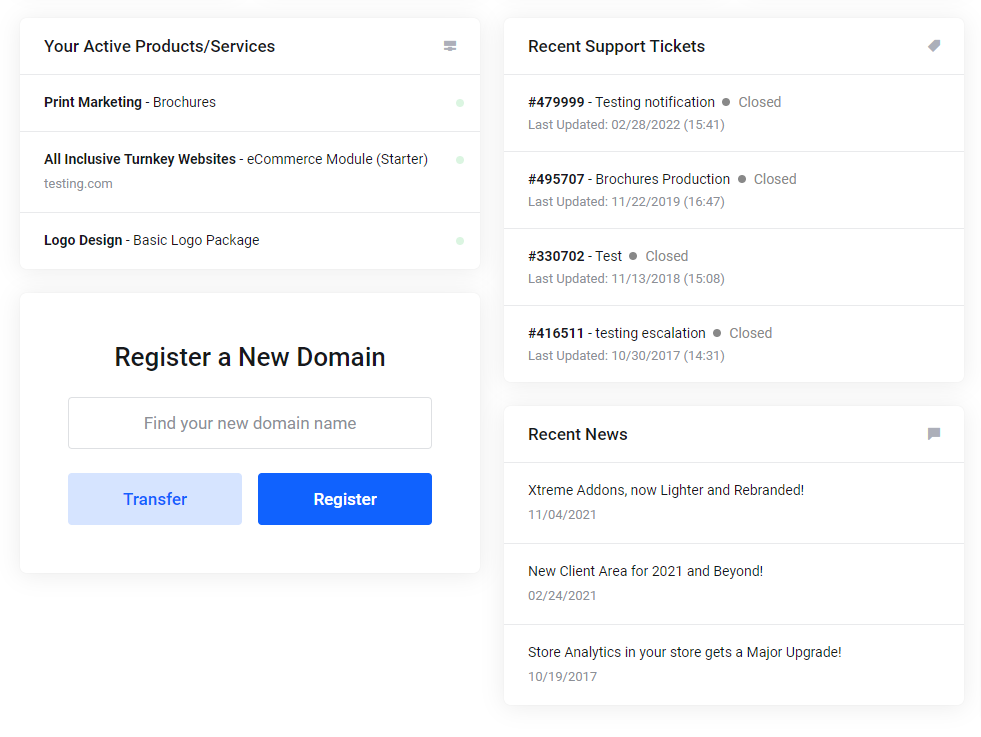
Here you will see all your active product and services and the status of all of your support tickets, you can also find recent news and register/transfer a domain.
SIDEBAR SECTION
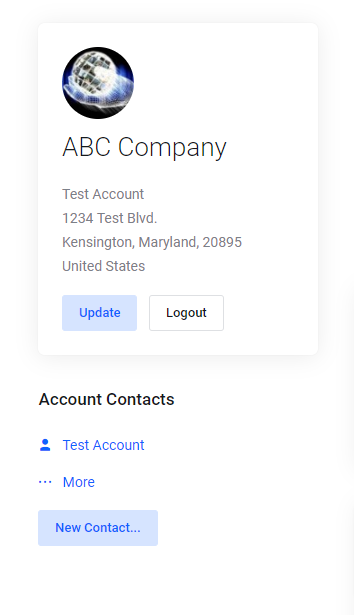
Here you can see and update your account details or manage your contacts.
What's your Reaction?
You have reacted on"The Dashboard"
A few seconds ago


 Subscriptions
 My Orders
 My Wishlist
 Refer & Earn💸
 My Projects
 Conversations
 Website Services
 New Website Request
 Website Addons
 eCommerce Addons
 eCommerce Modules
 Software Development
 Graphic Design
 Video Production
 Content Writing
 Marketing Services
 Marketing Products
 Get a Marketing Plan
 Local SEO Audit
 Sales Automation
 Service Automation
 Operations Automation
 Marketing Automation
 Payments Automation
 Premium Modules
 Support Tickets
 Latest Updates
 Consultation Calls
 Tools & Extensions
 Tech Tips & Tricks
 Domains & Emails









