Where to Login
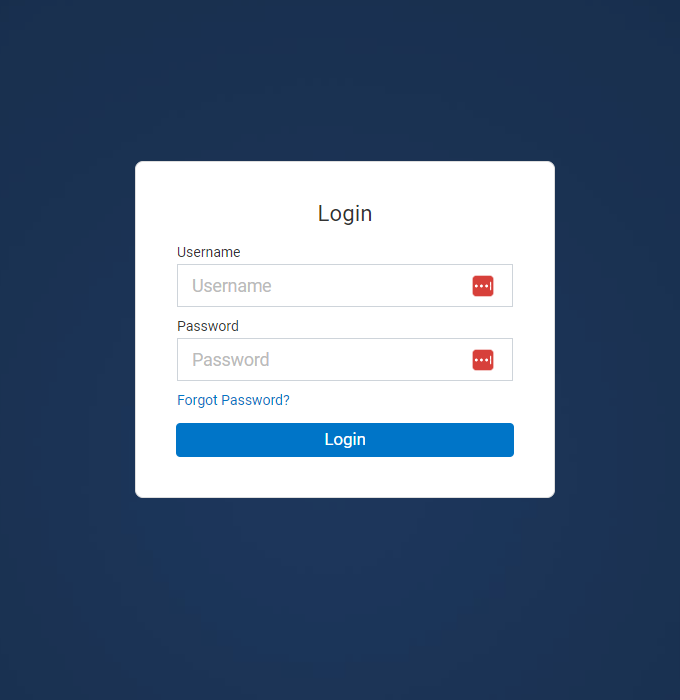
In order to login to your webmail account and access your email, you must go to a URL of the form http://webmail.yourdomainname.com
Login Credentials
When your email account is created, an email is sent to your alternate email address (usually the email which you have on record with us), with your new email address and a password.
You should use these details to login to webmail. If you did not receive this email, you can use the Forgot Password option on this page to resend the email.
If you are not sure which address it was delivered to, you can obtain these details from us by opening a support ticket.
Loging In for the first time
1. Change Password: If you want to change the system generated password to something else you can remember.
To change your passwords go to Settings > Basic Settings > Change Password. (make sure it is secure)
2. Add Email Signature: It is always a best practice to add a professional email signature to extend your branding. Learn More >
To change your passwords go to Settings > Mail > Signatures
3. Access email on your phone: You will not always be checking your email on the desktop, so it is important you set it up on your mobile devices so when you are on the go.
To setup email on your phone, follow this simple tutorial >
4. Take advantage of value added apps: Your webmail comes with many overlooked value added services & apps which make your webmail experience more productive.
When you log in, you will have access to: Appointment calendar, Task List, Twitter Integration and more.
To take full advantage of these apps, simply go to the “Portal” tab and set it up the way you want to.

What's your Reaction?
You have reacted on"Webmail Login & Setup"
A few seconds ago


 Subscriptions
 My Orders
 My Wishlist
 Refer & Earn💸
 My Projects
 Conversations
 Website Services
 New Website Request
 Website Addons
 eCommerce Addons
 eCommerce Modules
 Software Development
 Graphic Design
 Video Production
 Content Writing
 Marketing Services
 Marketing Products
 Get a Marketing Plan
 Local SEO Audit
 Sales Automation
 Service Automation
 Operations Automation
 Marketing Automation
 Payments Automation
 Premium Modules
 Support Tickets
 Latest Updates
 Consultation Calls
 Tools & Extensions
 Tech Tips & Tricks
 Domains & Emails









