In Turnkey eCommerce™, various automated emails are sent to shoppers to keep them informed about their orders, payments, and subscriptions. Here’s an overview of the different types of emails and their contents.
Order Emails #
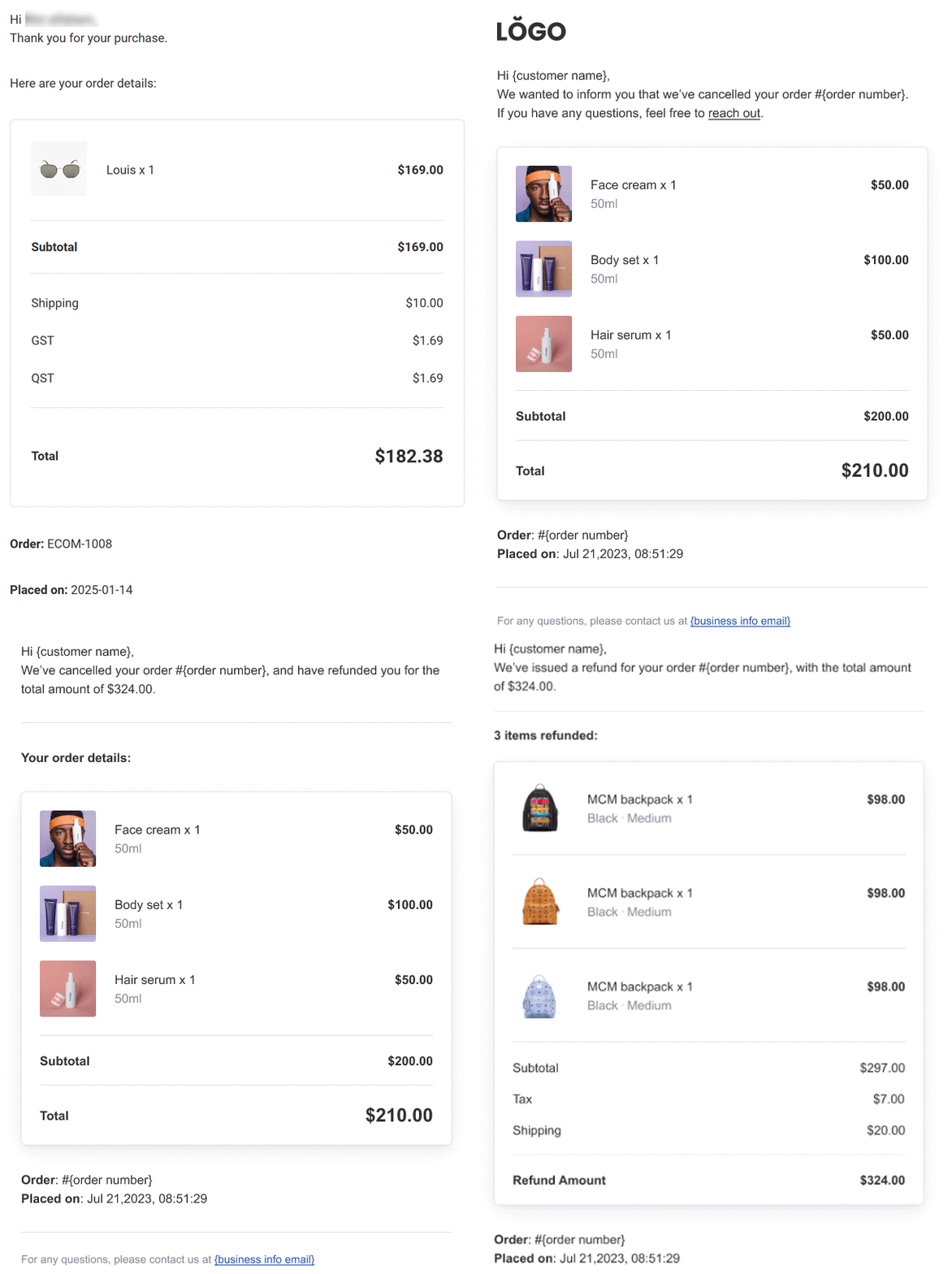
- Order Confirmation Email
After placing an order, shoppers automatically receive a confirmation email containing:- Customer Name
- Billing Address
- Shipping Address
- Product Name
- Quantity of Each Product
- Unit Price of Each Product
- Subtotal and Total
- Payment Date
- Order Canceled Email
If an order is canceled, the shopper receives an email confirming the cancellation and listing the items in the canceled order. - Order Canceled and Refunded Email
When an order is both canceled and refunded, an email is sent confirming the cancellation, the items being refunded, and the refund amount. - Order Refunded Email
Shoppers receive an email when an order is refunded, detailing the refund amount and the items refunded.
Digital Products Email #
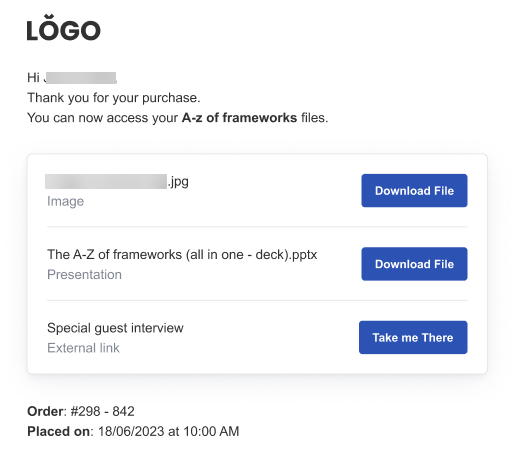
For digital purchases, shoppers receive an email with a download link valid for 7 days. If more time is needed, merchants can resend the email with the download link.
Resend Digital Download Email
To resend a digital download link:
- In the side panel, click Sell Online, then Store Management.
- Click Orders and open the desired order.
- Click the three horizontal dots in the top right and select Resend Download Links.
- Click Resend Links to send the email.
Shipping and Pickup Emails #
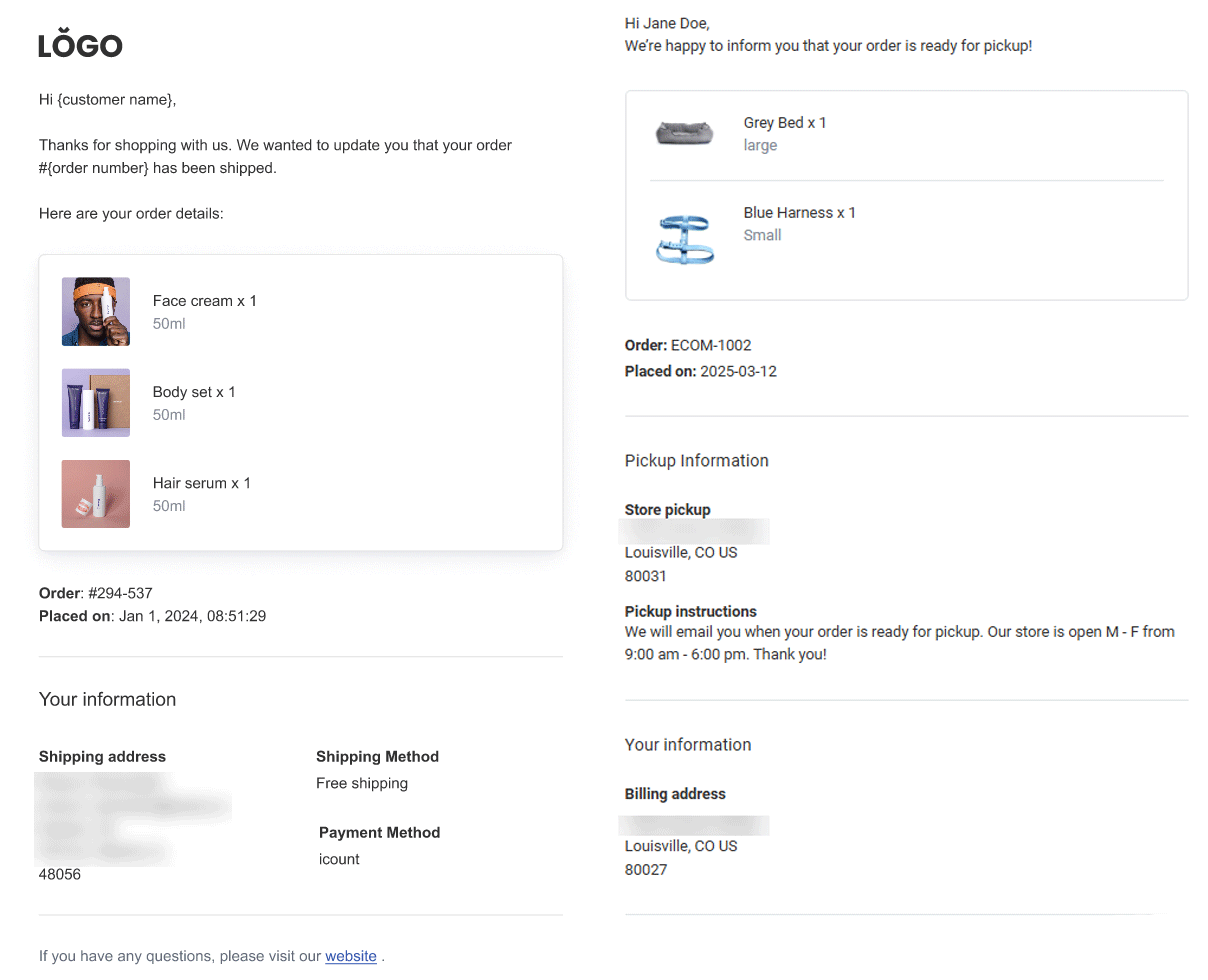
- Order Has Shipped Email
Upon shipping, shoppers receive a confirmation email with the order number and details. - Order Is Ready for Pickup Email
For in-store pickups, shoppers are notified by email when their items are ready, including order details and pickup instructions.
Payment Emails #
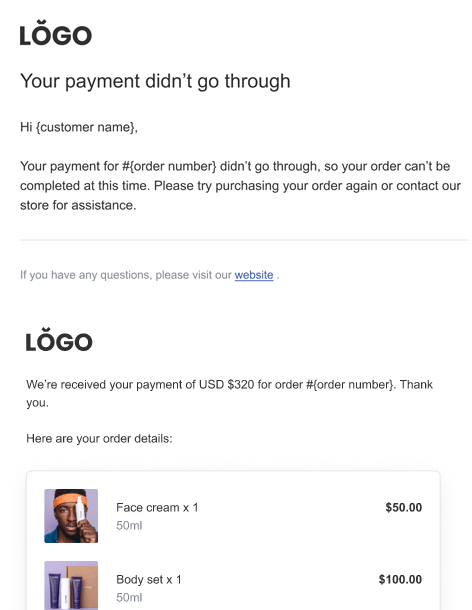
- Awaiting Payment Email
For offline payment methods, the order confirmation email notes that payment is pending, including payment instructions. - Payment Declined Email
If offline or asynchronous payments are declined, shoppers receive an email with instructions to retry or contact the store. - Offline Payment Confirmed Email
After making an offline payment, shoppers receive confirmation of their payment and order details.
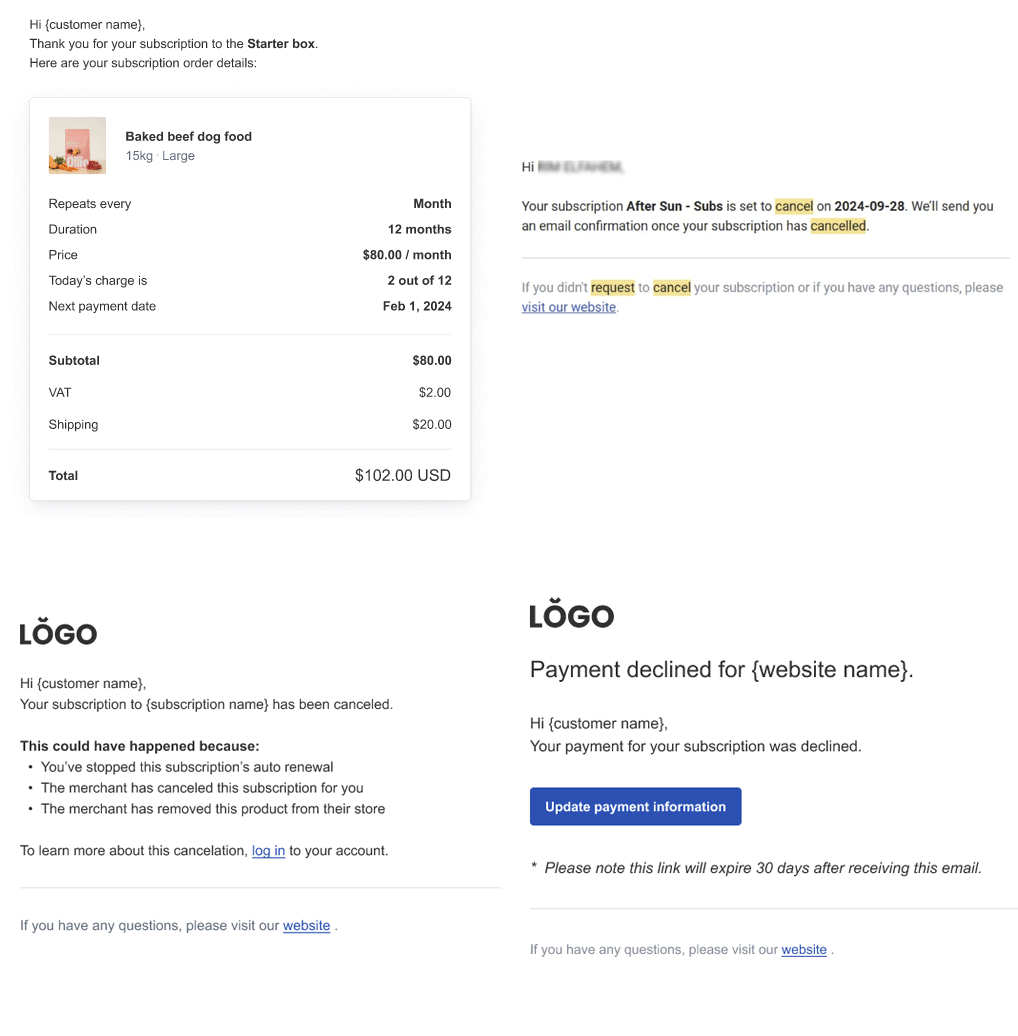
Subscription Emails #
- Subscription Confirmed Email
This email confirms the start of a subscription, detailing the frequency, duration, and next payment date. - Cancel Subscription Email
Initially, an email confirms the processing of a cancellation request, followed by a confirmation once the subscription is canceled. - Subscription Payment Declined Email
If a subscription payment is declined, shoppers receive an email with a link to update their payment information.
These automated communications ensure that customers are well-informed throughout their shopping and subscription processes, enhancing the overall experience in your Turnkey eCommerce™ store.
What's your Reaction?
You have reacted on"Overview of Store Automated Emails"
A few seconds ago


 Subscriptions
 My Orders
 My Wishlist
 Refer & Earn💸
 My Projects
 Conversations
 Website Services
 New Website Request
 Website Addons
 eCommerce Addons
 eCommerce Modules
 Software Development
 Graphic Design
 Video Production
 Content Writing
 Marketing Services
 Marketing Products
 Get a Marketing Plan
 Local SEO Audit
 Sales Automation
 Service Automation
 Operations Automation
 Marketing Automation
 Payments Automation
 Premium Modules
 Support Tickets
 Latest Updates
 Consultation Calls
 Tools & Extensions
 Tech Tips & Tricks
 Domains & Emails









