There are times when there are multiple social media profiles or networks. It becomes tough to select each time social profiles while creating a new post. It would become a lot faster to select them all at once with Social Grouping.
How to create a Social Group? #
It can be created from the overview page of Social Media Boosters™ or while creating a new post or in Settings of Social Media Boosters™, user can manage the social accounts inside the group.
Each Social will become unique inside the group. #
Step 1: Click on Add Group #
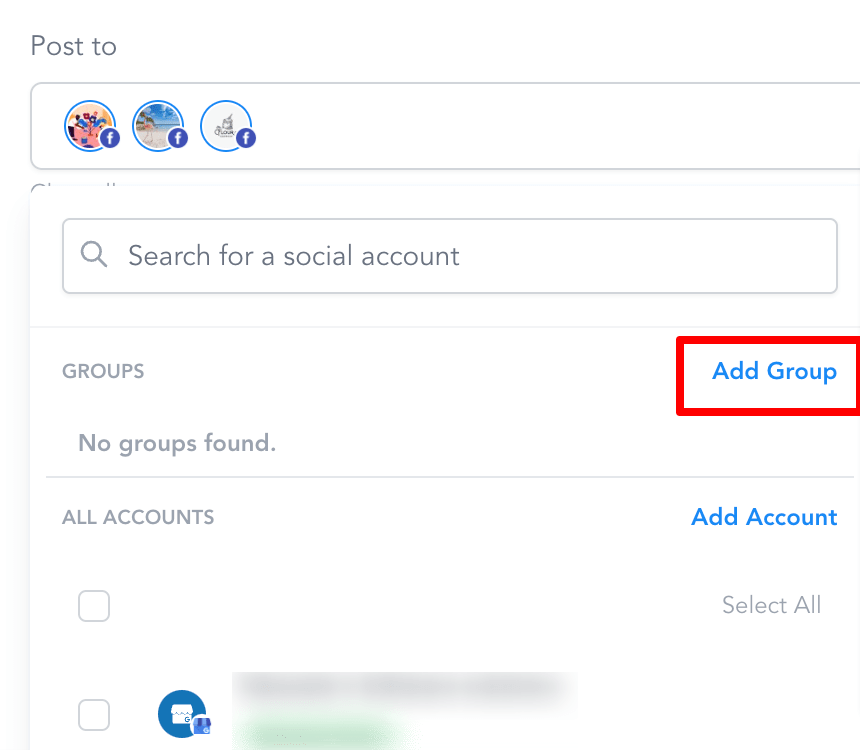
Step 2: Enter the Group Name #
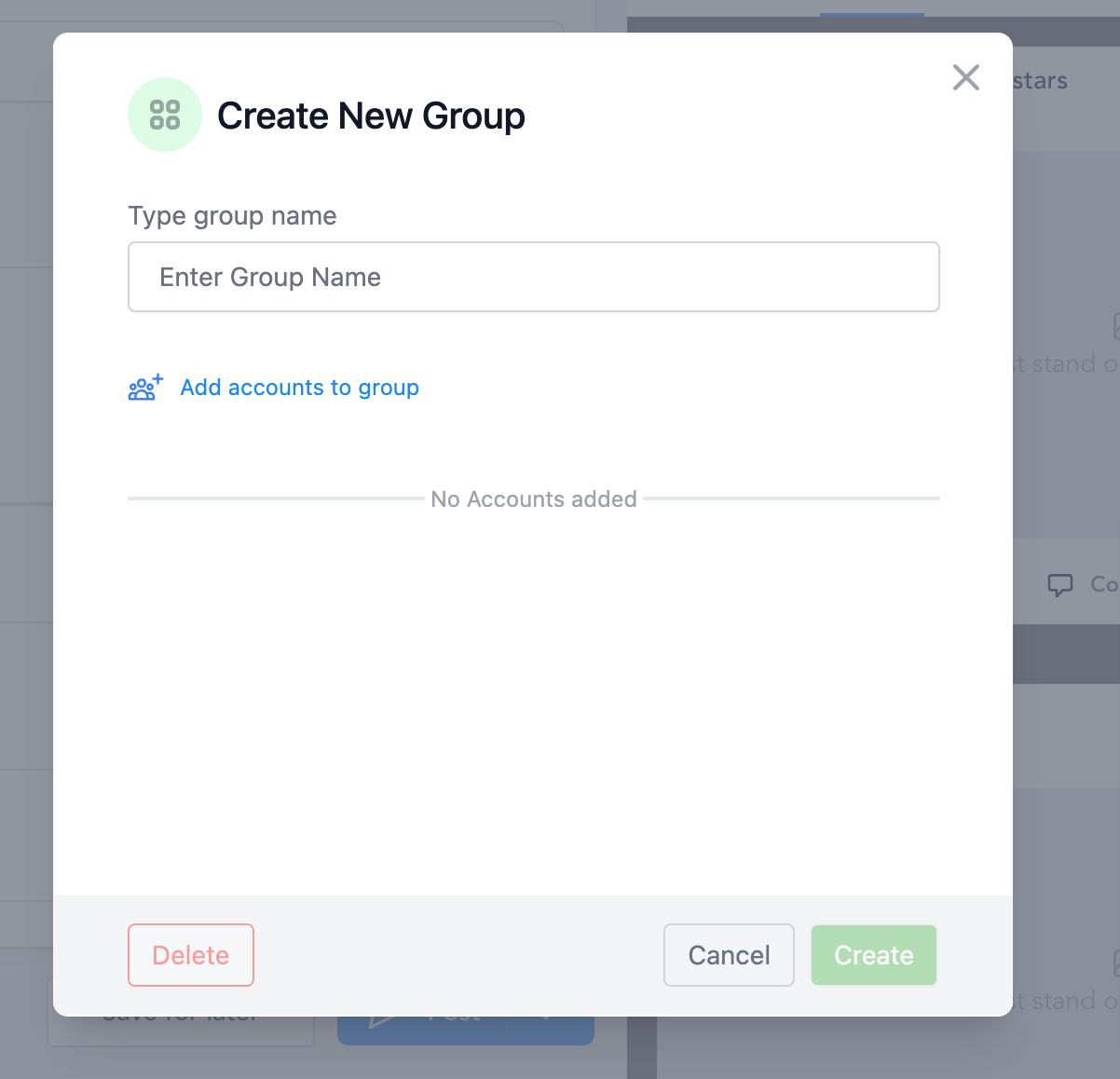
Step 3: Click on Add accounts to group and select your social channels #
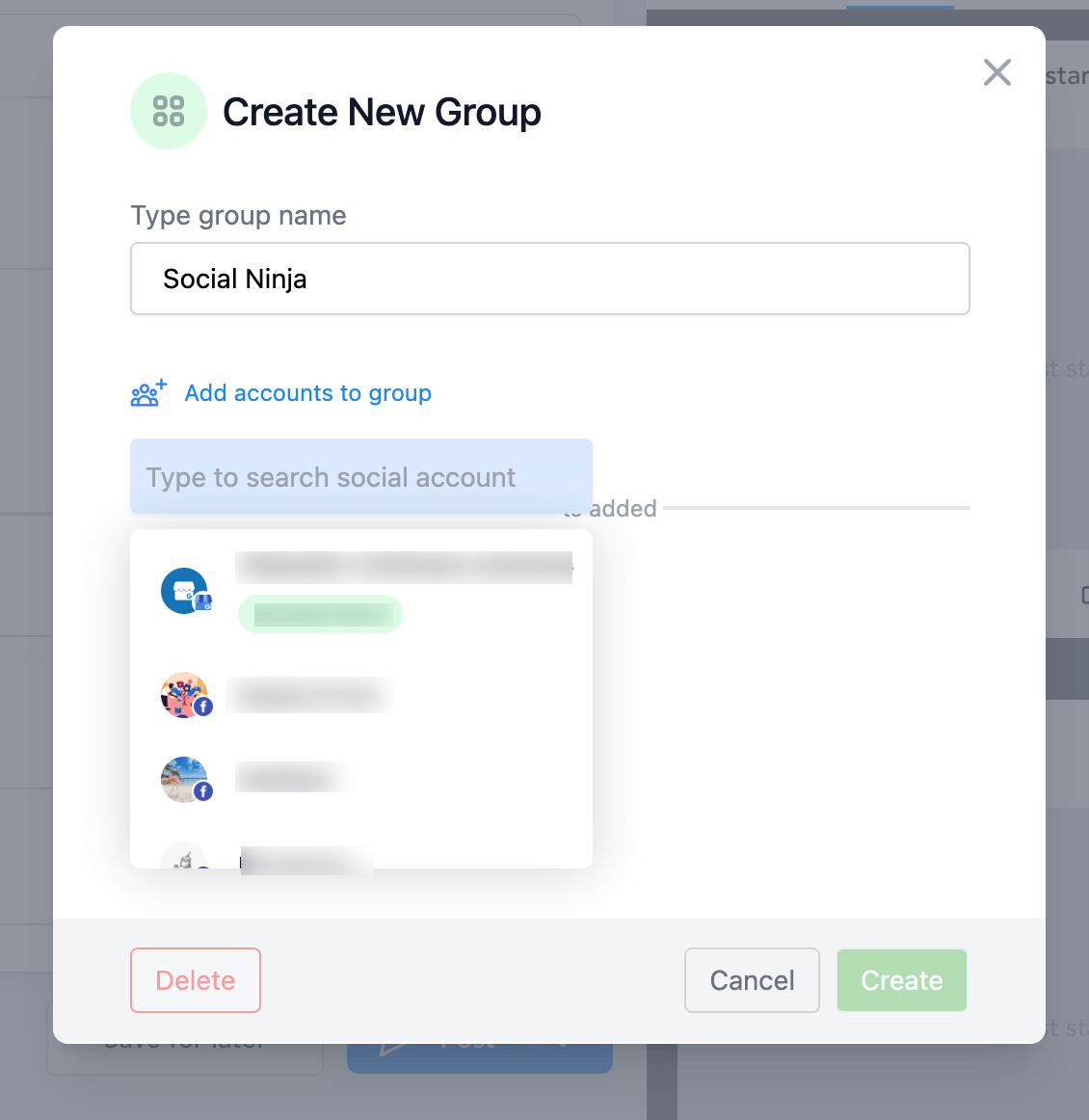
Step 4: Click on Add Group #
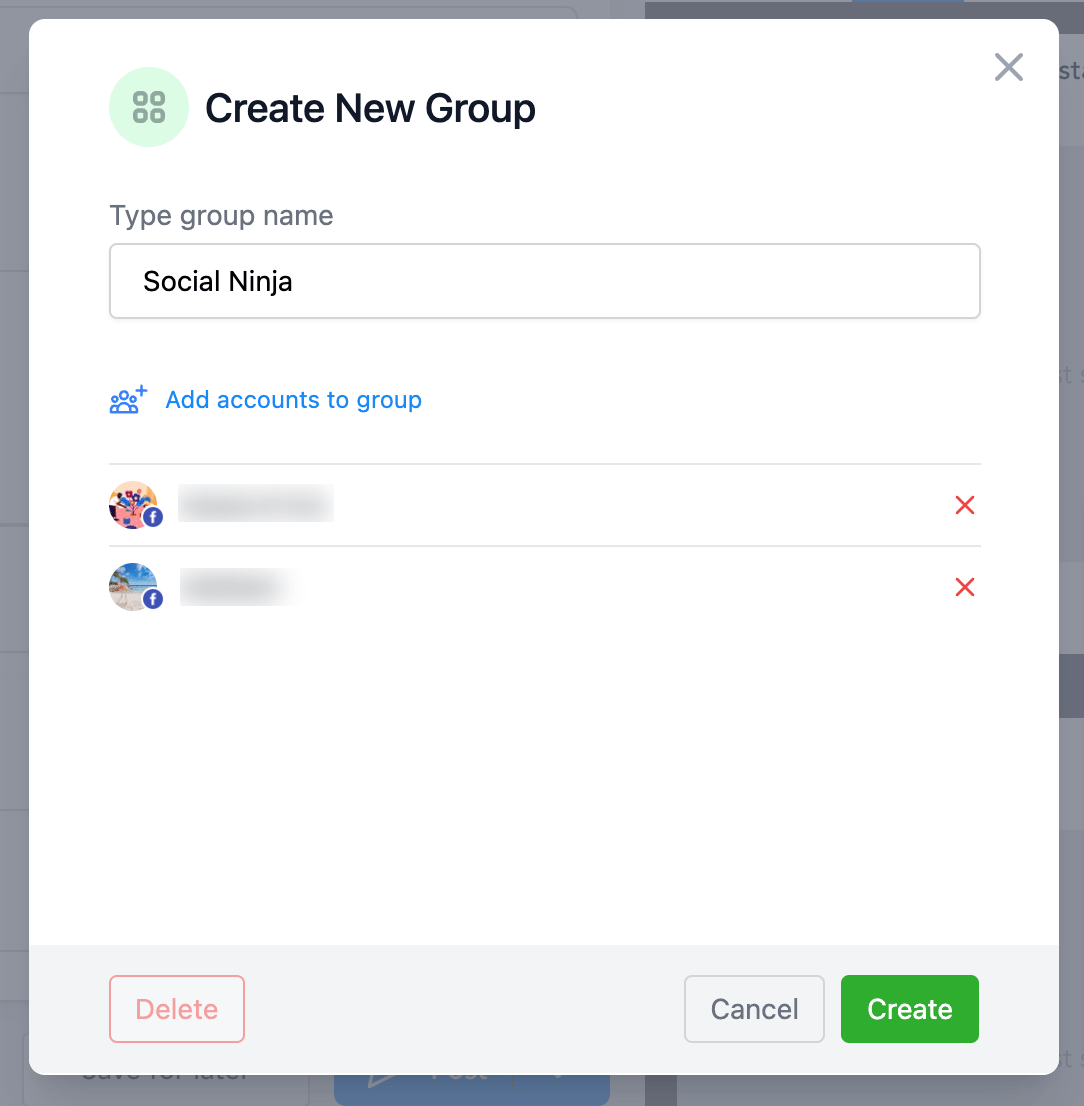
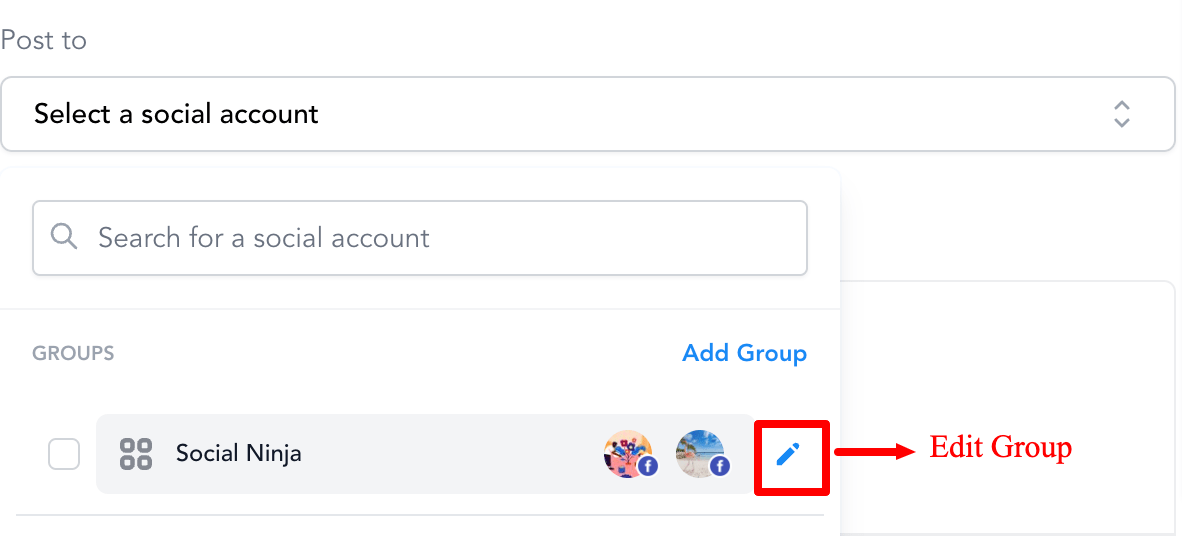
Step 5: If needed, you can edit the Group by clicking on the pencil icon #
What's your Reaction?
You have reacted on"Post to a Group of Social Media Profiles"
A few seconds ago


 Subscriptions
 My Orders
 My Wishlist
 Refer & Earn💸
 My Projects
 Conversations
 Website Services
 New Website Request
 Website Addons
 eCommerce Addons
 eCommerce Modules
 Software Development
 Graphic Design
 Video Production
 Content Writing
 Marketing Services
 Marketing Products
 Get a Marketing Plan
 Local SEO Audit
 Sales Automation
 Service Automation
 Operations Automation
 Marketing Automation
 Payments Automation
 Premium Modules
 Support Tickets
 Latest Updates
 Consultation Calls
 Tools & Extensions
 Tech Tips & Tricks
 Domains & Emails









