A brand board is essential for maintaining a consistent brand identity across all marketing materials. However, as your brand evolves, you may need to update your brand board to reflect changes in your visual elements. This article will guide you through the importance of updating your brand board and the steps to do so, ensuring your brand identity remains fresh and cohesive.
Why Should You Edit Your Brand Board? #
- Brand Logo Updates: If your business undergoes a logo redesign, updating your brand board ensures consistent use of the new logo across all platforms.
- New Colors or Fonts: Whether part of a rebranding initiative or a simple refresh, introducing new colors or fonts requires updating your brand board to reflect these changes in all your marketing materials.
- Maintaining Consistency: Even minor adjustments to fonts or colors need to be updated in your brand board to preserve visual consistency and reinforce brand recognition.
How to Edit Your Brand Board #
Updating your brand board is a simple process. Follow these steps to make the necessary changes:
Accessing the Brand Board #
- Option 1: Go to the Marketing section in your platform dashboard and select Brand Boards.
- Option 2: Navigate to Settings, then click on Brand Board.
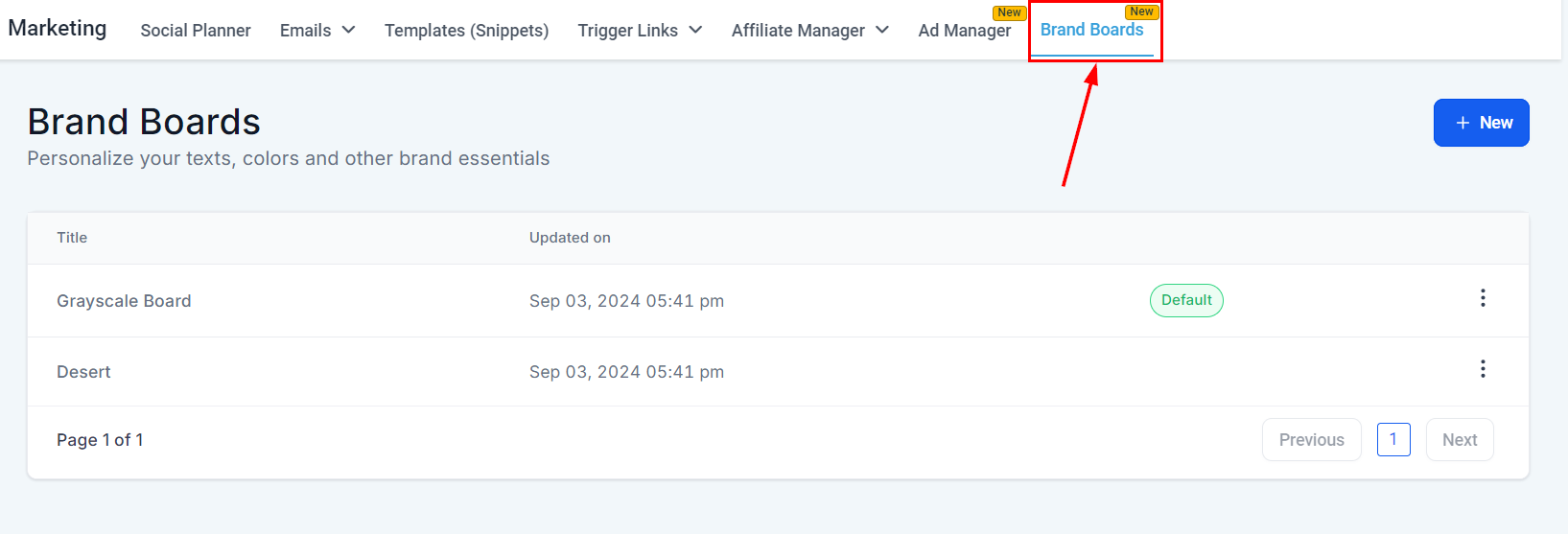
View and Edit #
Locate the brand board you wish to edit, then click on its title to open it.
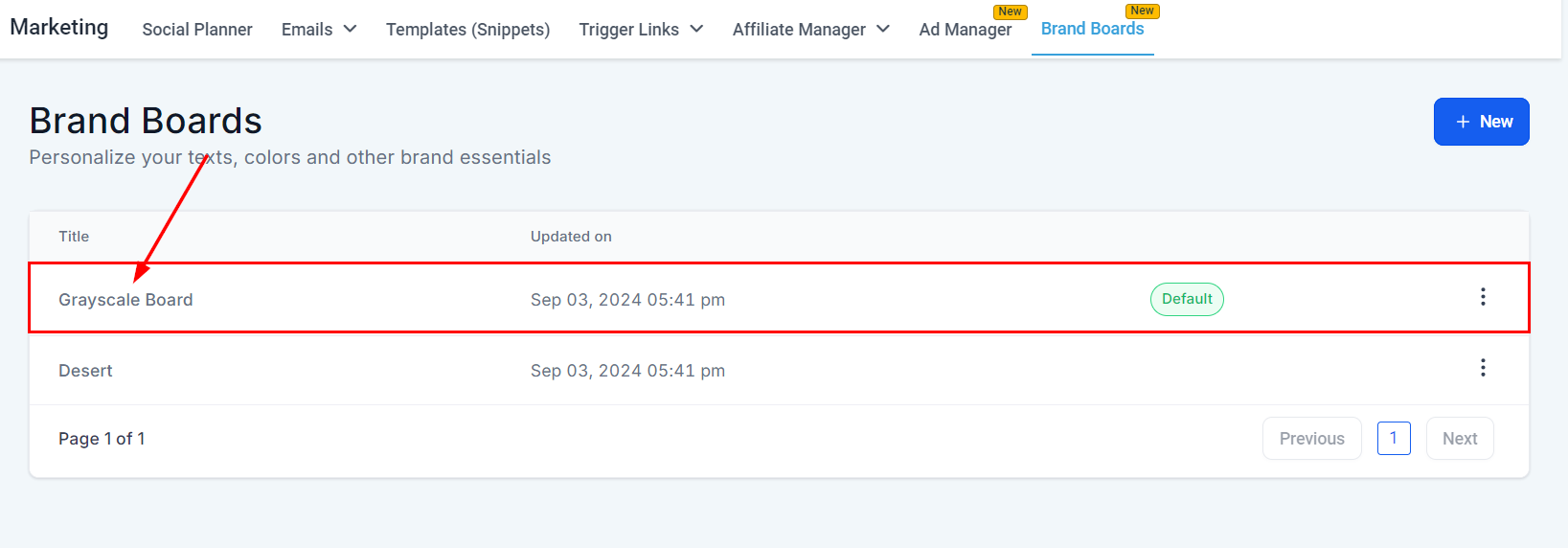
Once open, begin making the necessary adjustments.
Edit Your Elements #
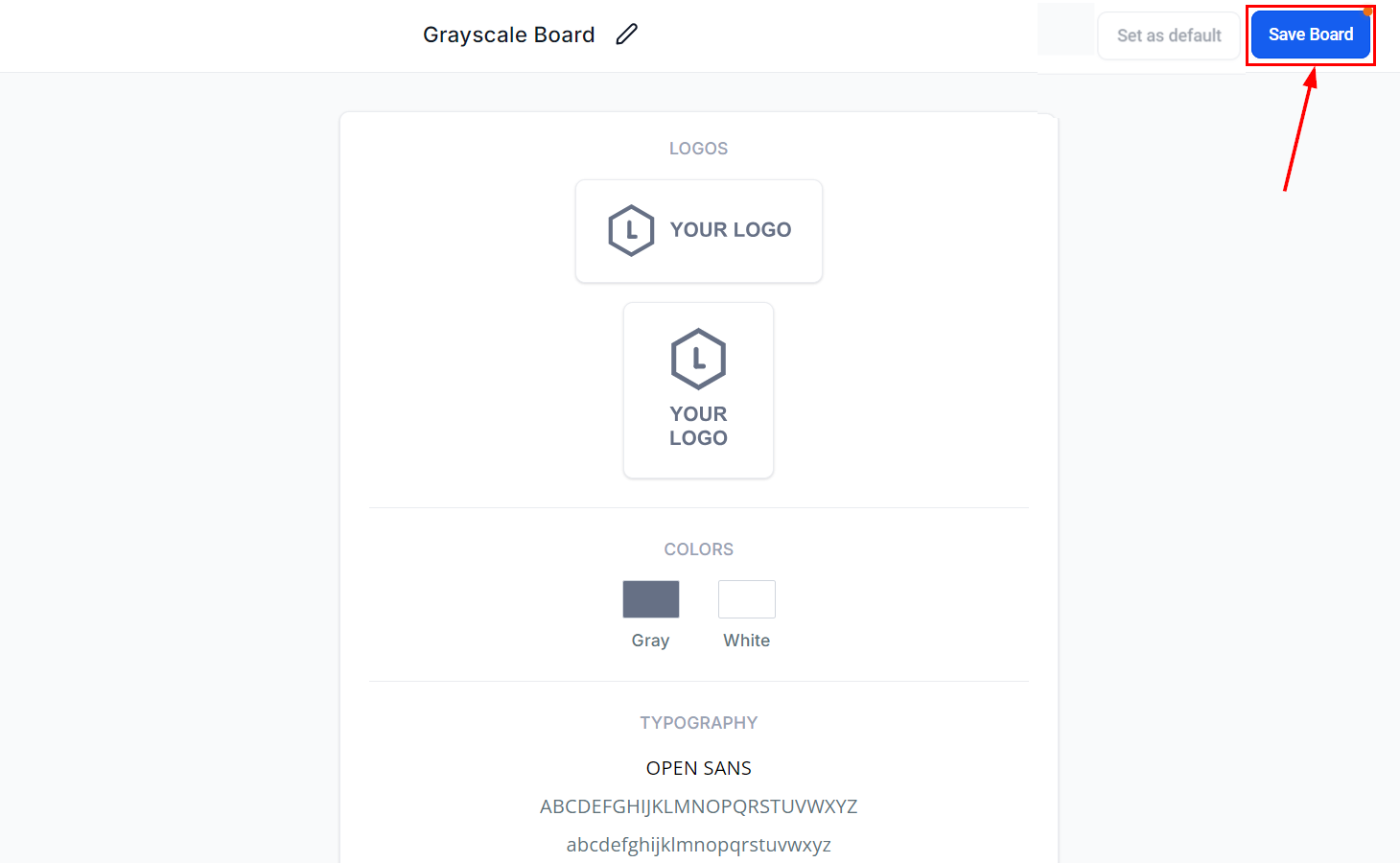
- Update the Logo: Upload your new logo or adjust its positioning.

Note: To delete previous logos from the media library, you must do so directly within the media library.
- Change Colors: Update the color palette to reflect your new brand colors.

Note: You must have between 2 to 10 colors for each brand board.
- Modify Fonts: Adjust the typography settings to include new fonts or alter existing ones.

Note: You must have between 1 to 5 fonts for each brand board.
Save Changes #
After making your updates, be sure to save the changes to ensure they are applied across all relevant materials.
Following the steps outlined in this guide will help you seamlessly incorporate any necessary updates, preserving consistency and reinforcing your brand recognition across all platforms.
Frequently Asked Questions #
Q: Will changes in color reflect in existing designs in funnels or emails?
- No, for funnels, custom colors must be applied. The brand colors are available for quick access and will show the changes in the color picker for future designs.
What's your Reaction?
You have reacted on"How to Edit Brand Boards"
A few seconds ago


 Subscriptions
 My Orders
 My Wishlist
 Refer & Earn💸
 My Projects
 Conversations
 Website Services
 New Website Request
 Website Addons
 eCommerce Addons
 eCommerce Modules
 Software Development
 Graphic Design
 Video Production
 Content Writing
 Marketing Services
 Marketing Products
 Get a Marketing Plan
 Local SEO Audit
 Sales Automation
 Service Automation
 Operations Automation
 Marketing Automation
 Payments Automation
 Premium Modules
 Support Tickets
 Latest Updates
 Consultation Calls
 Tools & Extensions
 Tech Tips & Tricks
 Domains & Emails









