Listings in a Citation Builder Campaign report are only updated while the campaign is running.
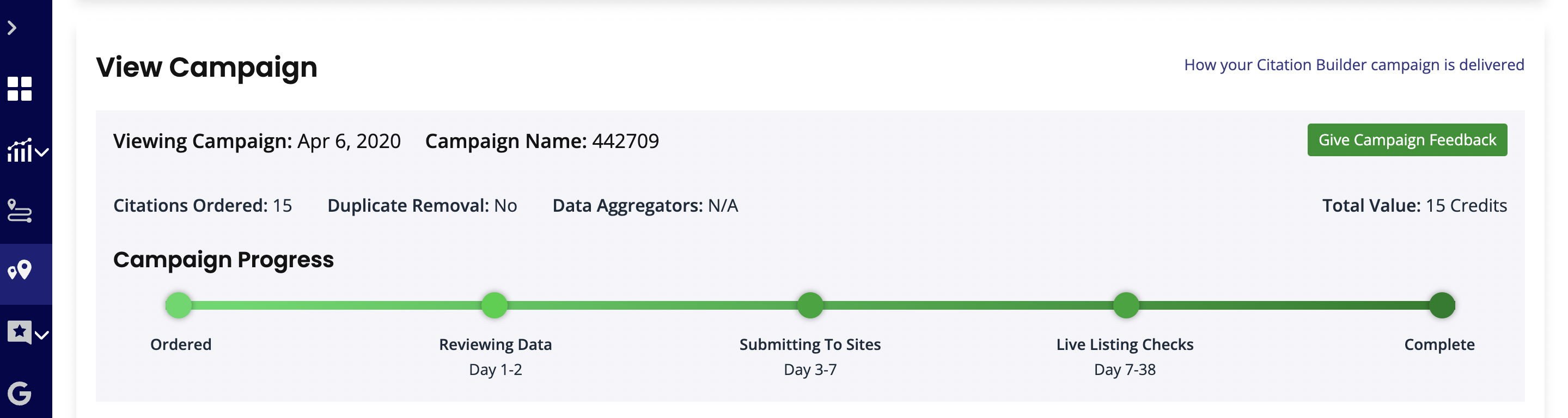
You can see the status of your campaign by checking the progress bar in your report.
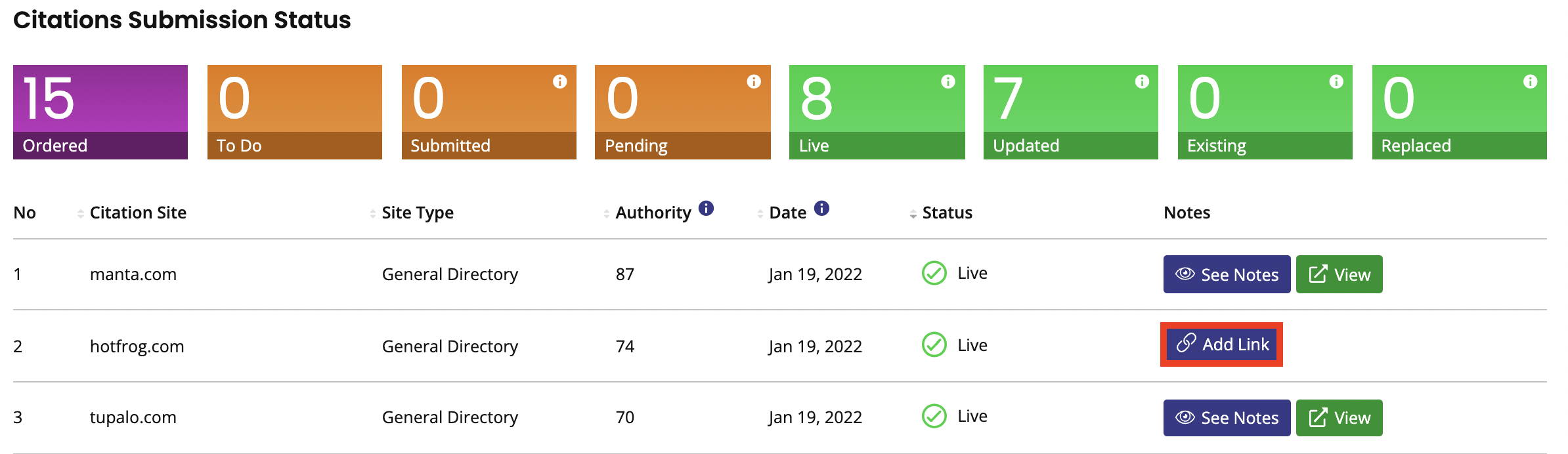
If more listings go live after the campaign has finished and you’d like this to be reflected in the campaign report, you can update them by clicking the ‘Add Link’ button as shown below, and pasting the URL into the popup.

If a citation requires phone verification (there are just six sites in our database that require phone verification), you need to login to the citation website and arrange/schedule the verification call at a time you can pickup. If you require assistance with this, simply create a support ticket so our team can help you.
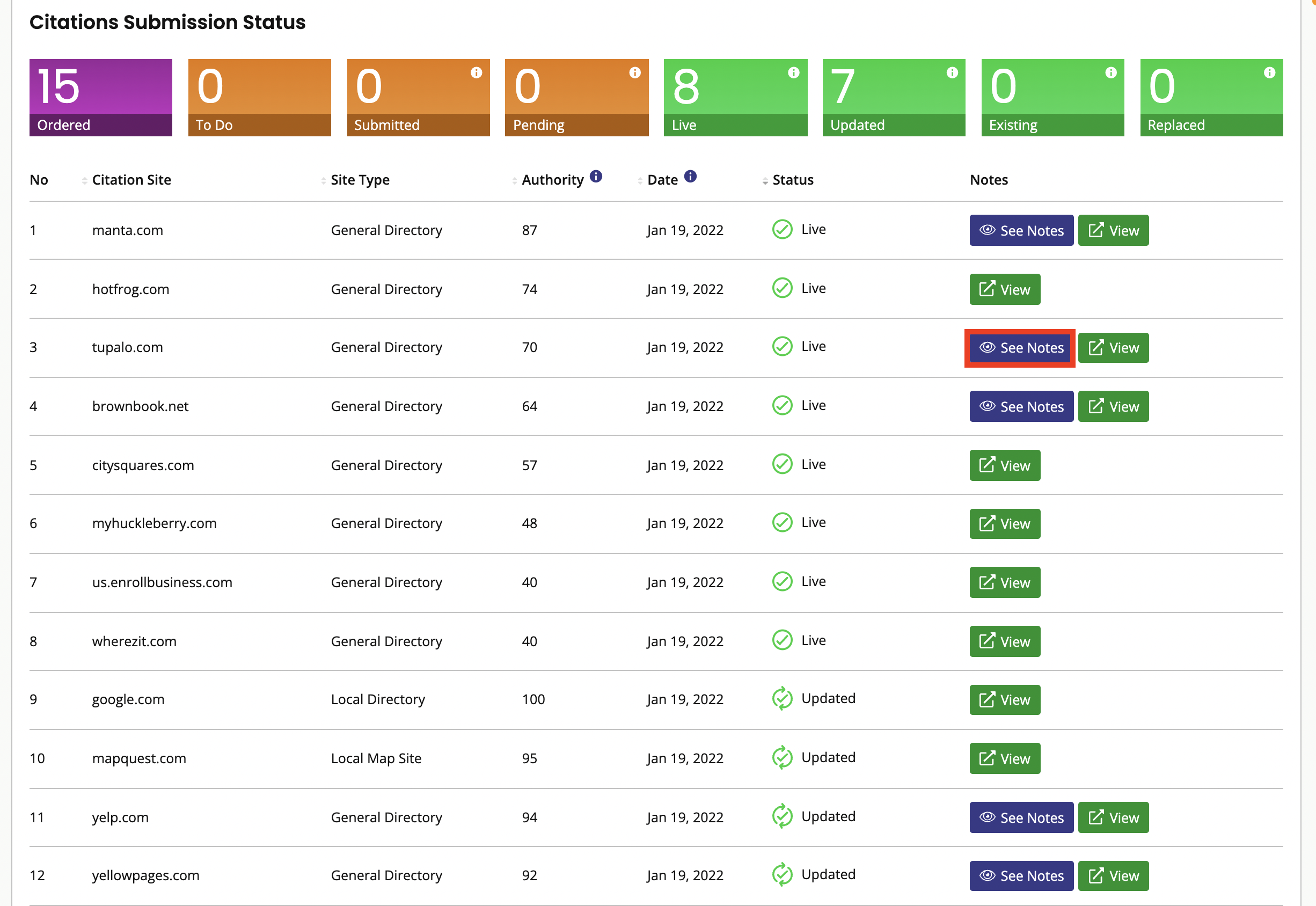
We take care of the submission up to the phone verification point (i.e. we create an account on the site and submit business details). Everything is set up for the phone verification step to occur — the details that the customer needs in order to complete the phone verification step are passed on. We put all these details in the ‘See Notes’ next to the citation site in the Citation Builder campaign report.
We also alert you of any phone verifications needed along the way in the ‘Actions Required’ section of your report. The ‘Actions Required’ Section only appears in your report if there are actions that we need you to take to help us to complete the campaign.

By day 35, we guarantee that at least 70% of your listings will be live/updated. Some sites take longer than others to put listings live.
If we don’t achieve 70% live by this point, we complete additional submissions to additional sites (free of charge) until we have achieved this figure.


 Subscriptions
 My Orders
 My Wishlist
 Refer & Earn💸
 My Projects
 Conversations
 Website Services
 New Website Request
 Website Addons
 eCommerce Addons
 eCommerce Modules
 Software Development
 Graphic Design
 Video Production
 Content Writing
 Marketing Services
 Marketing Products
 Get a Marketing Plan
 Local SEO Audit
 Sales Automation
 Service Automation
 Operations Automation
 Marketing Automation
 Payments Automation
 Premium Modules
 Support Tickets
 Latest Updates
 Consultation Calls
 Tools & Extensions
 Tech Tips & Tricks
 Domains & Emails





