The Documents & Contracts section serves as a central hub for managing Proposals, Estimates, and Contracts. Featuring a versatile builder that supports text, images, videos, tables, and more—along with digital signatures and document state management—this section offers a comprehensive solution for professional business communication.
This guide will provide an overview of the All Documents & Contracts section, ensuring you make the most of its features.
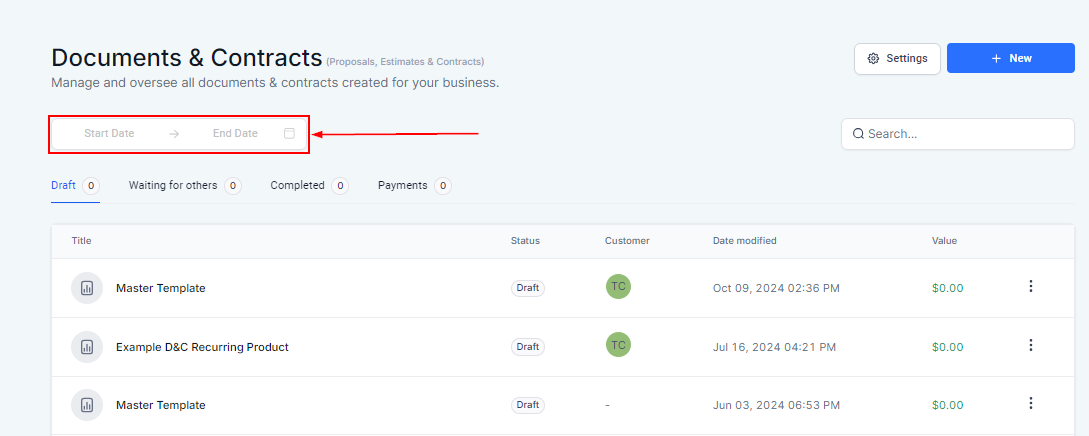
To start head to “Data Collect” > “Proposals & Docs” to manage your documents and contracts.
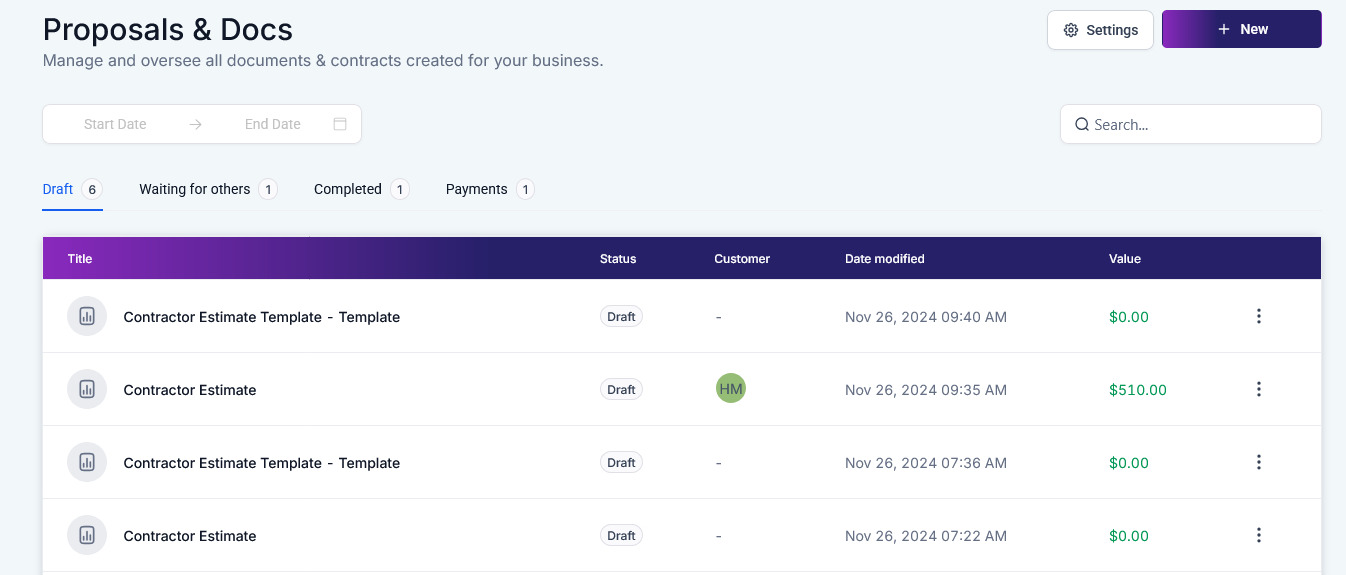
Date Range #
Filter the list by selecting a specific Date range.
Settings #
Configure the customer and team notifications as well as your product invoicing preferences within the Documents & Contracts settings.

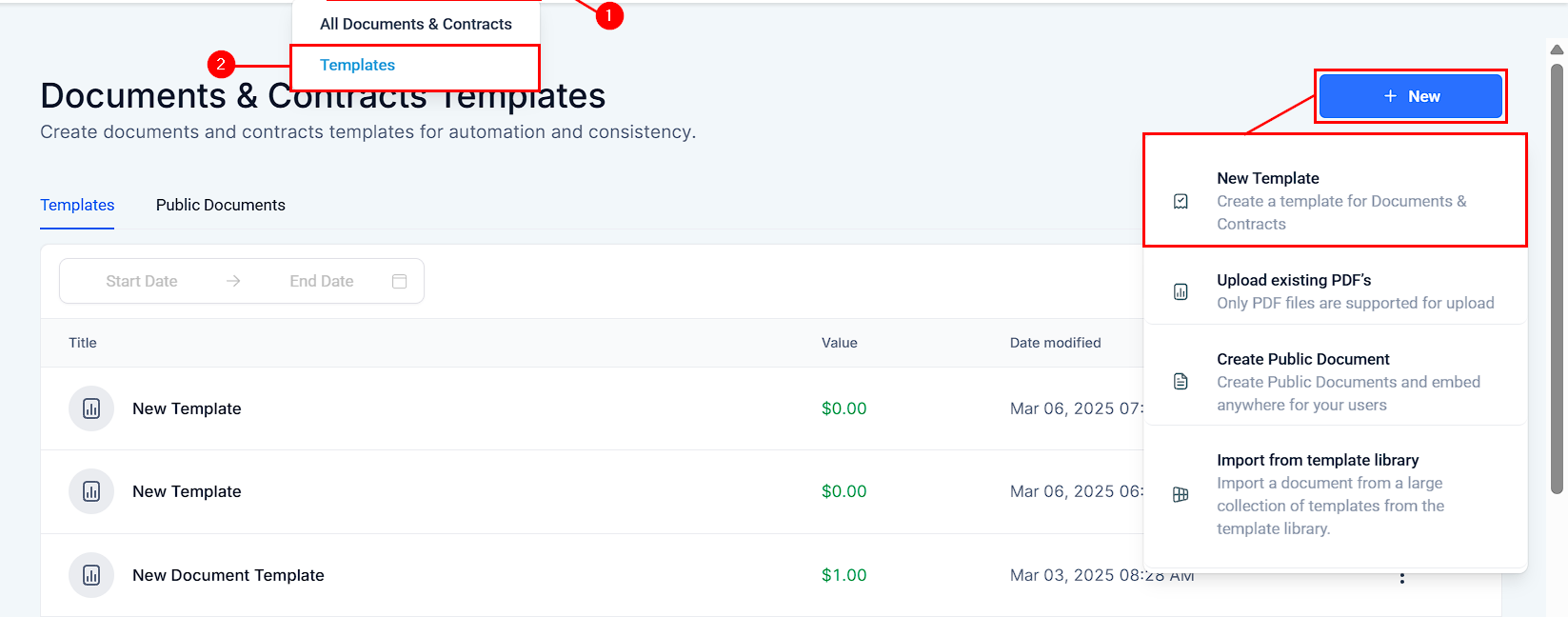
New #
Create a new proposal, estimate, or contract from scratch or upload a PDF by clicking this option.
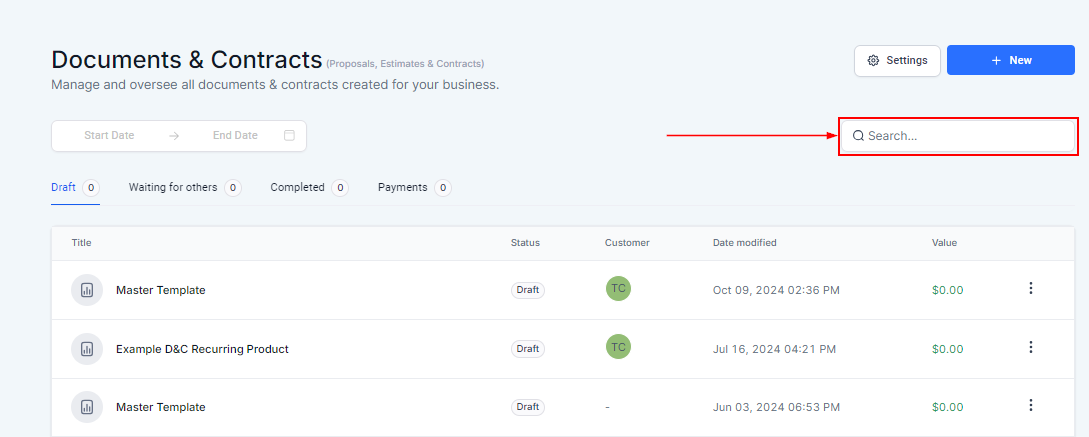
Search #
Utilize the search bar to locate the required document easily.
Draft #
Within this section, you will see a list of all Documents and Contracts that have not yet been sent to the customer.
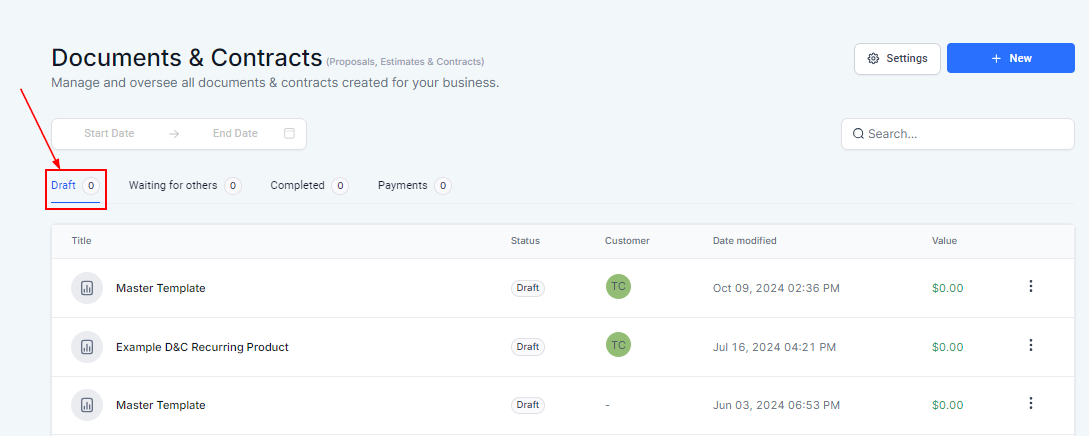
Waiting for Others #
Navigate to the Waiting for Others tab to view the documents that have not been signed by all required signatories or require further action.
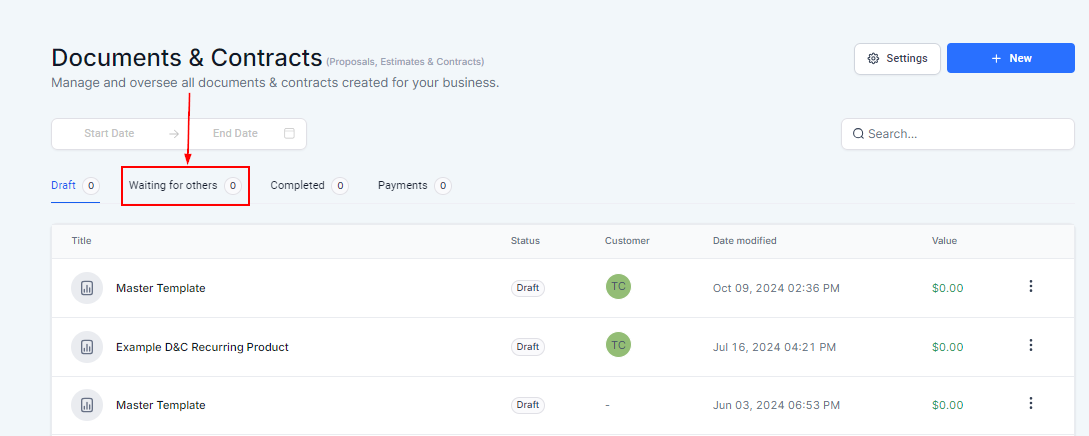
Completed #
Navigate to the Completed tab to view the documents that have been finalized and require no further action.
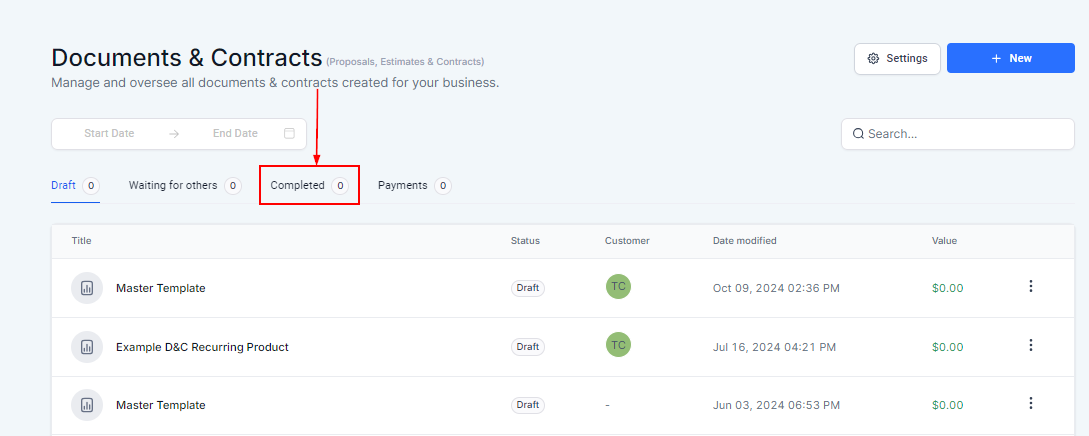
Payments #
Shows the number of Documents or Contracts that involve any form of payment-related details.
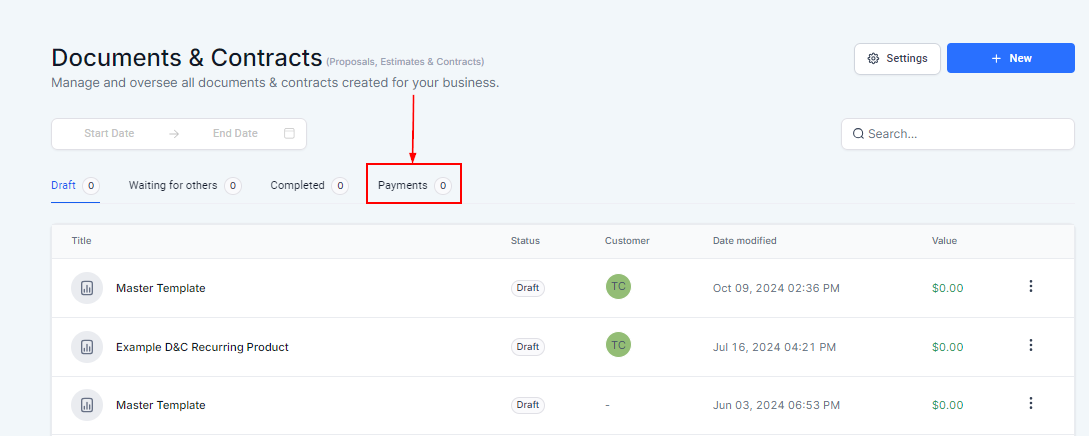
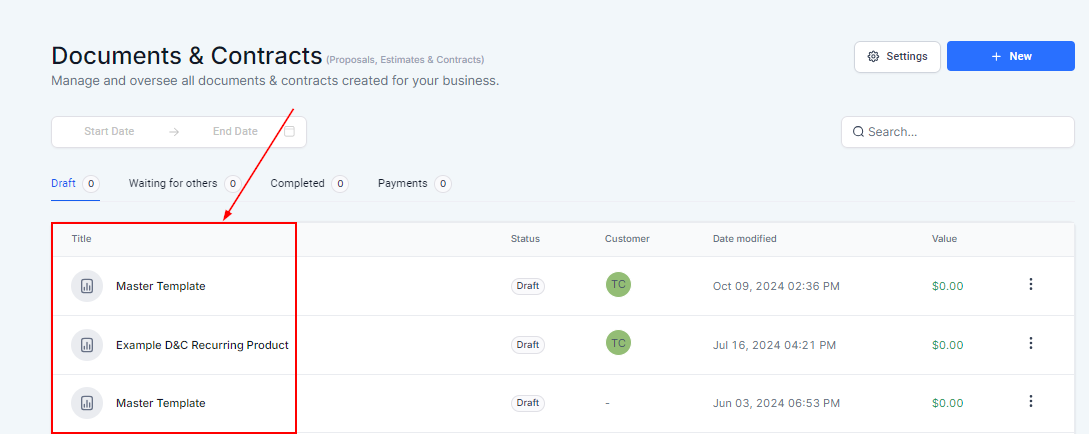
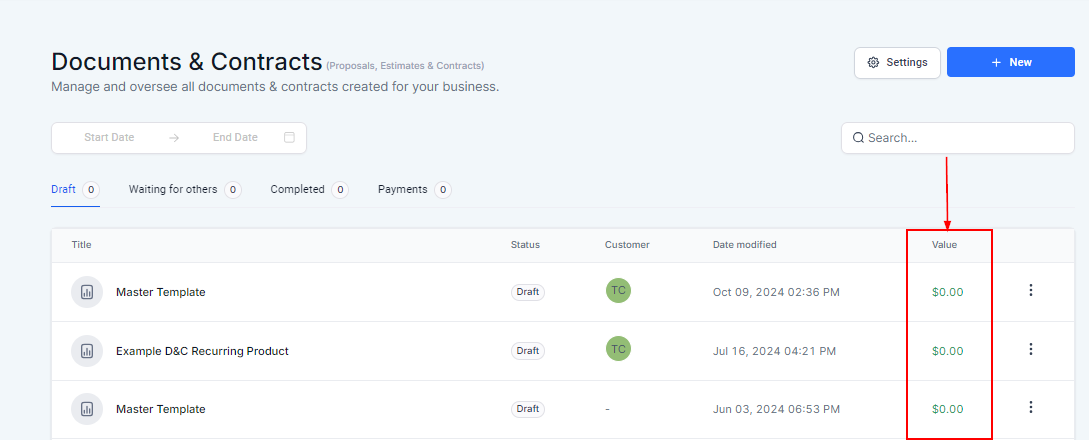
Title #
Displays the name of the document for ease of identification.
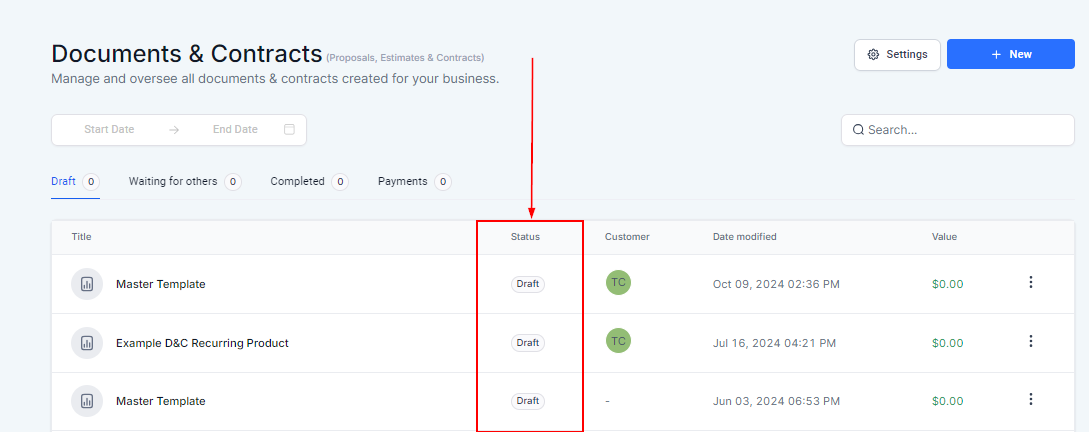
Status #
Displays the current status of the document. In this section, all documents will be marked as “Draft.”
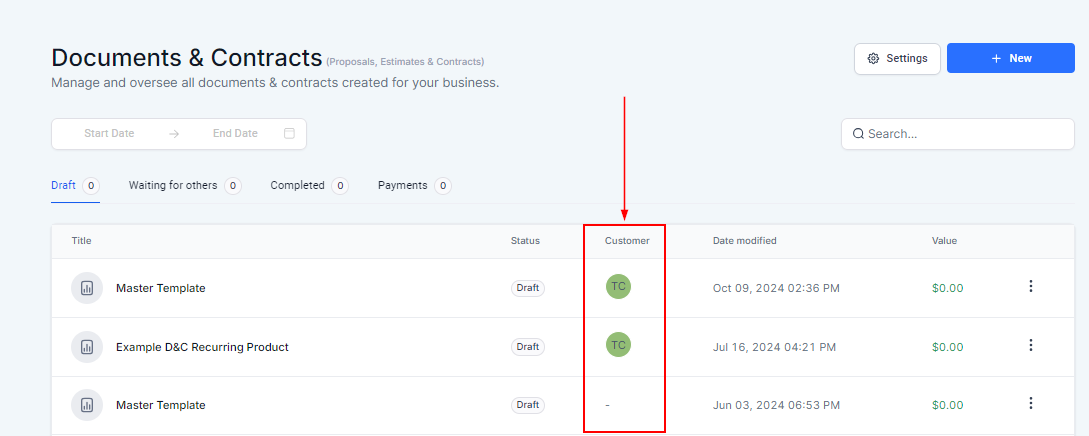
Customer #
Shows the initials of the contact associated with the document, providing a quick reference to whom the document pertains.
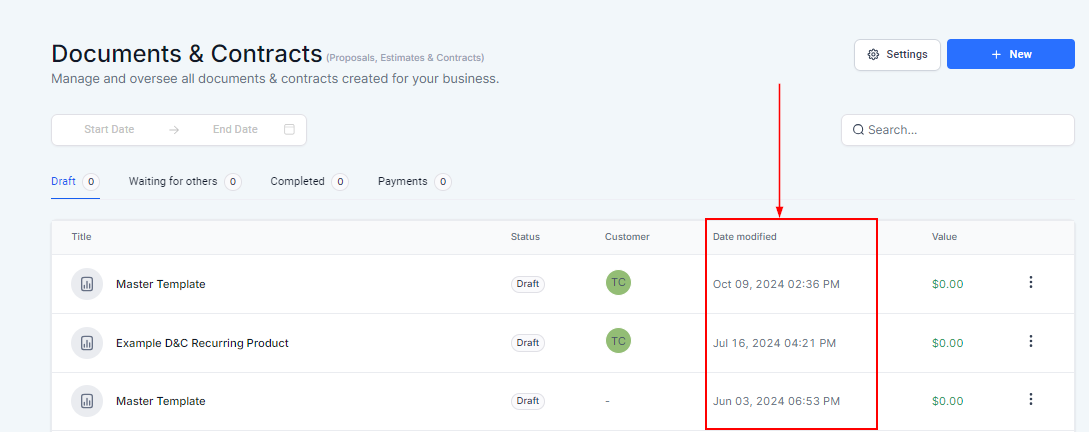
Date Modified #
Reflects the most recent date and time when the document was last updated.
Value #
Represents the monetary amount associated with the document, such as the total estimated cost or contract value.
Action Menu #
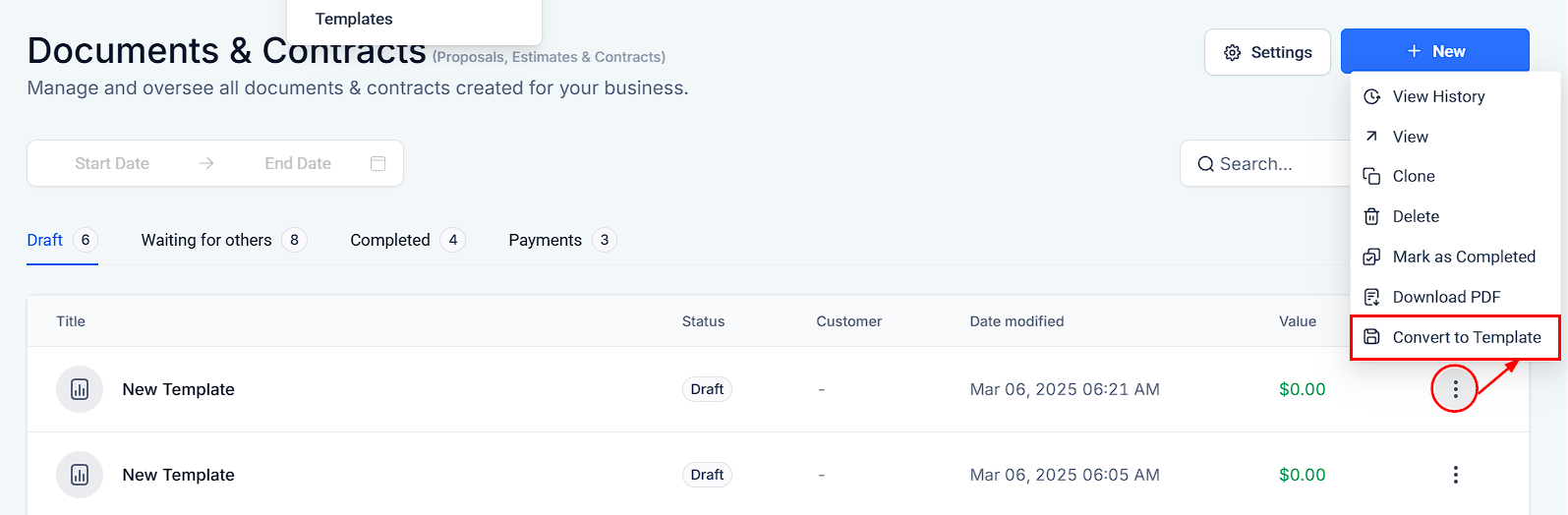
Within the action menu, you can perform a series of tasks:
- View History: Access the document’s revision history to see past changes and updates.
- View: Open and review the content of the document.
- Clone: Create a copy of the document, useful for repetitive tasks or templates.
- Delete: Permanently remove the document from the system
- Mark as Completed: Set a document’s status to finalized, indicating no further action is required.
- Download PDF: Export the document as a PDF file for offline use or distribution.
- Convert to Template: Save the document as a template for future use, allowing for easy creation of similar documents.
By leveraging this section, you can efficiently handle proposals, estimates, and contracts, ensuring all documents are expertly managed throughout their lifecycle.
What's your Reaction?
You have reacted on"Documents & Contracts Overview"
A few seconds ago


 Subscriptions
 My Orders
 My Wishlist
 Refer & Earn💸
 My Projects
 Conversations
 Website Services
 New Website Request
 Website Addons
 eCommerce Addons
 eCommerce Modules
 Software Development
 Graphic Design
 Video Production
 Content Writing
 Marketing Services
 Marketing Products
 Get a Marketing Plan
 Local SEO Audit
 Sales Automation
 Service Automation
 Operations Automation
 Marketing Automation
 Payments Automation
 Premium Modules
 Support Tickets
 Latest Updates
 Consultation Calls
 Tools & Extensions
 Tech Tips & Tricks
 Domains & Emails












