Customer reviews are a powerful way to build credibility and trust with your audience. By adding a review widget to your funnel or website, you can showcase real feedback directly on your pages, helping to boost conversions.
To add a review widget, you must first create the widget in the Reputation section of your CRM. If you haven’t done this yet, check out our Review Widget Customization article for a step-by-step guide. Once your review widget is set up, you can proceed with adding it to your site.
There are two ways to add the widget:
- Using the Review Element: This is a quick and easy method that requires no coding.
- Embedding the Widget Code: This option allows custom code placement within your funnel or website.
Adding the Review Widget as an Element #
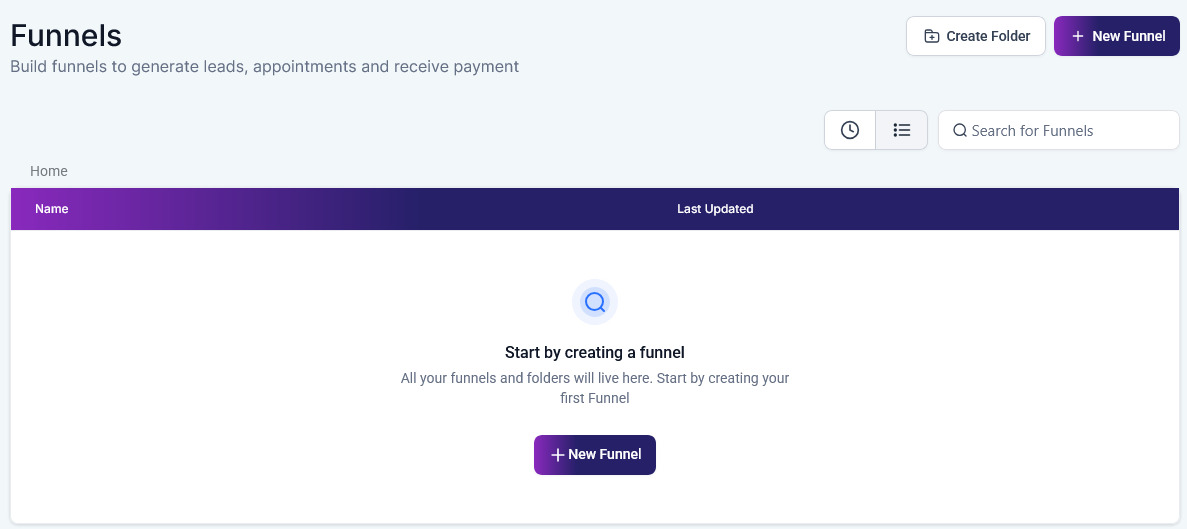
Go to Funnels/Sites and choose the Website or Funnel you want to edit.
In the Page Editor, you can add new sections, rows, and columns to your page layout for your funnel or website. Within the Column click the Add Element button, in the popup search and drag and drop the Review option.

Save your changes and Publish the page.

Embedding the Widget Code #
First, copy the Embed Code under Settings from the Widget previously created in the Reputation section of your CRM.

In the Page Editor for your funnel or website. Select the “+” button at the top-left corner, in the Elements section, search, and add the Code to your page. Under General Settings, click on Open Code Editor, there you can paste the embed code into the HTML field.

Save the changes and Publish the page.
Adding a review widget to your funnel or website is a simple yet effective way to build trust and credibility with your audience. Whether you use the Review Element for a quick setup or the Embed Code for custom placement, showcasing customer feedback can significantly enhance your page’s appeal and drive conversions.
Troubleshooting Tips and FAQs #
- Is the Widget Not Displaying Correctly? Check that the embed code was pasted correctly into the HTML element and that there are no conflicting styles or scripts on your page.
- Check that the embed code was pasted correctly into the HTML element and that there are no conflicting styles or scripts on your page.
- Can I Display Reviews from Multiple Sources? Yes, you can select multiple sources for your reviews during the widget customization process.
- Yes, you can select multiple sources for your reviews during the widget customization process.
What's your Reaction?
You have reacted on"How to Add the Review Widget on Your Website or..."
A few seconds ago


 Subscriptions
 My Orders
 My Wishlist
 Refer & Earn💸
 My Projects
 Conversations
 Website Services
 New Website Request
 Website Addons
 eCommerce Addons
 eCommerce Modules
 Software Development
 Graphic Design
 Video Production
 Content Writing
 Marketing Services
 Marketing Products
 Get a Marketing Plan
 Local SEO Audit
 Sales Automation
 Service Automation
 Operations Automation
 Marketing Automation
 Payments Automation
 Premium Modules
 Support Tickets
 Latest Updates
 Consultation Calls
 Tools & Extensions
 Tech Tips & Tricks
 Domains & Emails










