The Memberships section is the place to handle all learning and community-related things. This section houses Courses, Communities, and Certificates, by opening this section you’ll be directed to the Dashboard for your Courses.
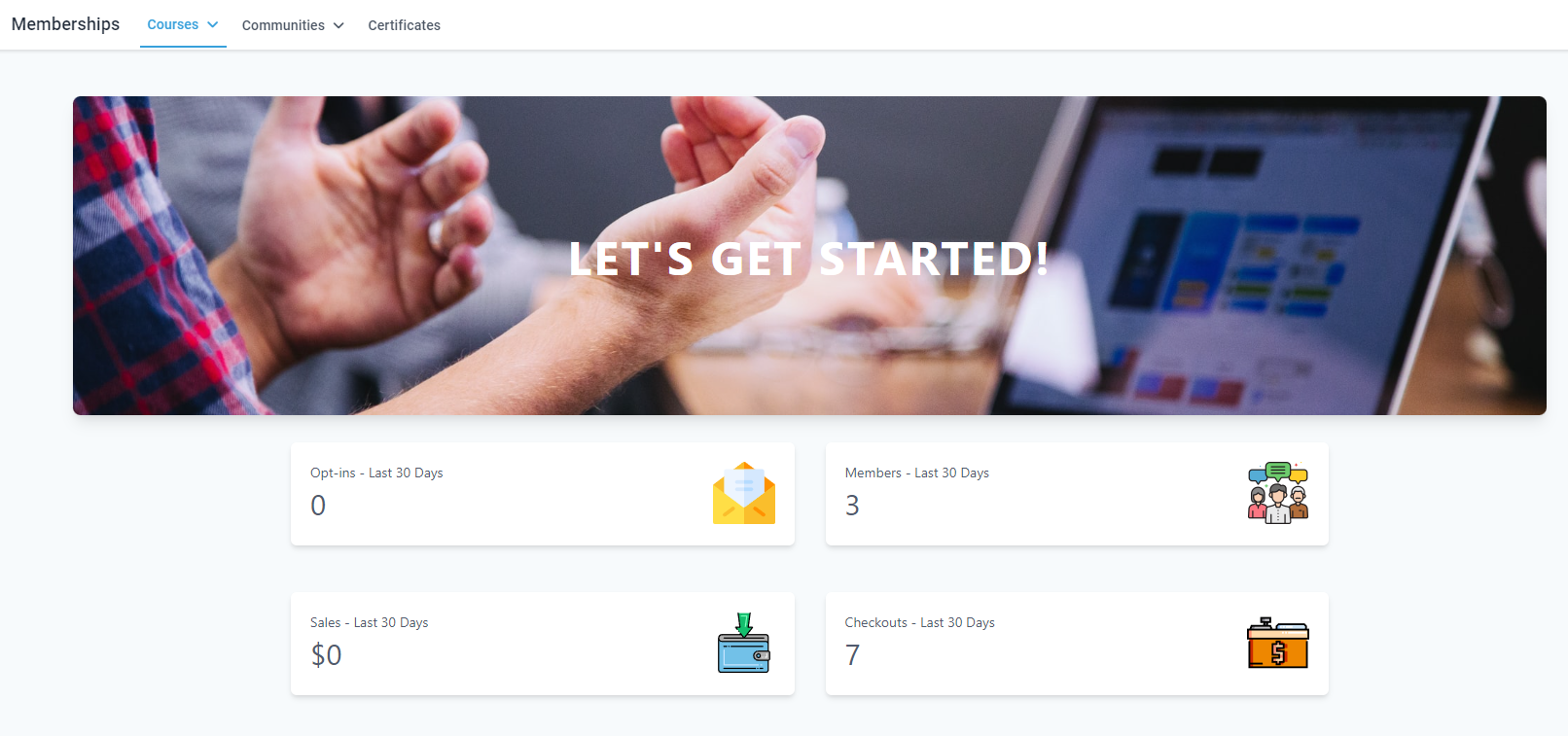
Courses #
Courses allow you to offer learning opportunities to your audience, allowing you to create full lesson plans with assignments and quizzes. They are divided into a few sections.
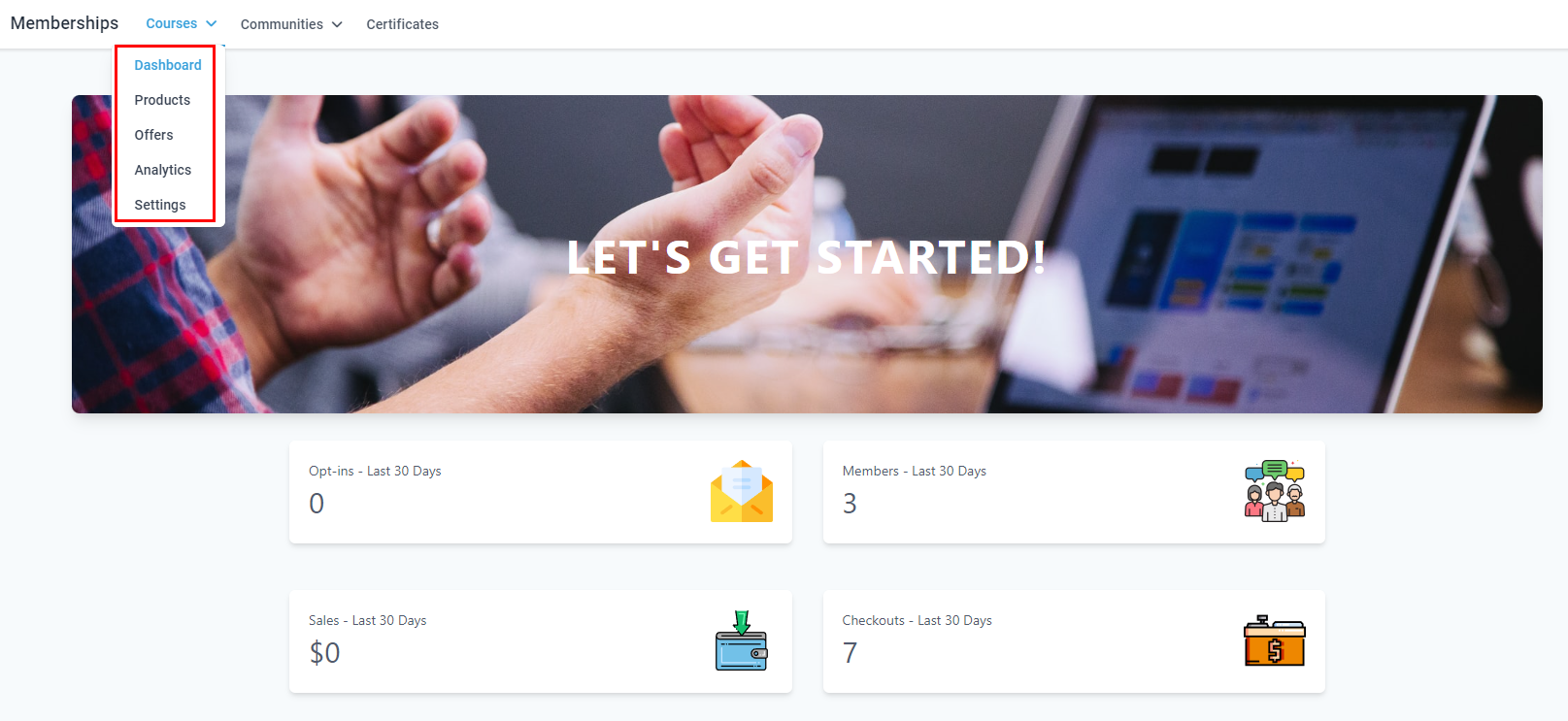
Dashboard #
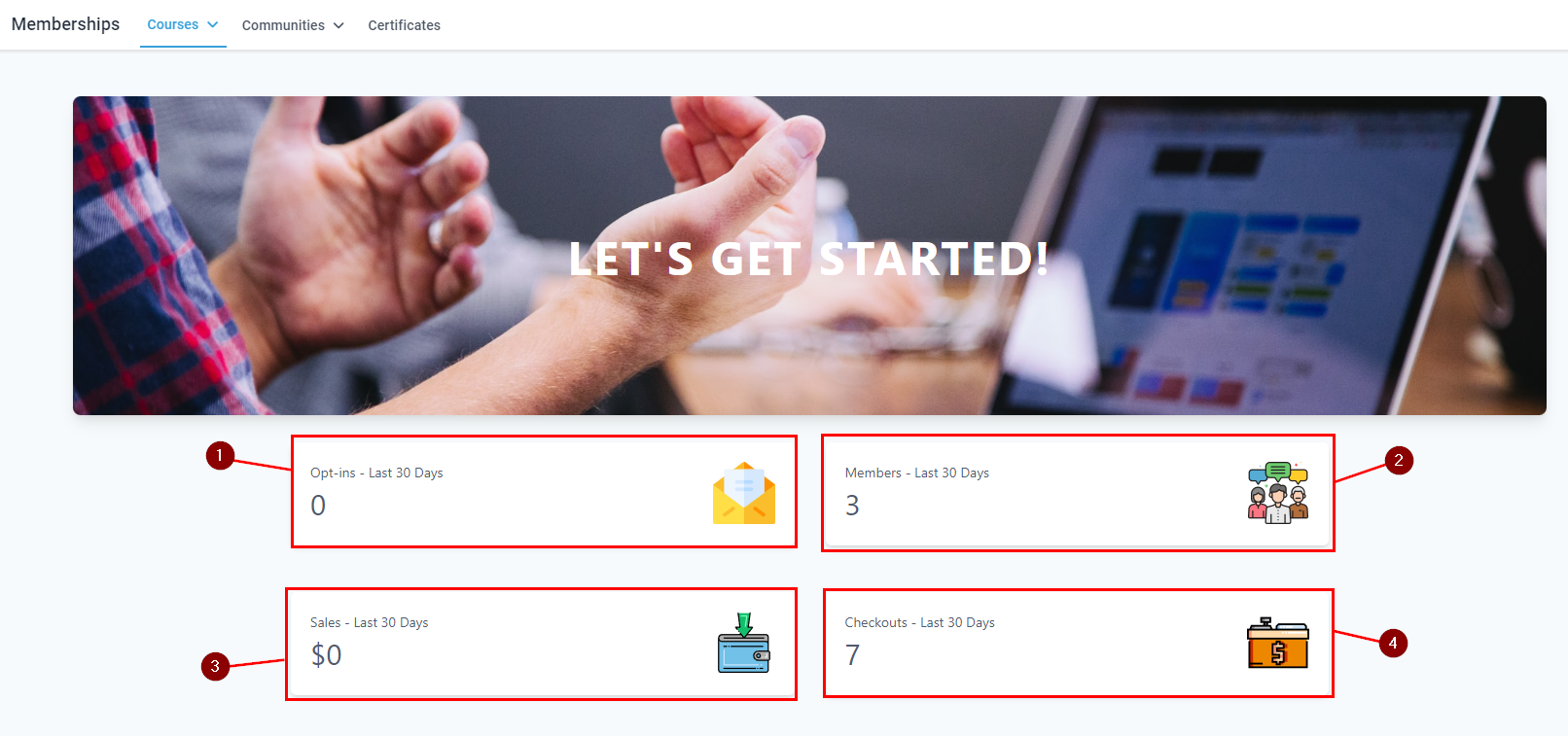
This gives you a quick overview of how many people have opted in for more information (1), how many active members you have (2), how much revenue your courses have generated (3), and how many people added your offers to their checkout (4).
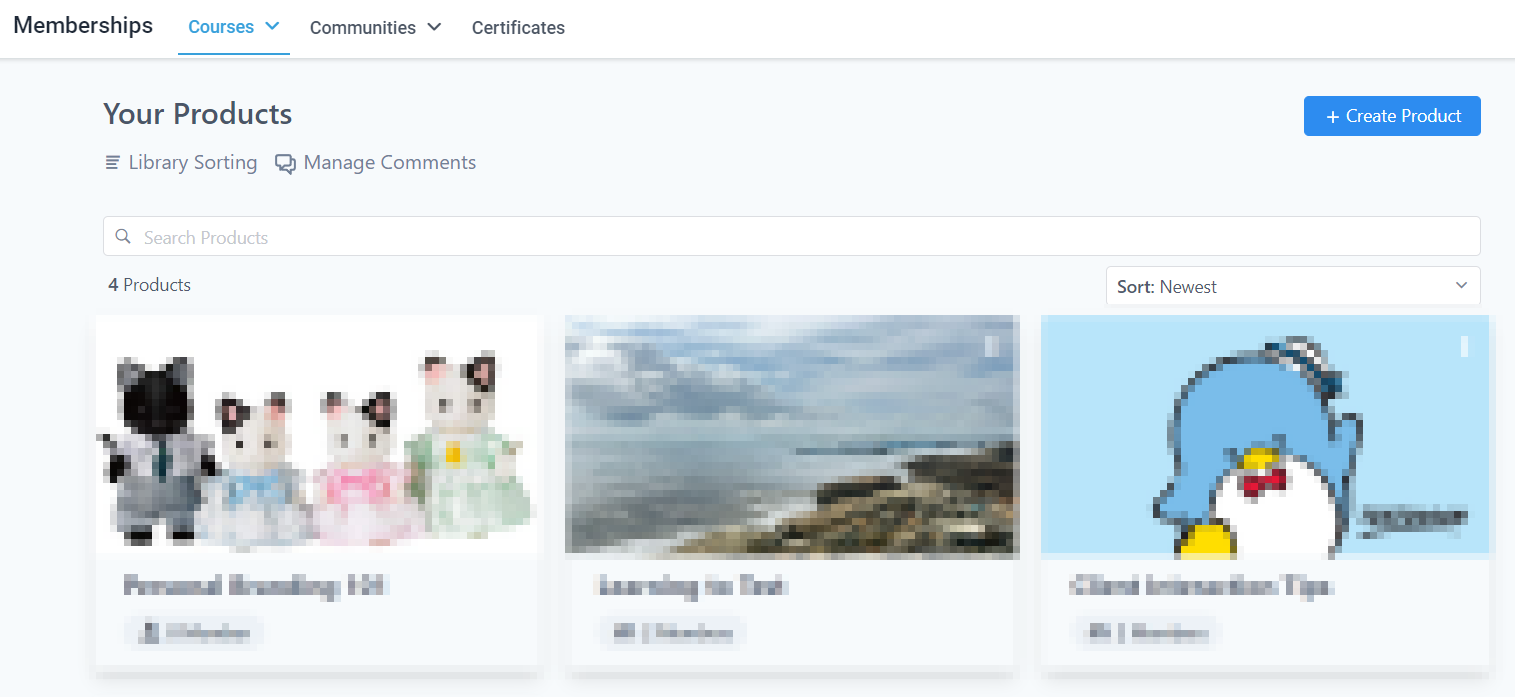
Products #
Products allow you to create, see, and manage the courses you’re offering.
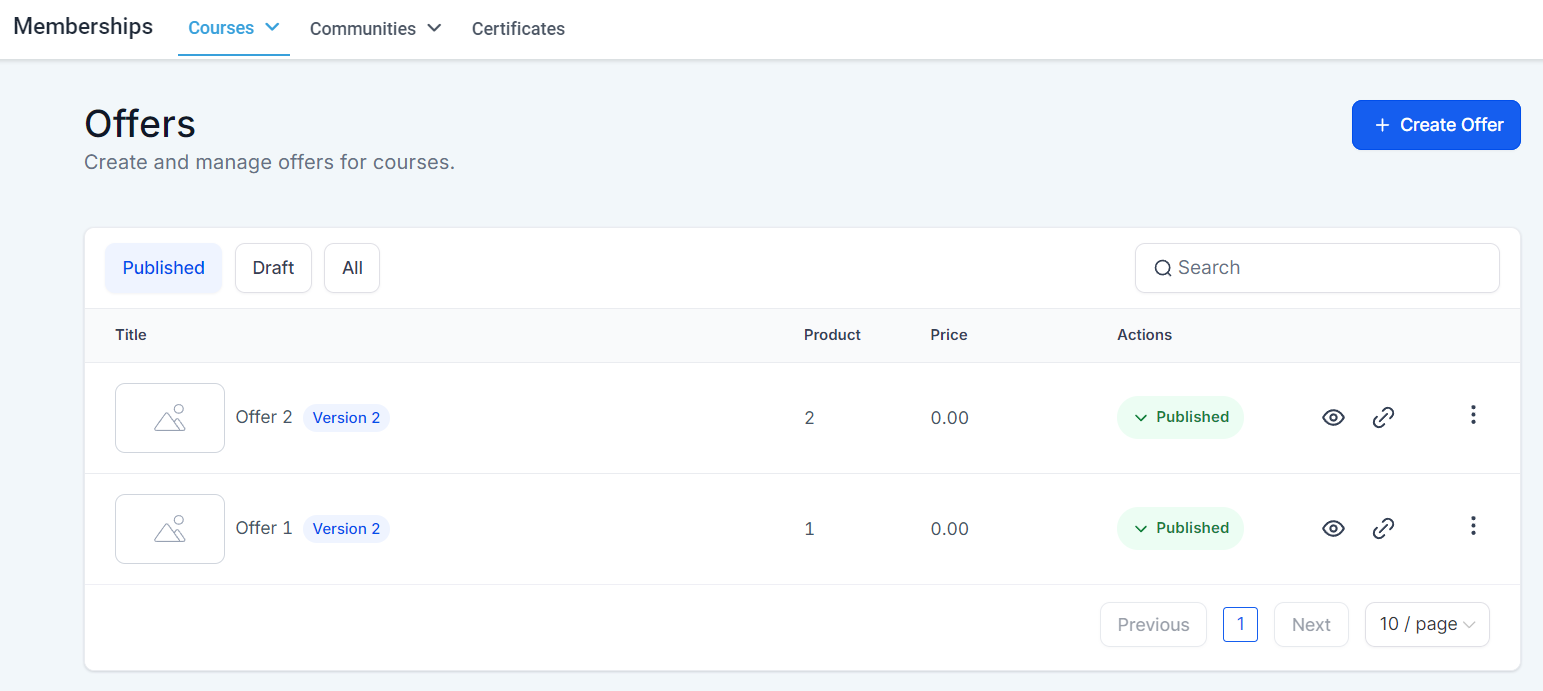
Offers #
They allow you to price your courses, you can offer them individually or in bundles.
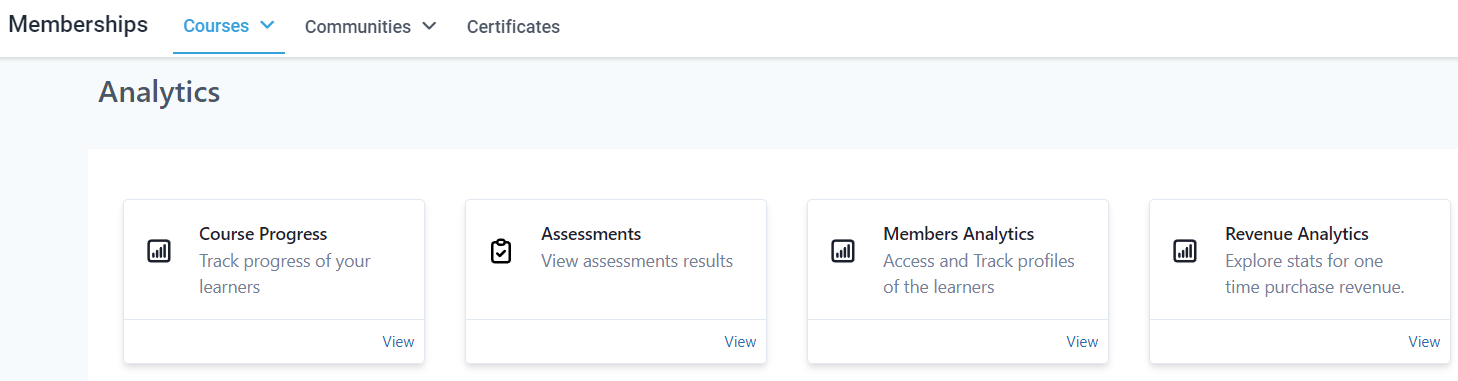
Analytics #
They allow you to review how the progress is going, and check assessments, revenue, and member data.
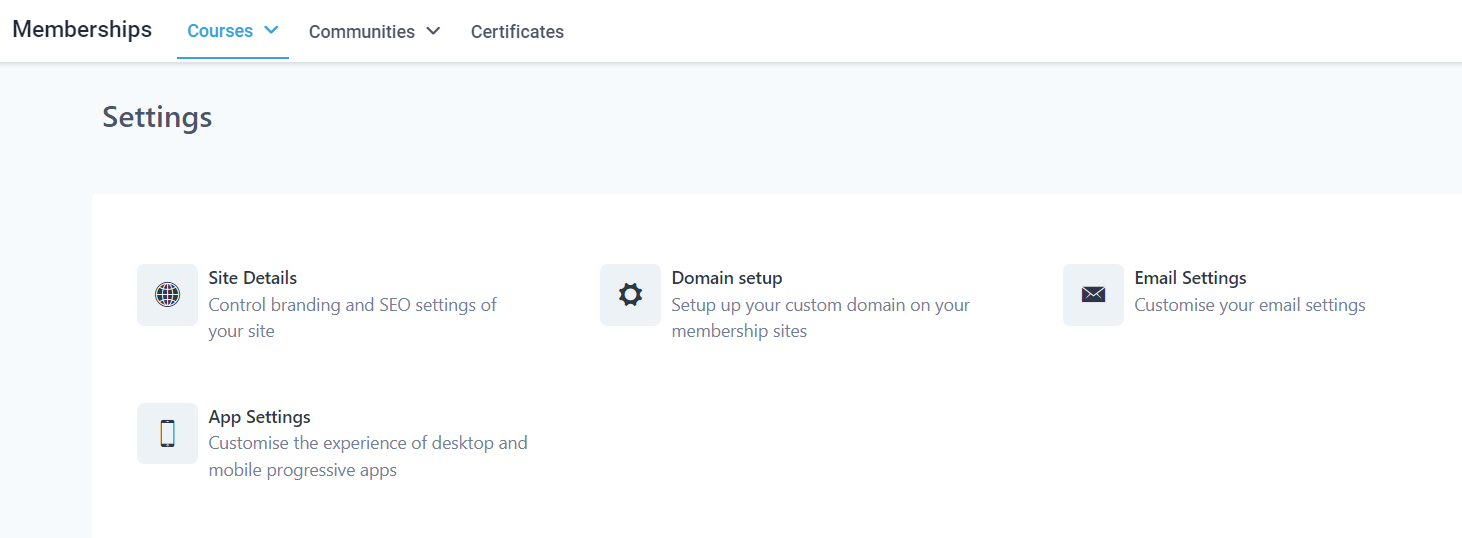
Settings #
Here you can handle the settings related to the client portal you’re clients interact with including the site details, domain setup to add a customized domain, and email and app settings to customize the look and feel of your outgoing emails and app version of the client portal.
Communities #
They allow you to create an online space to promote customer-brand interactions.
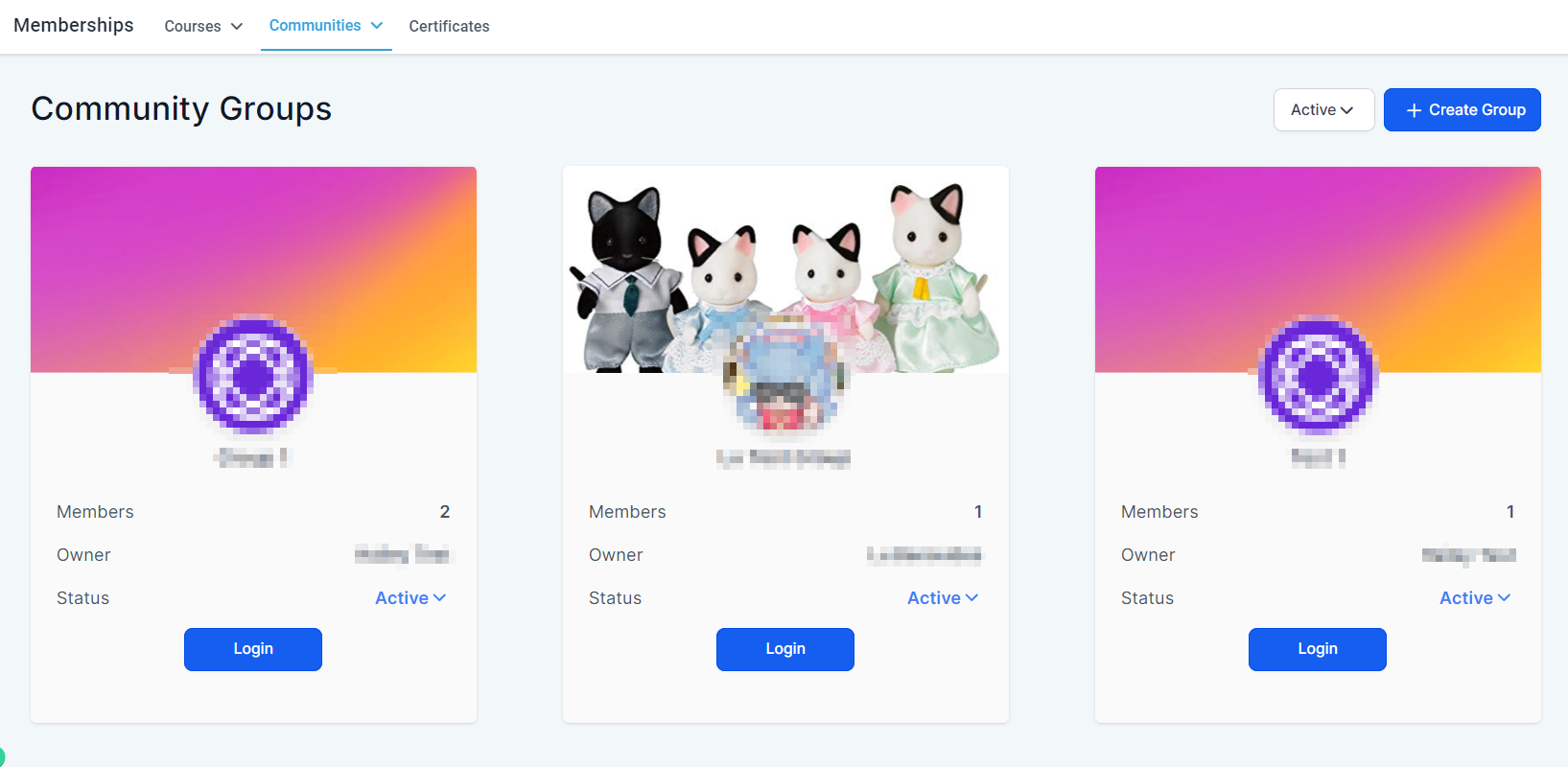
Groups #
Here you can create, see, and manage the community pages you’re offering to your clients.
Settings #
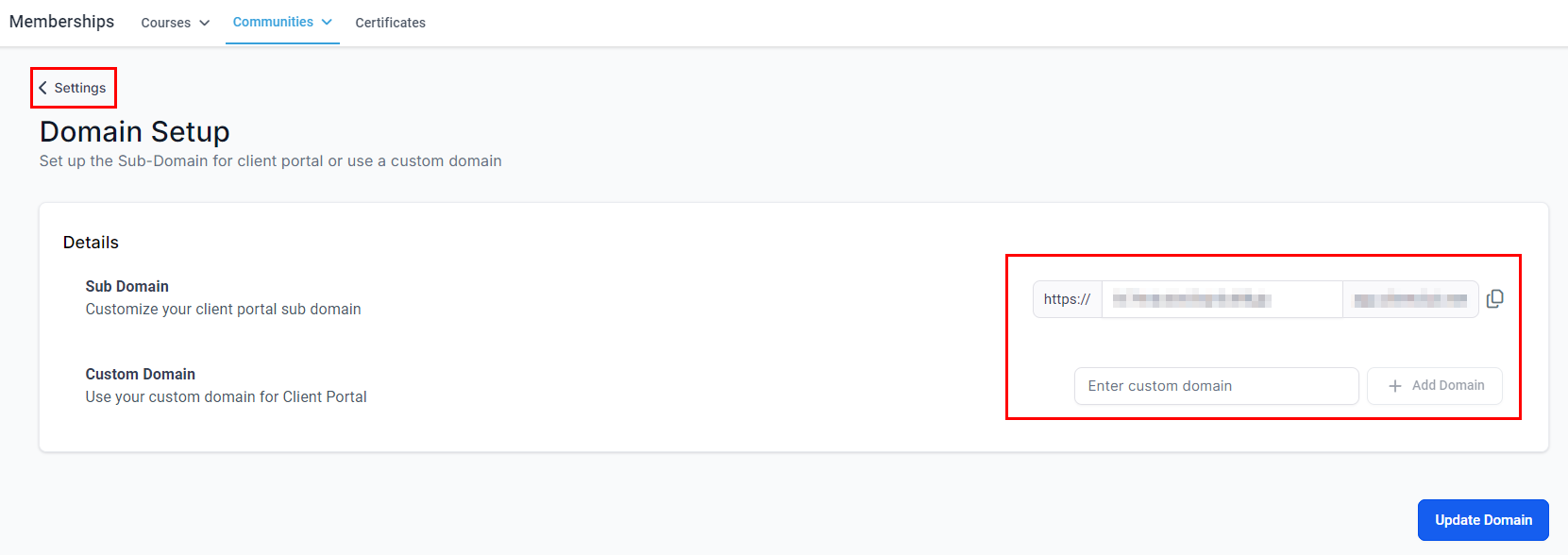
Here you can configure the domain for your Groups.
Certificates #
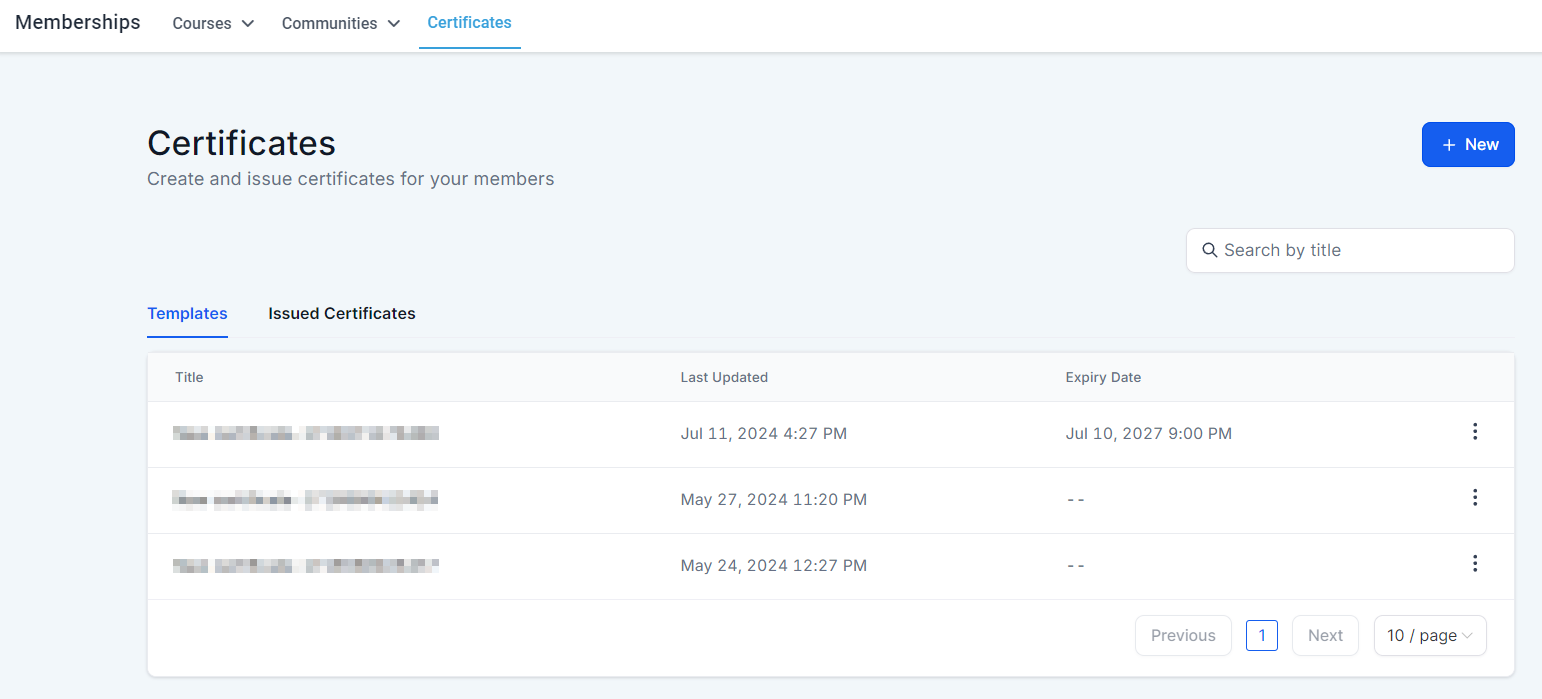
Here you can create and issue diplomas for course completion.
Those are the basis of the Memberships section, now you can start creating more spaces for learning, interacting, and empowering your clients.
What's your Reaction?
You have reacted on"Memberships Overview"
A few seconds ago


 Subscriptions
 My Orders
 My Wishlist
 Refer & Earn💸
 My Projects
 Conversations
 Website Services
 New Website Request
 Website Addons
 eCommerce Addons
 eCommerce Modules
 Software Development
 Graphic Design
 Video Production
 Content Writing
 Marketing Services
 Marketing Products
 Get a Marketing Plan
 Local SEO Audit
 Sales Automation
 Service Automation
 Operations Automation
 Marketing Automation
 Payments Automation
 Premium Modules
 Support Tickets
 Latest Updates
 Consultation Calls
 Tools & Extensions
 Tech Tips & Tricks
 Domains & Emails









