Building a funnel starts with a solid foundation, and that foundation begins with creating and organizing sections. The funnel builder provides a user-friendly interface to help you design pages that guide your audience seamlessly toward your goal. This guide will walk you through the basics of adding and managing sections, as well as customizing them to fit your needs.
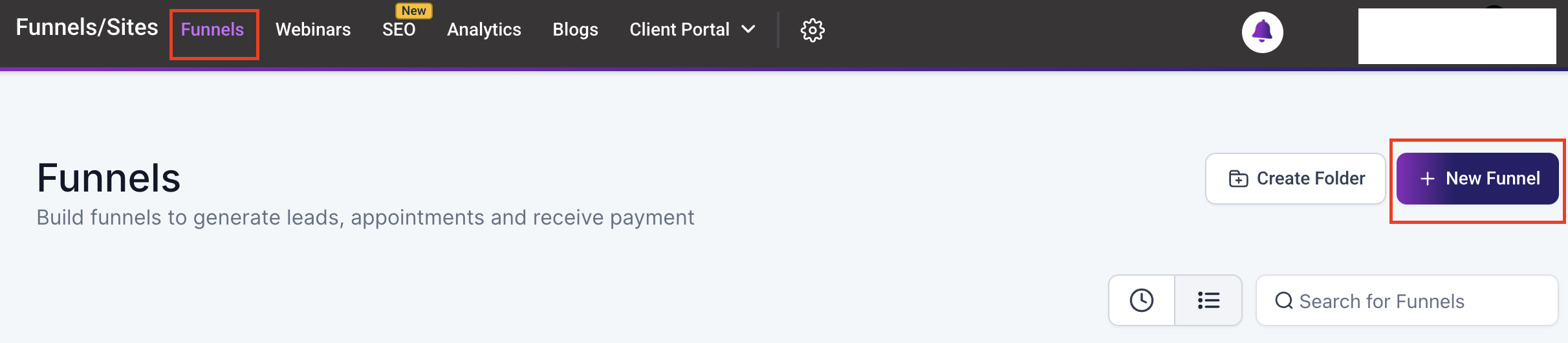
To begin, navigate to the Funnels/Sites section of your CRM and create a new funnel or website from scratch.
Add Section #
Open the Funnel Builder from your CRM dashboard. Click on the “+” button, then select the Section option at the top left side of the page. Select your preferred section type: Full Width, Wide, Medium, or Small. Drag and drop the chosen section type into the center of the page to begin designing.

NOTE: The number of sections you can add to the building area is limitless, allowing for endless customization options.
General Settings #
Once you’ve added a section, you can further customize it using the General Settings.
- Allow Row to Take the Entire Width: Toggle this option to expand a row to fill the entire section, creating a seamless, full-width design.

Advanced Settings #
For even more control, explore the Advanced Settings.
- Border: Customize the section border by selecting from options like Full Border, Bottom Border, Top Border, Top, and Bottom Border, or a 3px Bottom Border.

- Width: Adjust the section width by selecting from options like Full, Wide, Mid-Wide, or Small. This allows you to fine-tune the layout to match your design vision.

Remember to Save and Publish to apply the settings.

Creating sections is the first step in building a funnel, and it sets the stage for everything that follows. By mastering the basics of adding, managing, and customizing sections, you’ll have a strong foundation to design funnel pages that are both functional and visually appealing.
What's your Reaction?
You have reacted on"Sections"
A few seconds ago


 Subscriptions
 My Orders
 My Wishlist
 Refer & Earn💸
 My Projects
 Conversations
 Website Services
 New Website Request
 Website Addons
 eCommerce Addons
 eCommerce Modules
 Software Development
 Graphic Design
 Video Production
 Content Writing
 Marketing Services
 Marketing Products
 Get a Marketing Plan
 Local SEO Audit
 Sales Automation
 Service Automation
 Operations Automation
 Marketing Automation
 Payments Automation
 Premium Modules
 Support Tickets
 Latest Updates
 Consultation Calls
 Tools & Extensions
 Tech Tips & Tricks
 Domains & Emails










