The form builder section offers a range of form types that can be created to capture data relevant to your business goals. For example, you can create forms to engage website visitors and gather lead information, or generate forms to gather vital details when someone books an appointment on your calendar.
Depending on your user permissions, you may not have access to all of the components.
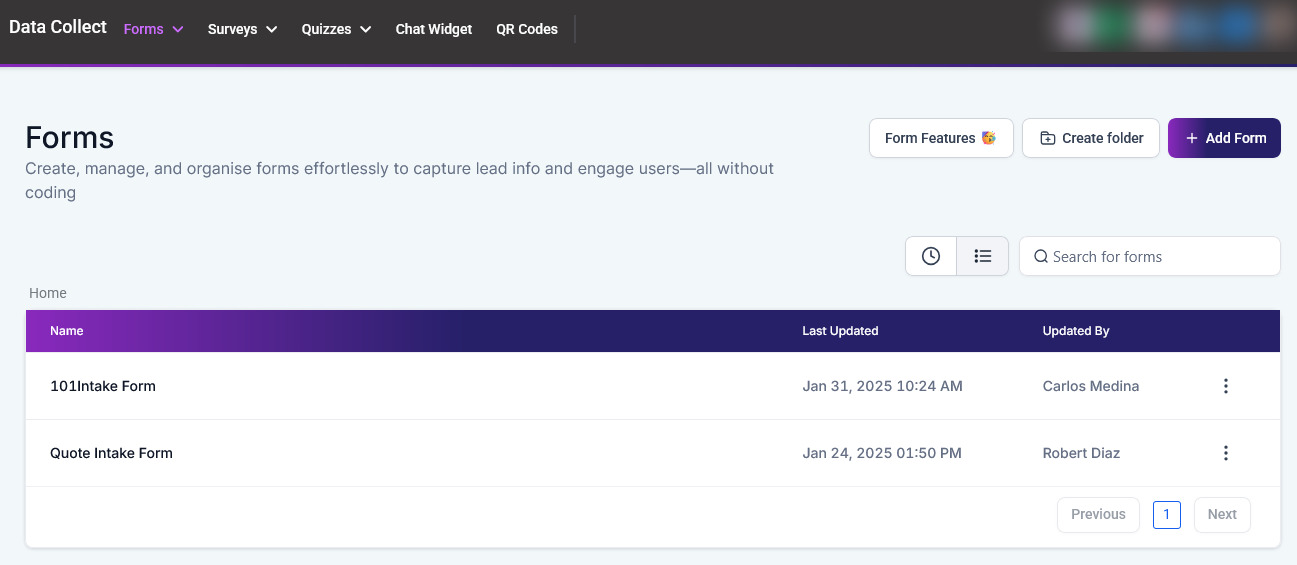
Form List #
When accessing the builder section under forms, you’ll see a list of previously created forms and folders.
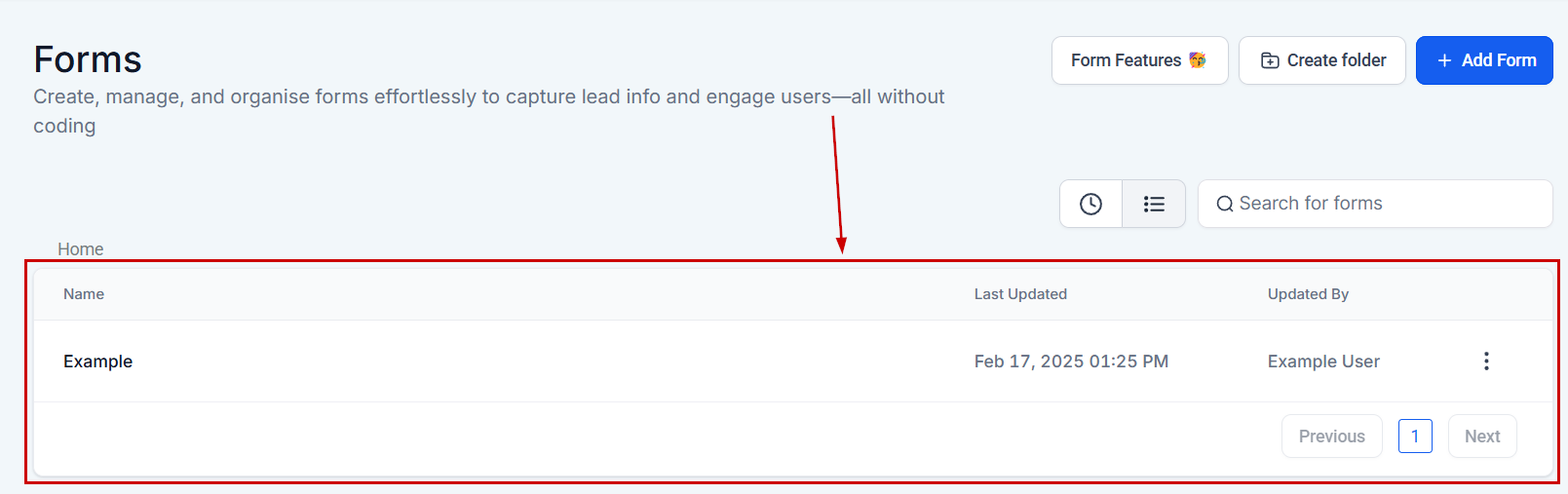
Search Forms By Name #
If you have a long list of forms, you can search for a particular form by typing the name of that form here.
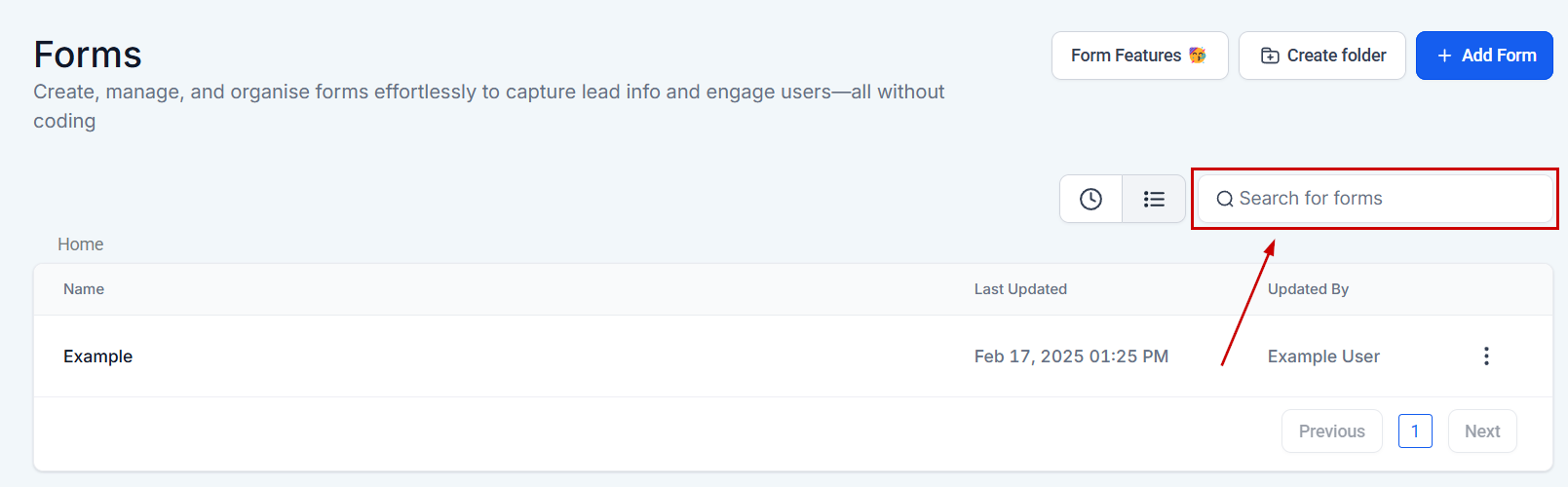
Name #
You can see the name of each form displayed here.
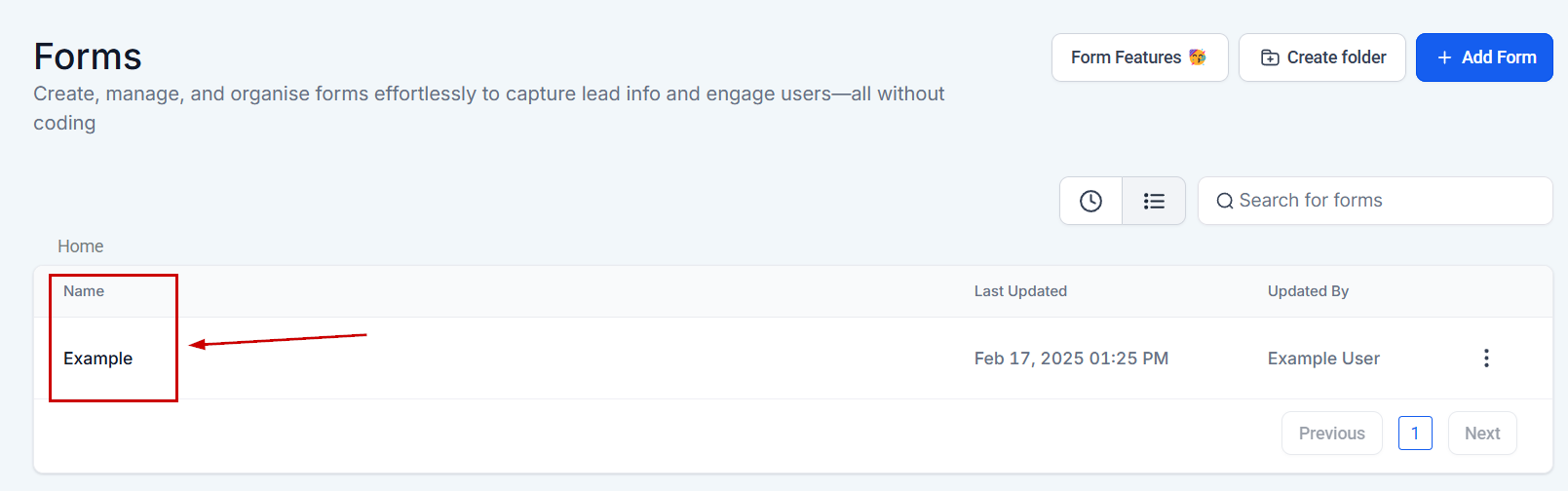
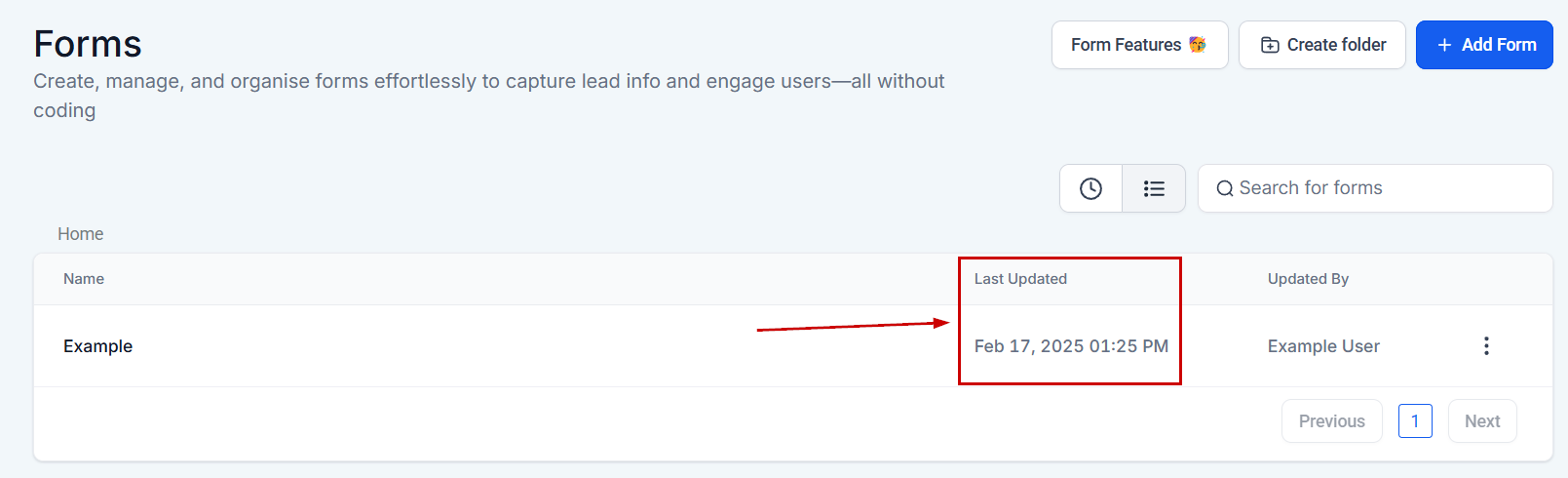
Last updated #
This column shows you the date and time each form was last updated.
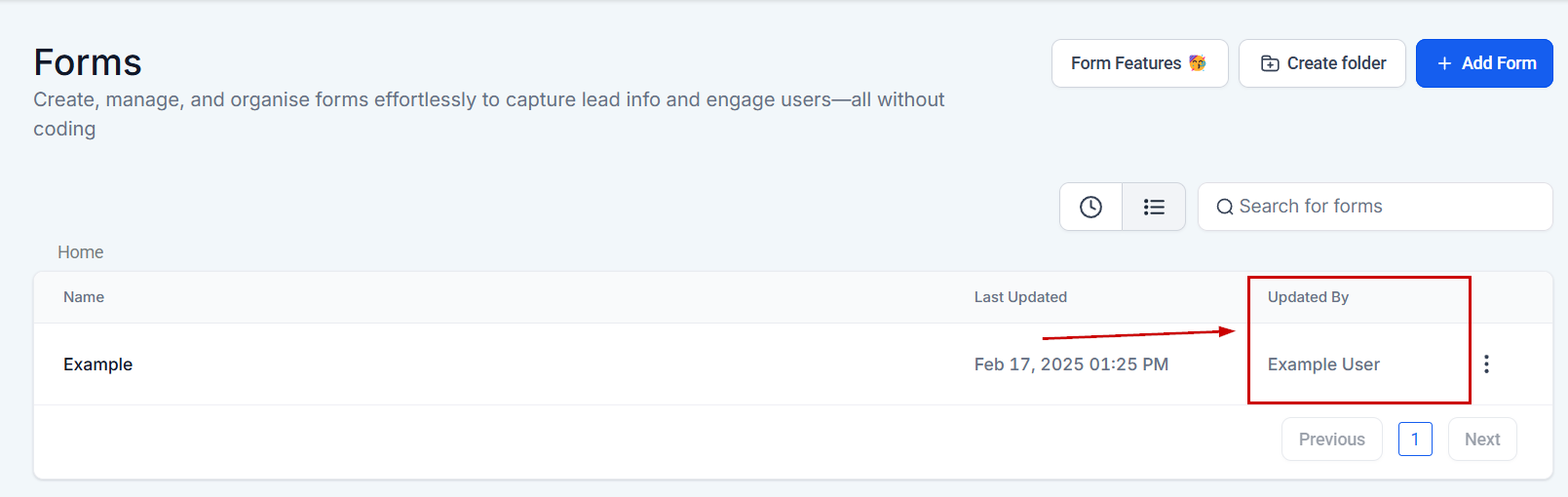
Updated By #
In this column, you will see the names of the users who last updated the form.
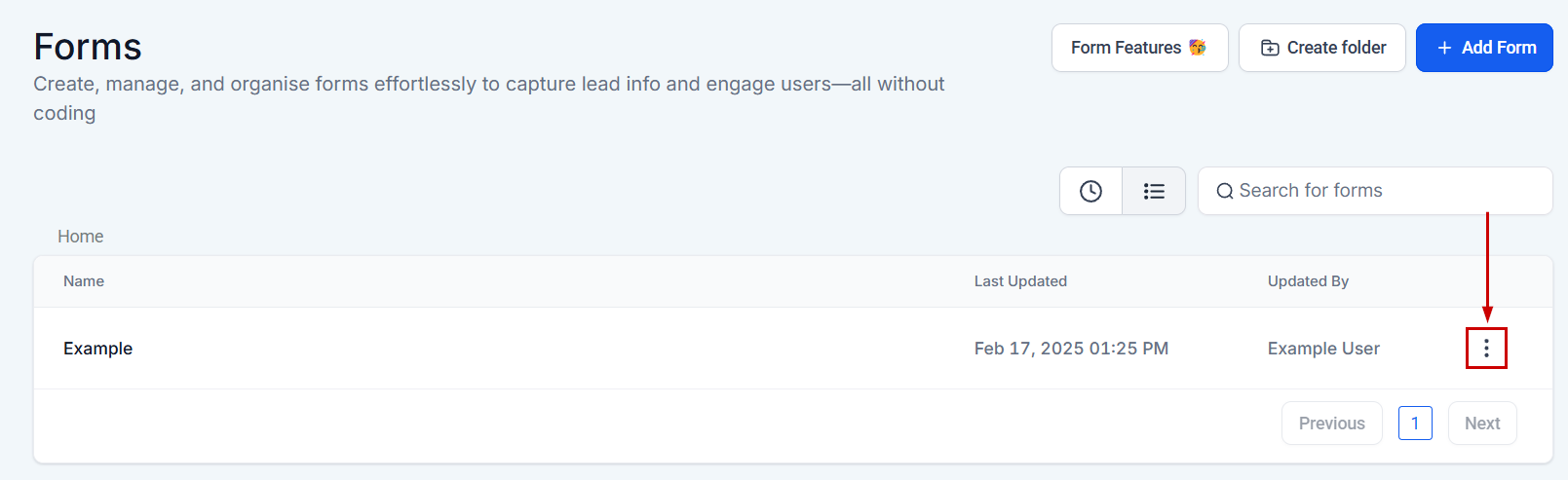
More Action #
The three dots at the right side of a form open the extended action menu.
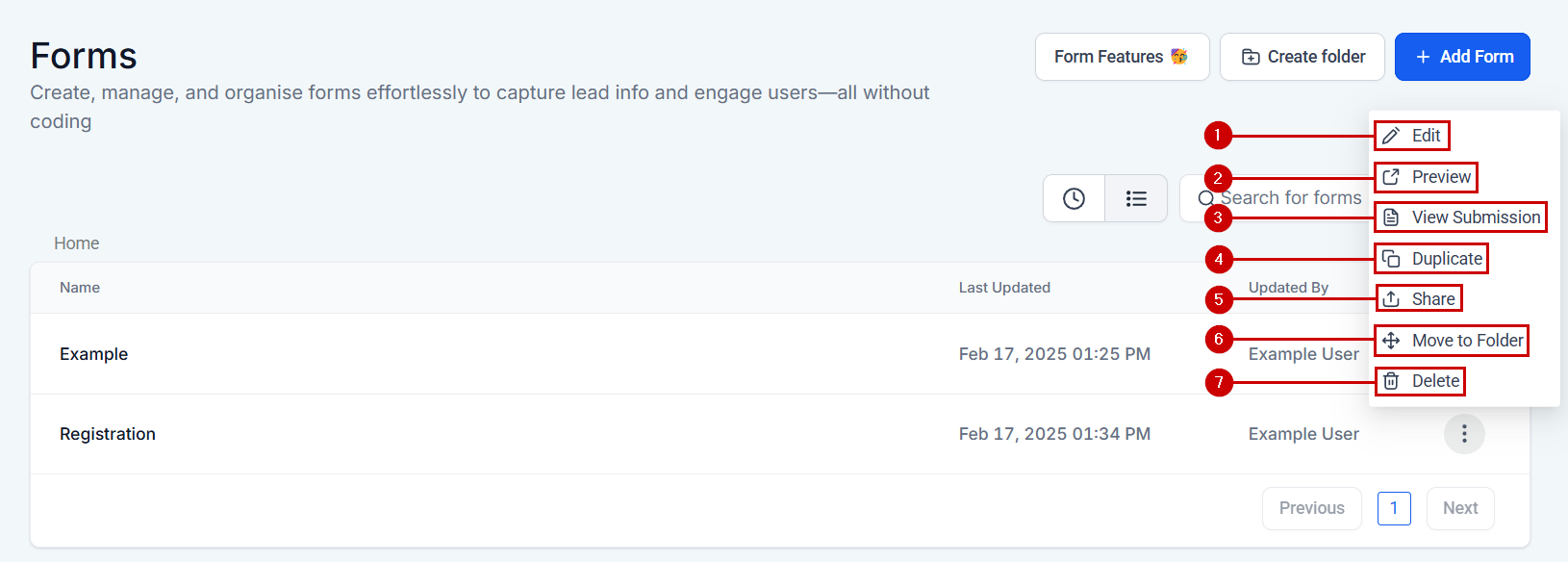
The available actions will be:
- Edit: Click this option to edit the form.
- Preview: This option opens your form up in a different window, so you can experience what your customers will view.
- View Submission: Use this to access all submissions of the selected form
- Duplicate: Click “duplicate” to create a copy.
- Share: Use this option to share a form from one location to another. Clicking it will open a small window for you to select the recipient.
- Move To Folder: If you’d like to move a form from your list to a folder, click this button and select the folder.
- Delete: You can also select “delete” if you wish to delete this form.
Note: If you delete a form, it will be permanently deleted.
Form Folder #
When you’re working with many forms at once you may find it helpful to organize them into folders. The folders will be inside the regular view as if they were another form, and can be identified by the small icon on the left side.

When you click on any folder’s name, you can see the forms you’ve created or moved inside the folder organized as explained in the Form List section.

To get out of a folder’s results click Home at the top left corner.

More Action #
The three dots at the right side of a folder open the extended action menu.

The options you’ll have are:
- Rename: This option allows you to change a folder’s name.
- Delete: You can select “delete” to remove the folder.
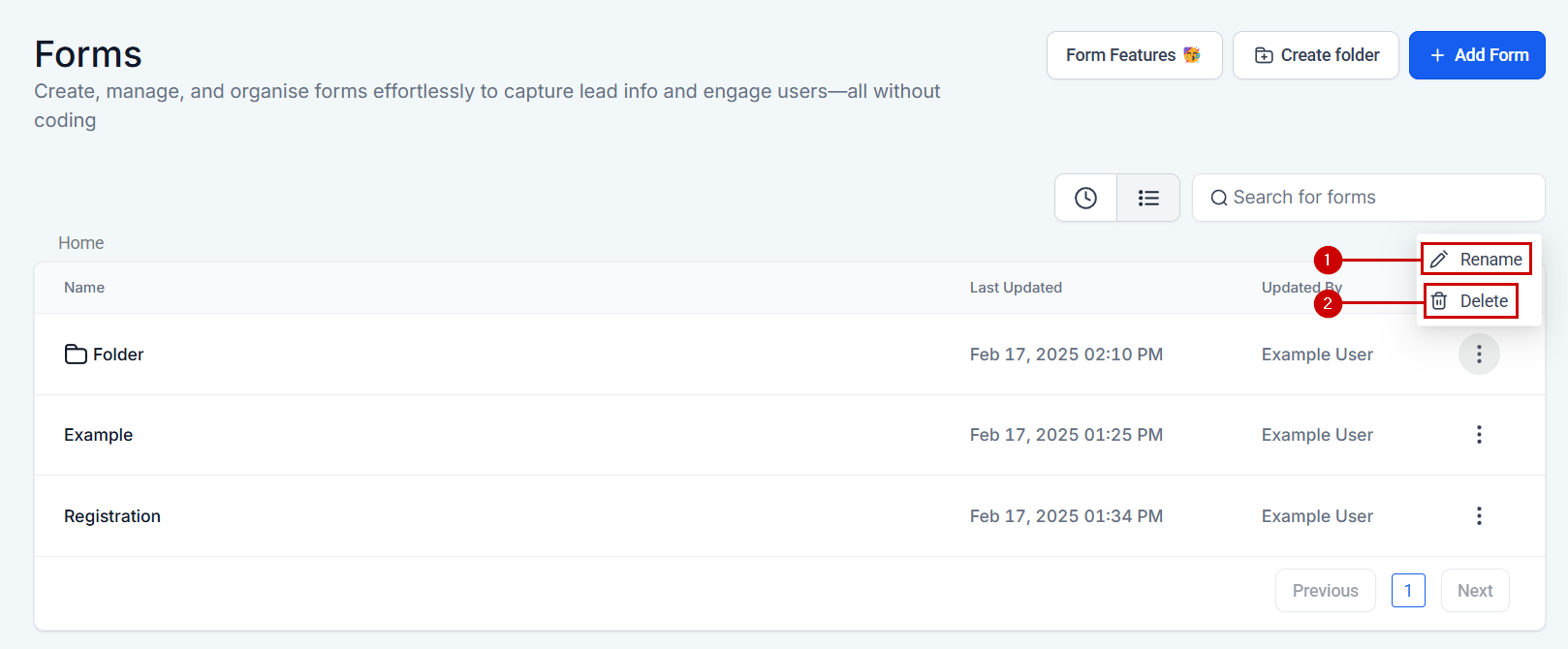
Note: If you delete a folder, all the forms inside will be permanently deleted as well.
Adding New #
You have two options for creation inside the Forms section.
New Form #
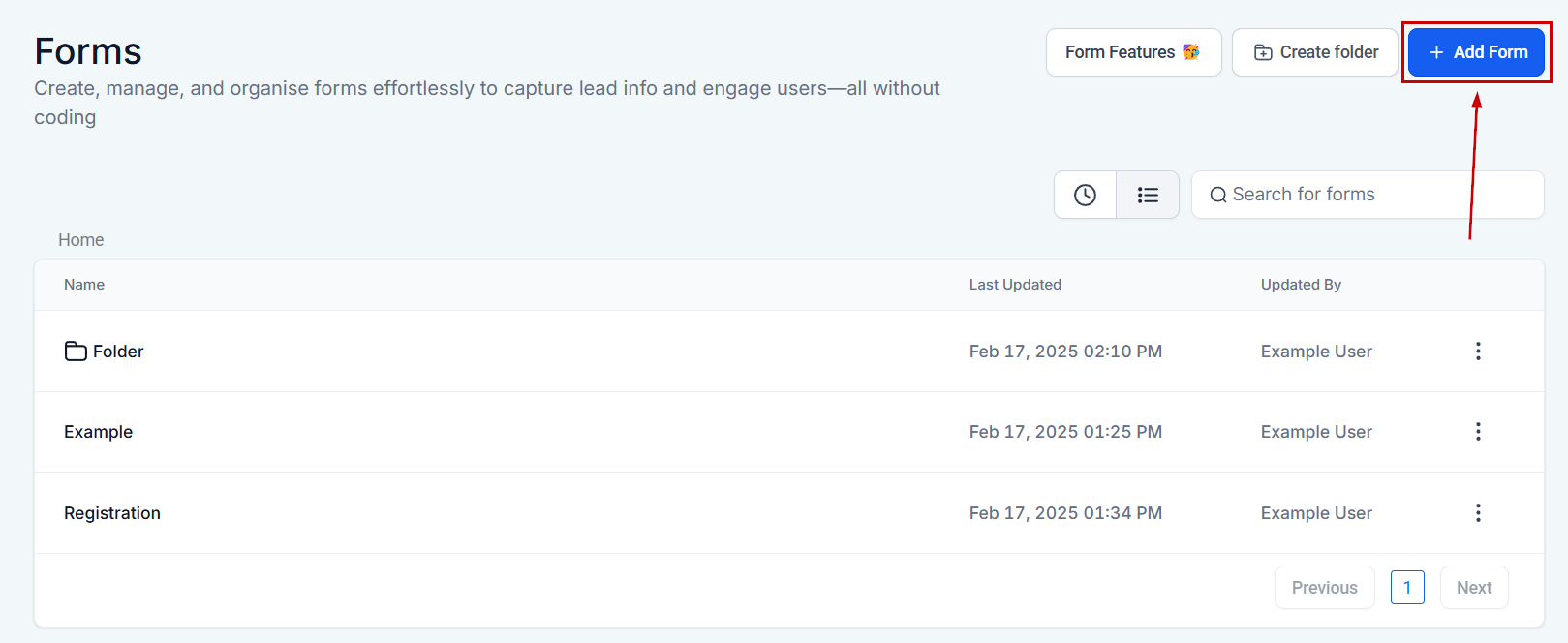
Once you’re prepared to design a custom form, all you need to do is click the Add Form button. This action initiates the crafting process for a tailored form that suits your business needs.
Create Folder #
To generate a new folder, click the Create Folder button.
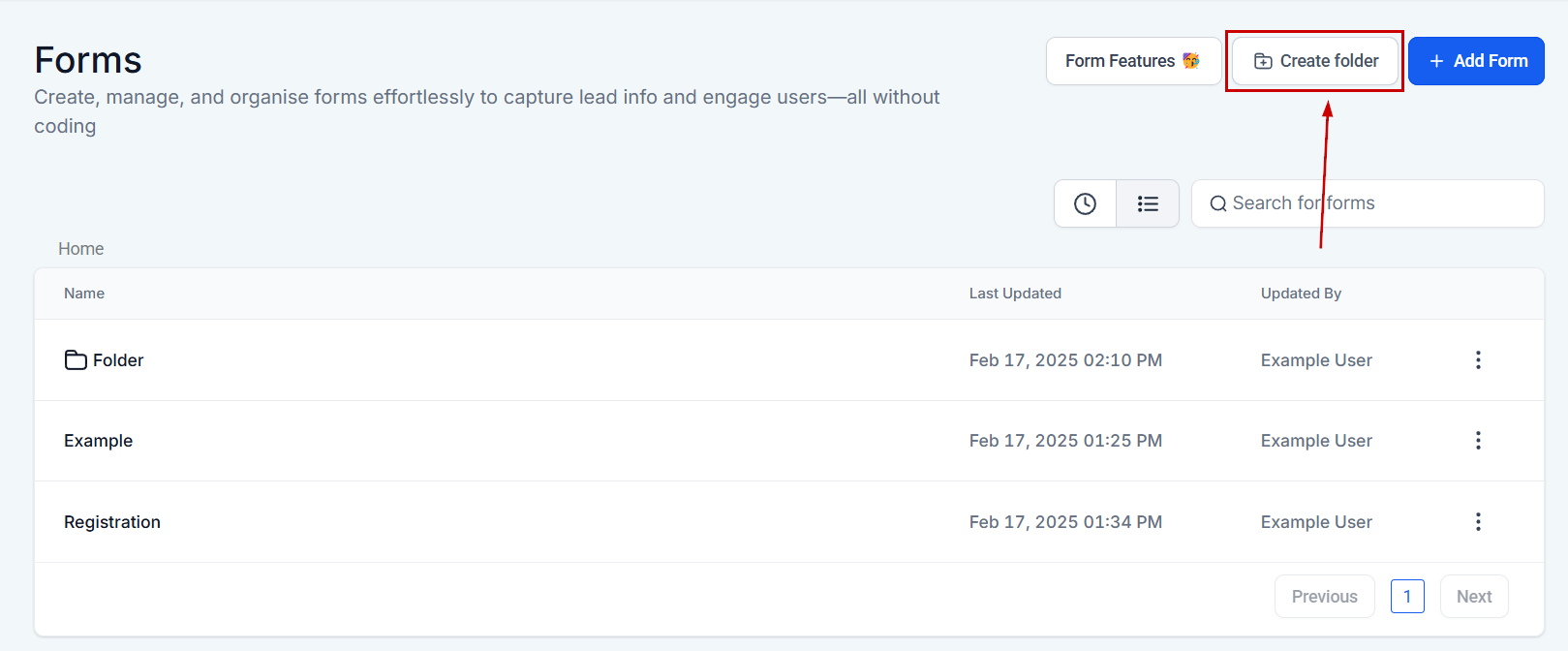
Assign a name to the folder, and then hit Confirm to save your changes. This straightforward process allows easy organization and management of your forms.

And there you have it, to view how to create forms, view submissions, and use this side of your system in detail please read the other articles inside this section. We’re excited to help you become a form master.
What's your Reaction?
You have reacted on"Form Builder Overview"
A few seconds ago


 Subscriptions
 My Orders
 My Wishlist
 Refer & Earn💸
 My Projects
 Conversations
 Website Services
 New Website Request
 Website Addons
 eCommerce Addons
 eCommerce Modules
 Software Development
 Graphic Design
 Video Production
 Content Writing
 Marketing Services
 Marketing Products
 Get a Marketing Plan
 Local SEO Audit
 Sales Automation
 Service Automation
 Operations Automation
 Marketing Automation
 Payments Automation
 Premium Modules
 Support Tickets
 Latest Updates
 Consultation Calls
 Tools & Extensions
 Tech Tips & Tricks
 Domains & Emails












