The Add/Update Opportunity feature enables you to seamlessly add or update contacts in your pipeline. By selecting the contacts you wish to manage and choosing the appropriate pipeline and stage, you can streamline the process of tracking and managing your opportunities. This feature ensures that you can efficiently move multiple contacts, update critical details, and keep your opportunity list organized and clear.
Add/Update Opportunity #
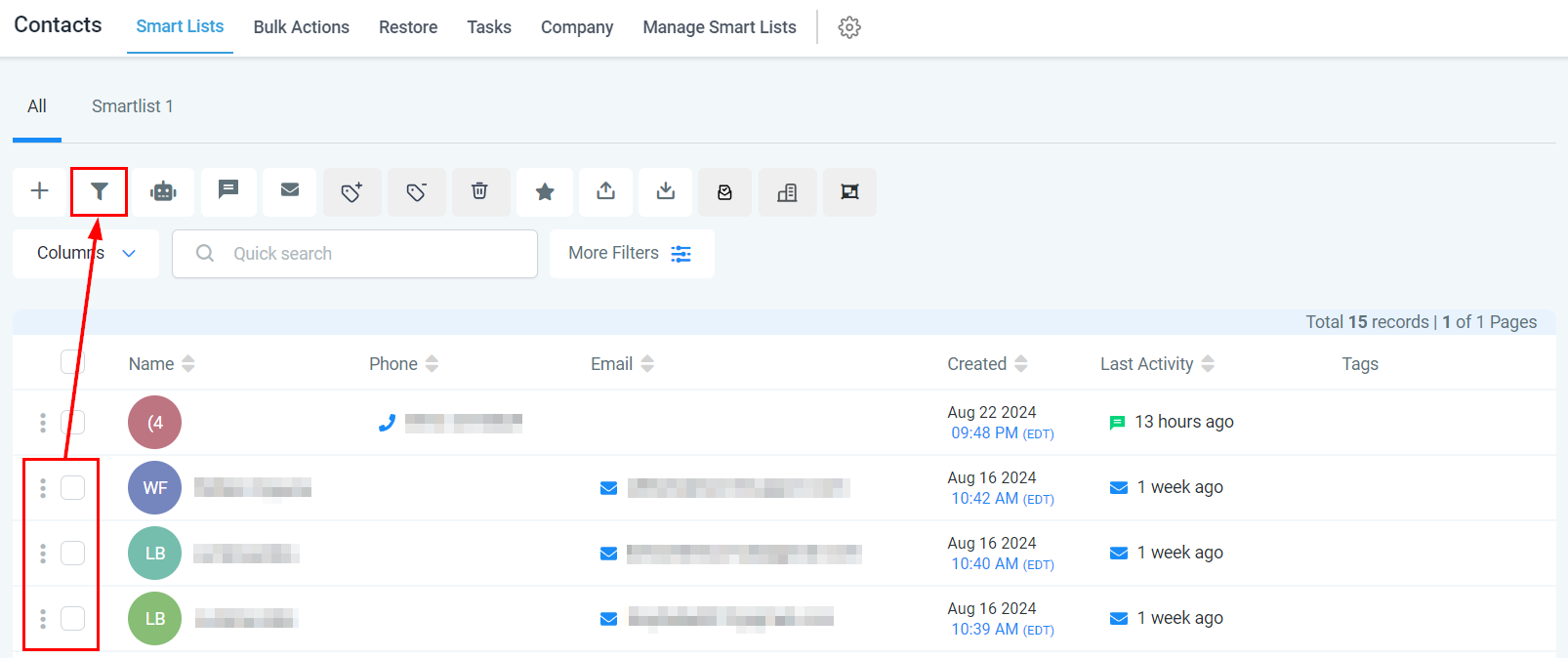
Start by selecting the contacts you want to manage and click the funnel icon.
Select Pipeline #
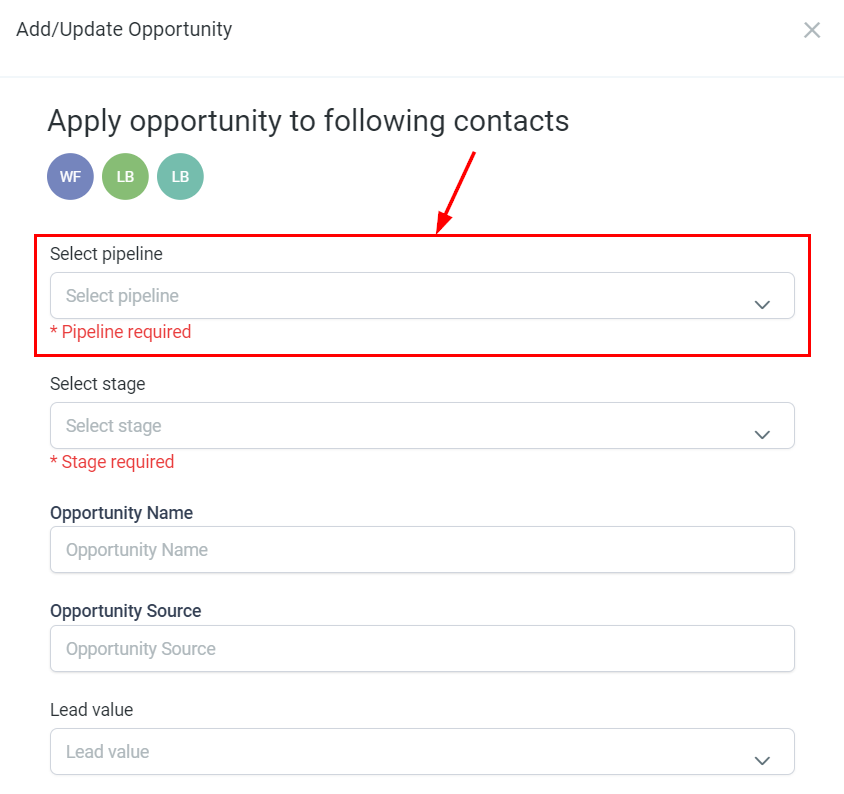
Choose the pipeline where you want these contacts to be placed from the dropdown.
Select Stage #
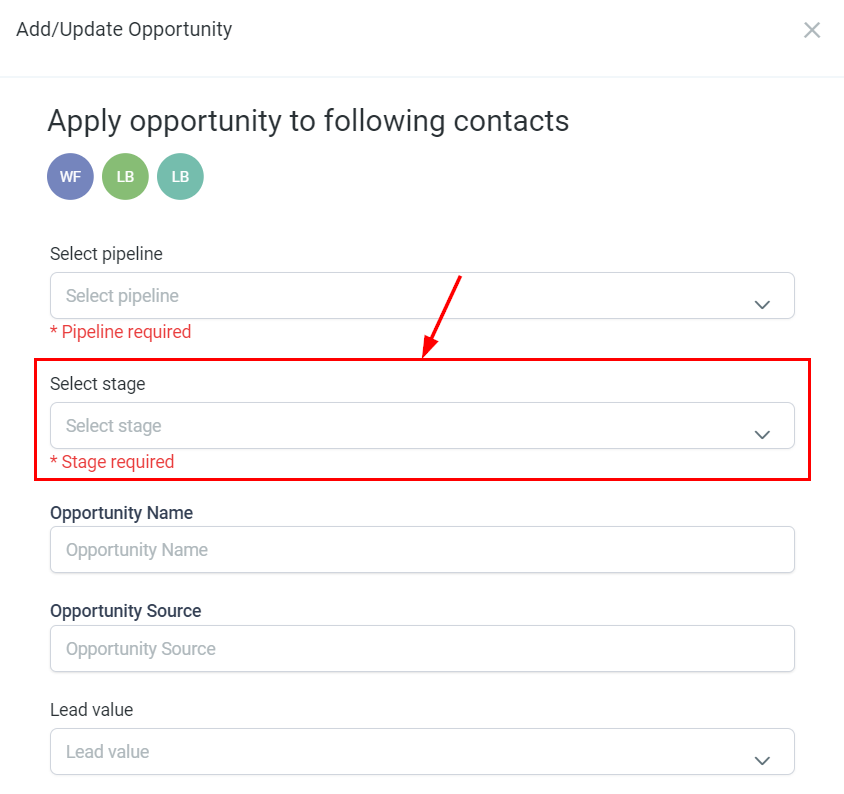
From the actions dropdown, select the corresponding Pipeline stage.
Opportunity Name #
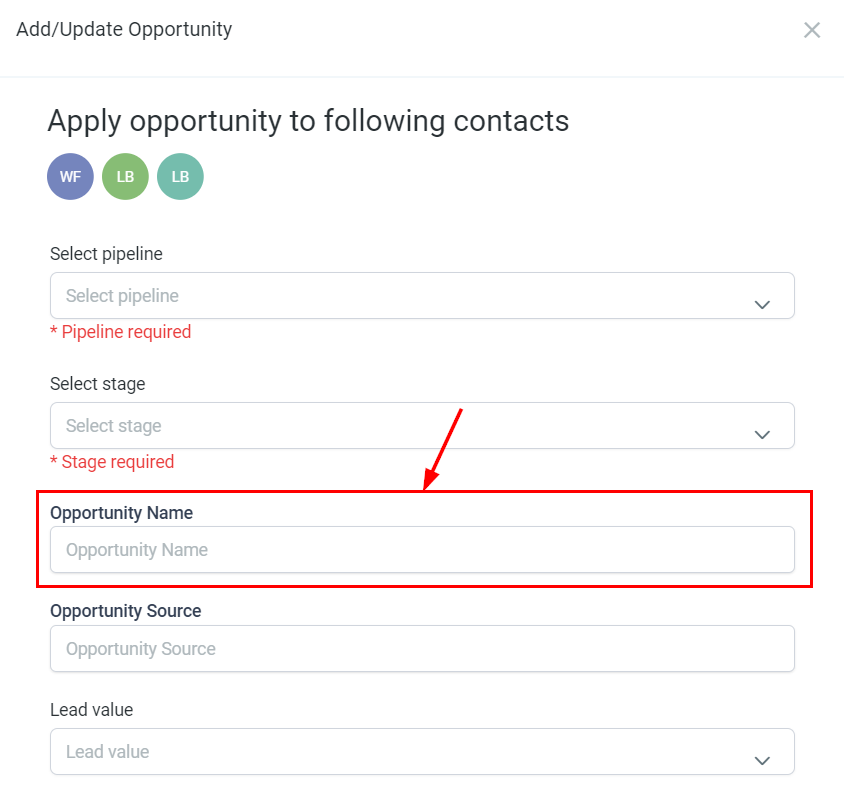
Enter a name for the opportunity that will be displayed on the opportunity card, distinct from the contact name.
Opportunity Source #
Specify the source from which you acquired the contact.
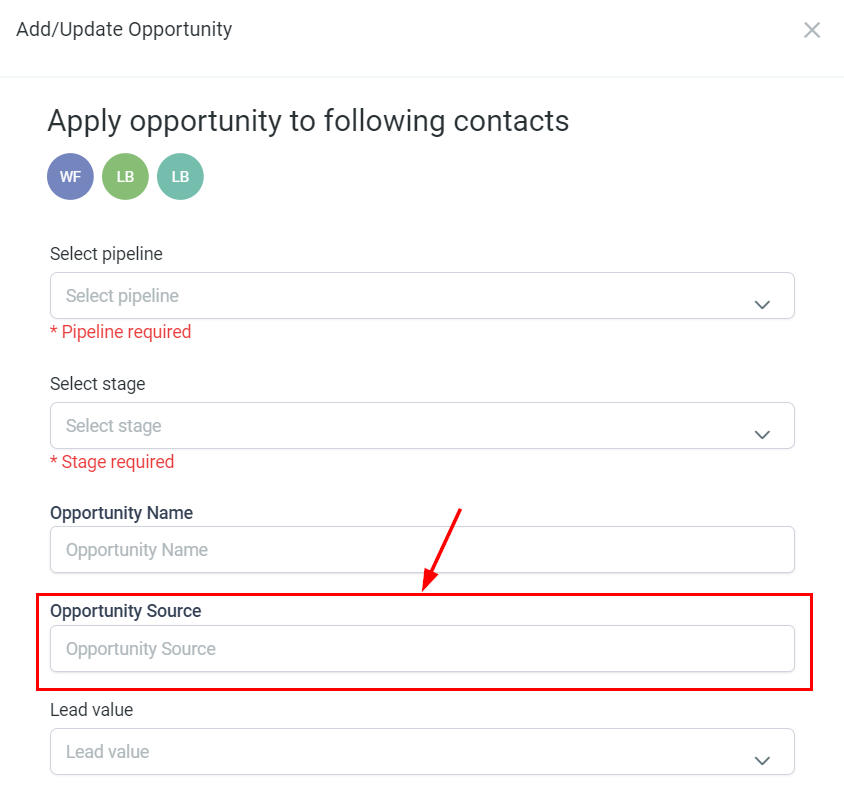
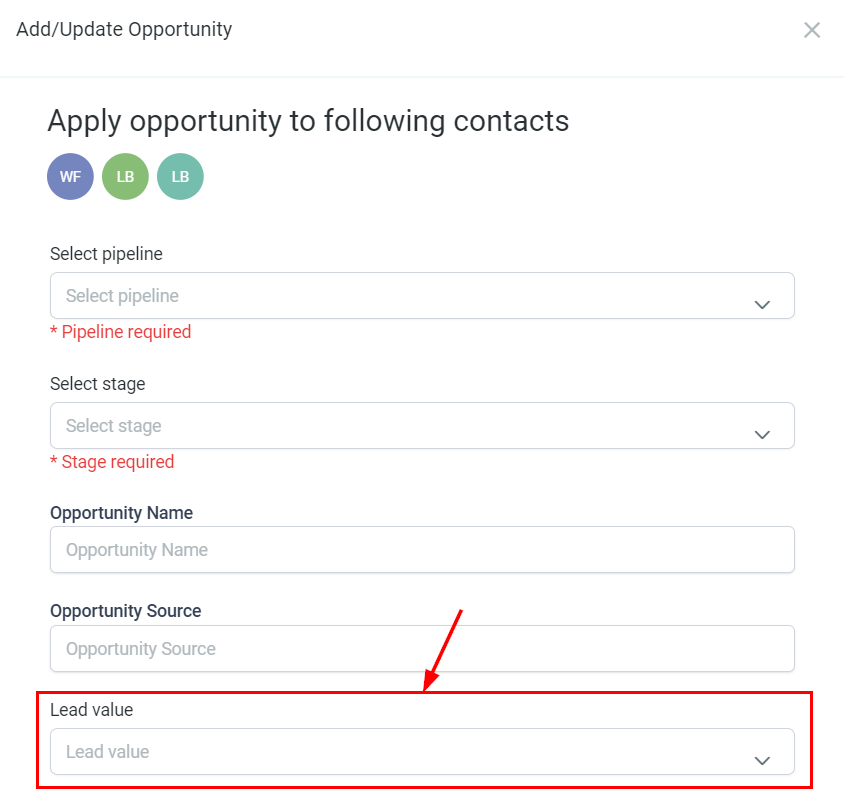
Lead Value #
Input the estimated value of the potential sale. This value will be added to your revenue once the opportunity is won.
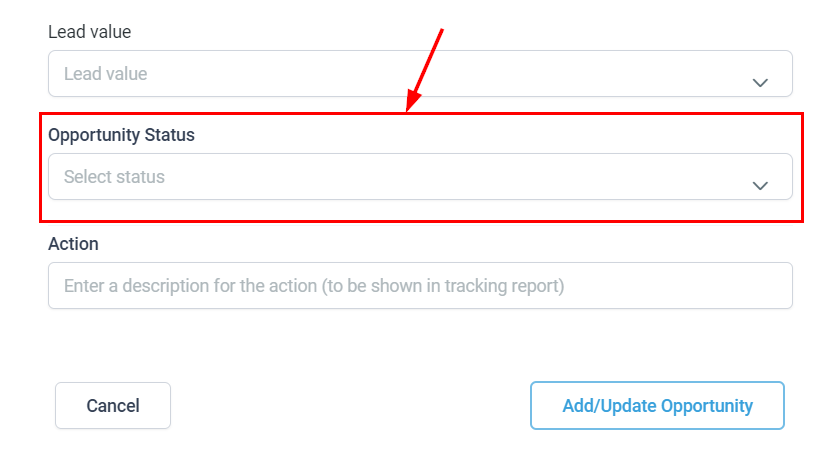
Opportunity Status #
Select the desired status for the opportunity.
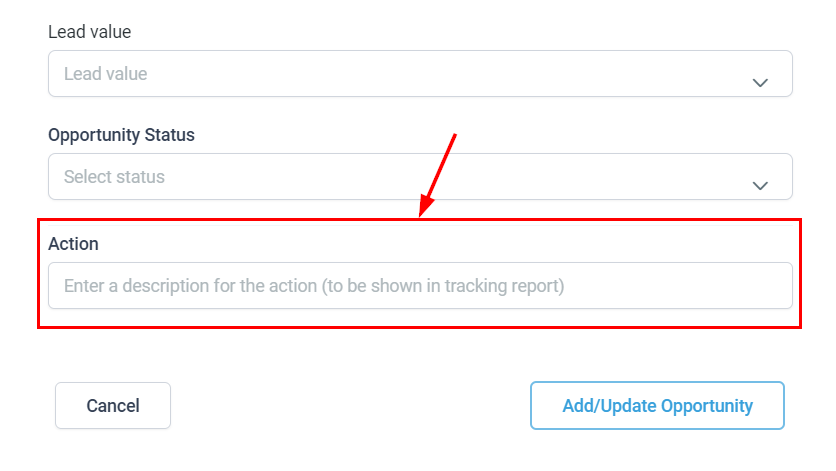
Action #
Provide a descriptive name for this action, which will be shown in the tracking report.
Save #
Finally, click the Apply/Update Opportunity button to apply your updates.
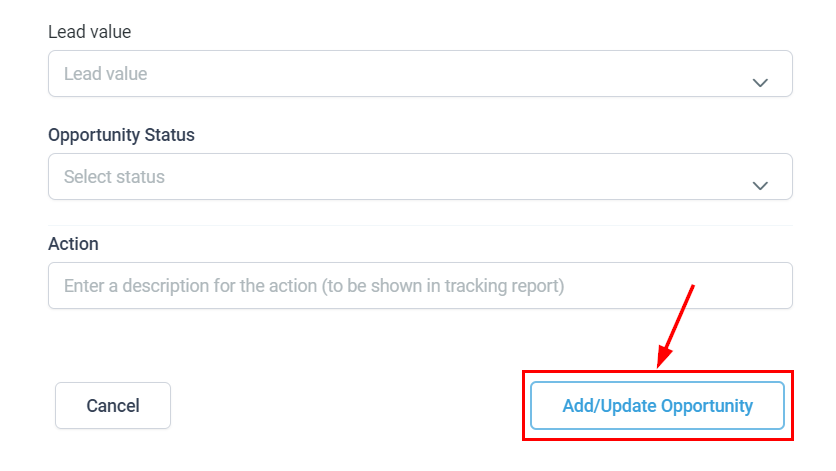
This feature allows you to efficiently move multiple contacts with a single click, maintaining organization and clarity throughout your opportunity list.
What's your Reaction?
You have reacted on"How To Add/Update Opportunities For Multiple Co..."
A few seconds ago


 Subscriptions
 My Orders
 My Wishlist
 Refer & Earn💸
 My Projects
 Conversations
 Website Services
 New Website Request
 Website Addons
 eCommerce Addons
 eCommerce Modules
 Software Development
 Graphic Design
 Video Production
 Content Writing
 Marketing Services
 Marketing Products
 Get a Marketing Plan
 Local SEO Audit
 Sales Automation
 Service Automation
 Operations Automation
 Marketing Automation
 Payments Automation
 Premium Modules
 Support Tickets
 Latest Updates
 Consultation Calls
 Tools & Extensions
 Tech Tips & Tricks
 Domains & Emails









