The password management system includes advanced features designed to enhance flexibility and security. Users can set their passwords, benefit from user-specific Magic Links, and experience a streamlined login process. These features simplify password management, improve onboarding efficiency, and provide a more secure and user-friendly system.
Flexibility in Password Management #
- User-defined passwords: Users can set their passwords from the loginUrl. Passwords will not be automatically generated.
- Magic Links: User-specific Magic Links will be sent across all course emails and triggers, allowing users to set their passwords seamlessly.
How It Works #
Sending the Initial Email #
The system will automatically send the initial email when an offer is granted or a purchase is completed, in accordance with your configurations. If the default template has been enabled within the Membership Settings, the email will include a link for login access.

If a custom email template was created, ensure that the Login URL custom field is included.

Furthermore, if you have established a workflow for sending the initial email, ensure that the loginUrl is included in the template or plain text editor.

Note: Users will need this link to set their passwords.
Setting the Password #
If users attempt to log in without setting their password, they will be redirected to the Set Password page.
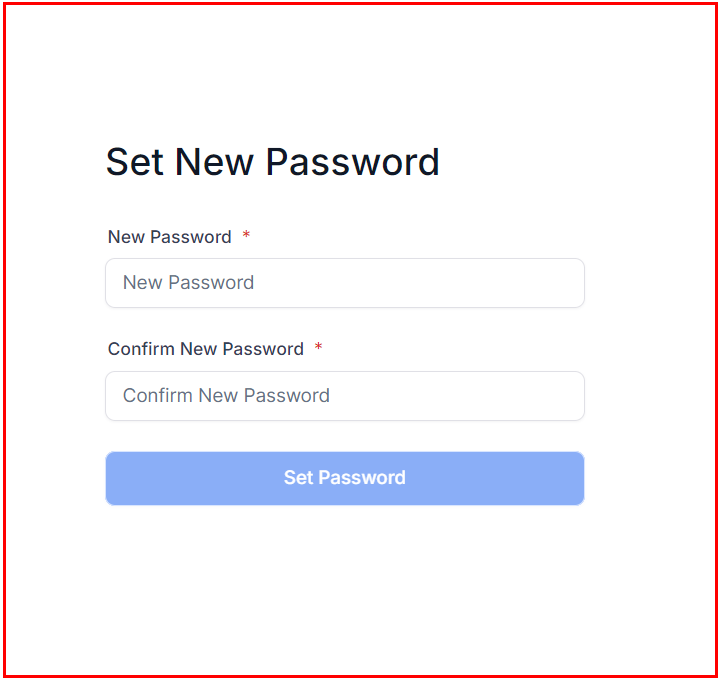
Forget Password Flow #
Users will receive a reset link allowing them to set their password within two hours of their request.
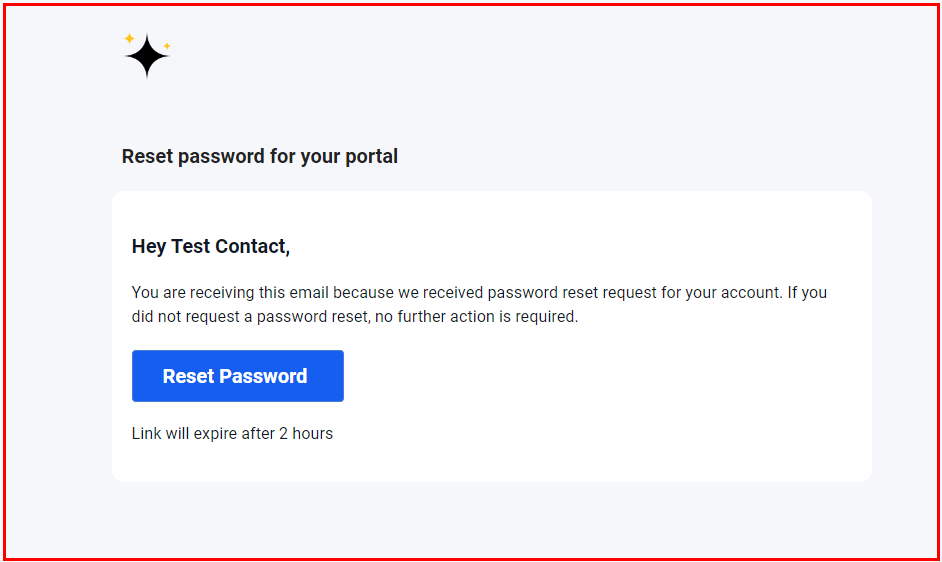
Upon selecting the “Reset Password” button, the user will be prompted to enter a new password, which must then be confirmed by retyping it in the field provided below.
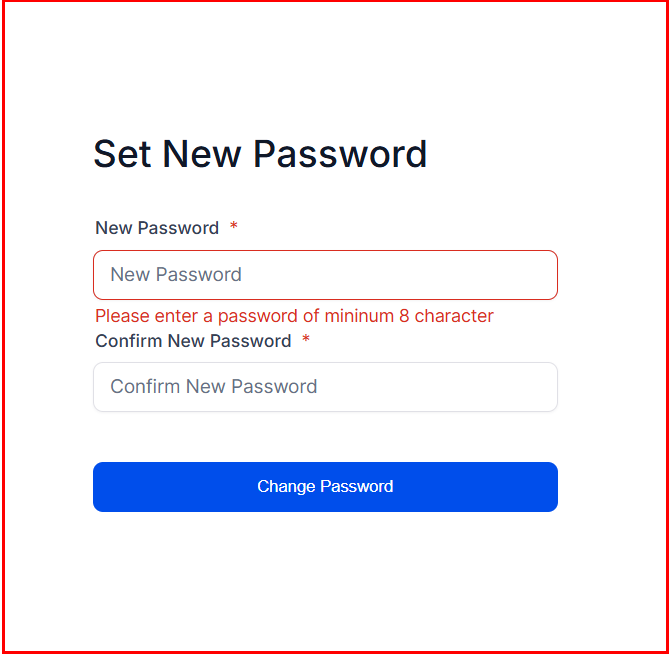
Users will be automatically logged in following the reset of their password.
By leveraging these advanced features, you ensure a seamless and secure login process for all users, reducing potential barriers while maintaining high levels of security.
What's your Reaction?
You have reacted on"Utilizing Magic Links for Courses"
A few seconds ago


 Subscriptions
 My Orders
 My Wishlist
 Refer & Earn💸
 My Projects
 Conversations
 Website Services
 New Website Request
 Website Addons
 eCommerce Addons
 eCommerce Modules
 Software Development
 Graphic Design
 Video Production
 Content Writing
 Marketing Services
 Marketing Products
 Get a Marketing Plan
 Local SEO Audit
 Sales Automation
 Service Automation
 Operations Automation
 Marketing Automation
 Payments Automation
 Premium Modules
 Support Tickets
 Latest Updates
 Consultation Calls
 Tools & Extensions
 Tech Tips & Tricks
 Domains & Emails









