Have you ever noticed that the area at the bottom of most websites is the same across all pages? This is called a website footer and includes important information such as a copyright notice, a disclaimer, or a few links to relevant resources. Even though this is an optional inclusion to your website, adding one can help you guide viewers into their next steps and improve navigation. So, how about we create one?
What Should It Contain? #
To ensure its effectiveness, your footer should contain:
- Your logo: To keep your branding consistent.
- A sitemap of your website or call to action: Include useful links to navigate your website or a strong call to action to guide customers to their next step.
- A form of contact: Add your business phone number or email so customers can reach you with any inquiries.
- Addresses or maps: If you have a brick-and-mortar store or operate out of a physical place, include your address so customers can find you.
- Links to your social accounts: So prospects can find you and discover more about your brand.
Creating A Footer #
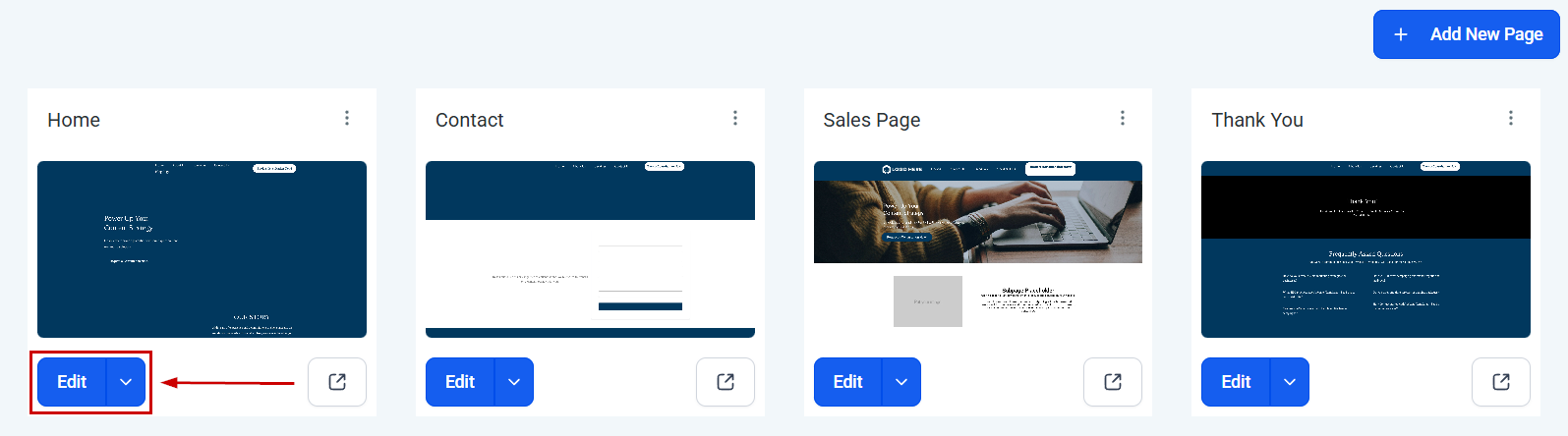
Start by navigating to the Website builder and editing your landing page.
Add a section at the bottom of your page, then select some columns to add.
Select your section and change the background color; this will help you achieve a cohesive and pleasing look.

Add an image element so you can add your logo.

In the next column, add a few text elements. Use them to add useful links, your address, and your form of contact.
Under the useful links, add a bullet list element to include your Terms and Conditions, Privacy Policy, and other important disclaimers.
In the last column, add a social element to link your accounts.

Once you’re satisfied with the added elements, select the columns and adjust the padding between them.

Tweak your footer to your liking, and feel free to add your personal touch by adding testimonials, quotes, or any other elements you want to keep consistent across all pages. Once you’re satisfied with how it looks, click the save icon at the margin of your section.

Name your section as Footer, select Global Section, and click Save.

After clicking Save, you can add your new footer to all pages like a header! This will help you guide website visitors on their journey to becoming your customers, retain larger audiences, and ensure you keep their attention on your page until the end.
Troubleshooting and Tips #
- If the elements in your footer are not aligning properly, check the padding and alignment settings for each block or section.
- Ensure that the color scheme of your footer complements the rest of your landing page for a cohesive look.
- Regularly update the footer to reflect the most current information about your business or website.
Frequently Asked Questions #
Q: How many rows should I use in my footer? #
A: The number of rows depends on the amount of information you need to include. A four-row setup is versatile for most needs.
Q: What information is essential for a footer? #
A: Essential information includes contact details, navigation links, terms and policies, and social media icons.
Q: Can I customize the footer layout? #
A: Yes, most website builders allow you to customize the footer layout, including padding, alignment, and color.
What's your Reaction?
You have reacted on"How to Create a Footer on a Landing Page"
A few seconds ago


 Subscriptions
 My Orders
 My Wishlist
 Refer & Earn💸
 My Projects
 Conversations
 Website Services
 New Website Request
 Website Addons
 eCommerce Addons
 eCommerce Modules
 Software Development
 Graphic Design
 Video Production
 Content Writing
 Marketing Services
 Marketing Products
 Get a Marketing Plan
 Local SEO Audit
 Sales Automation
 Service Automation
 Operations Automation
 Marketing Automation
 Payments Automation
 Premium Modules
 Support Tickets
 Latest Updates
 Consultation Calls
 Tools & Extensions
 Tech Tips & Tricks
 Domains & Emails










