Yes, there are two ways to see more information about your competitors.
1. To see more competitors by grid point #
Click the grid point you wish to investigate further.
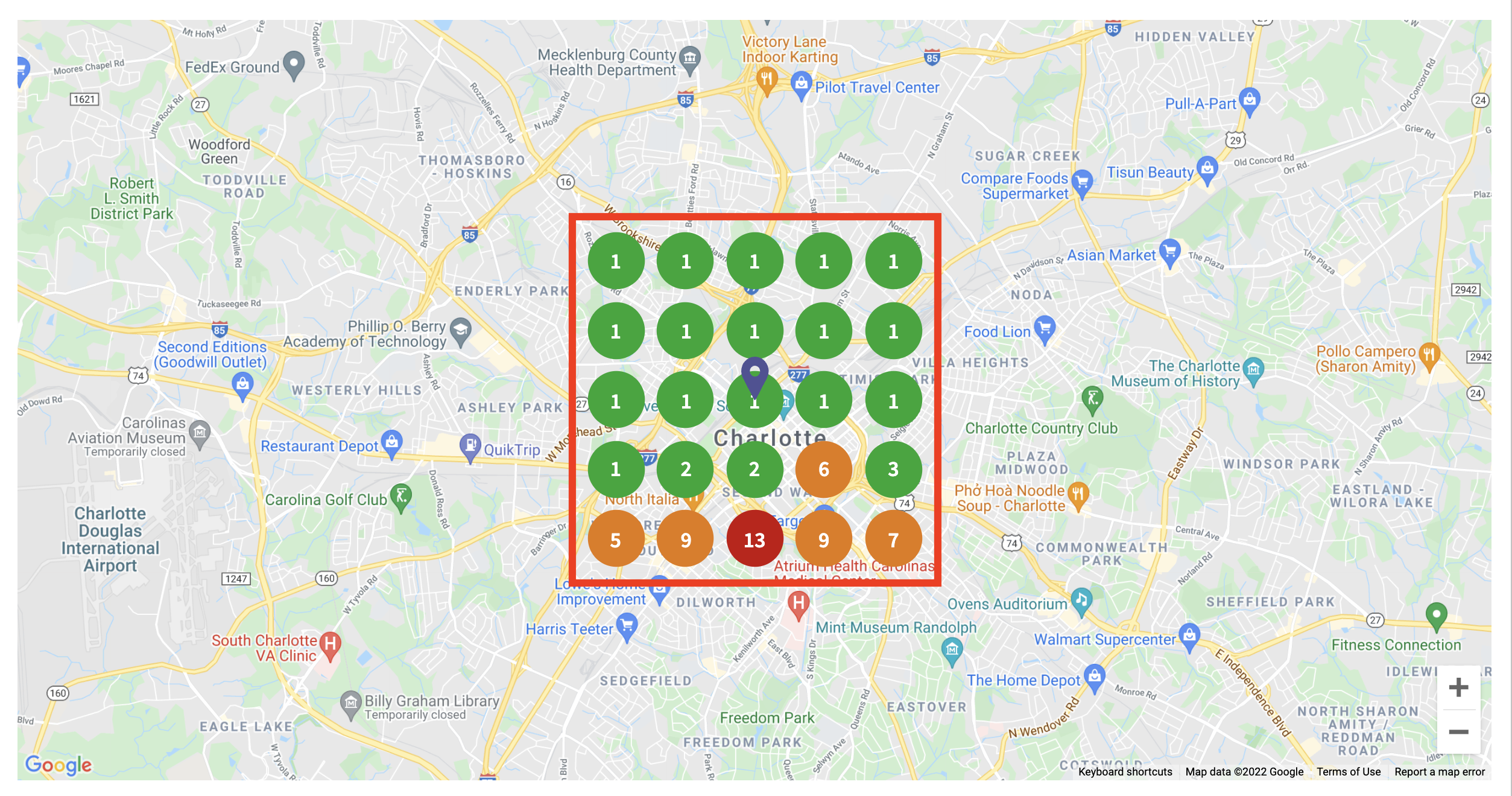
You will see a popup showing a list of the competitors that are ranking for that keyword in that specific grid point.
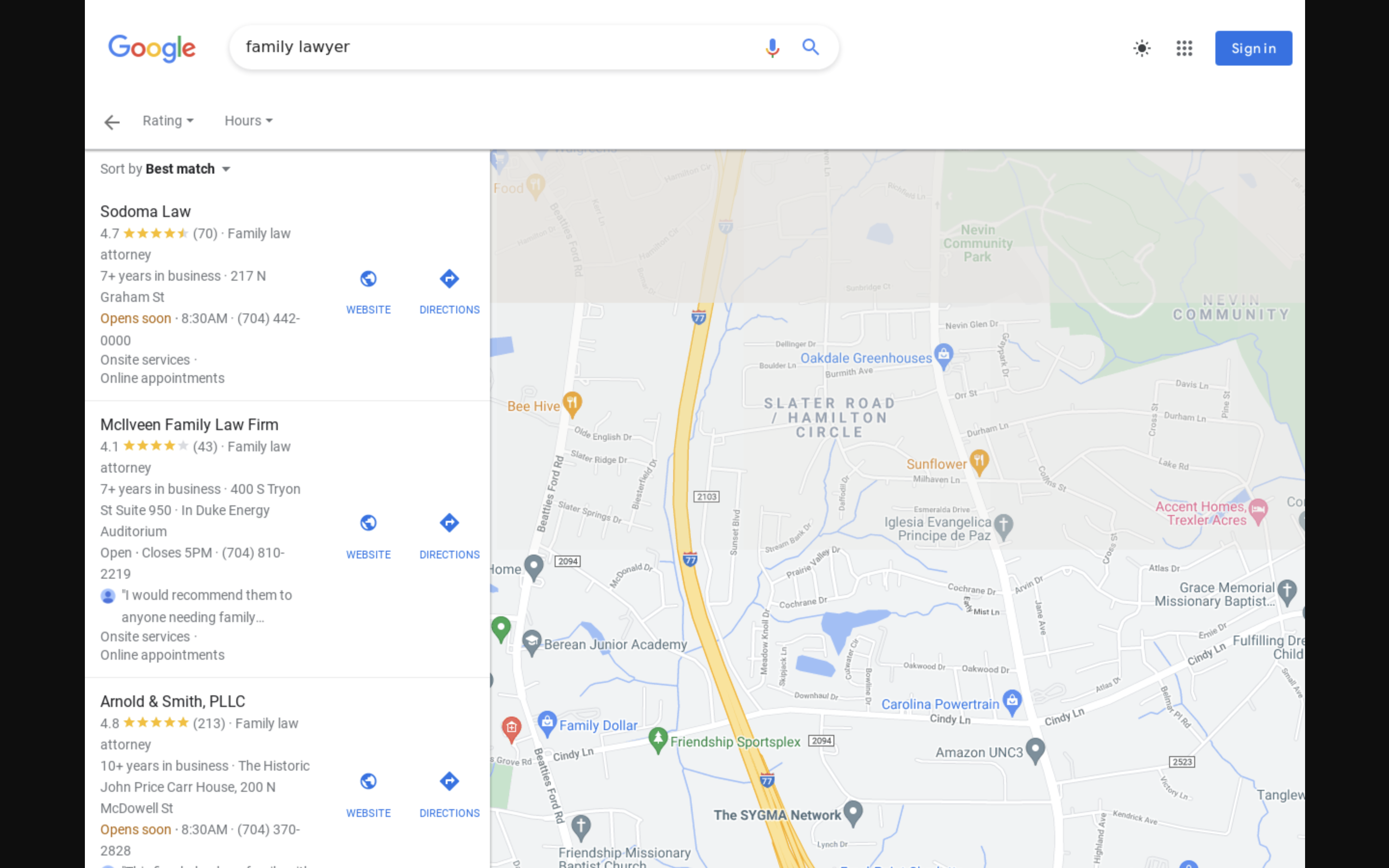
To see a screenshot of the search results, click the ‘SERP Screenshot’ button and a new tab will open showing you the search results in Google Maps.

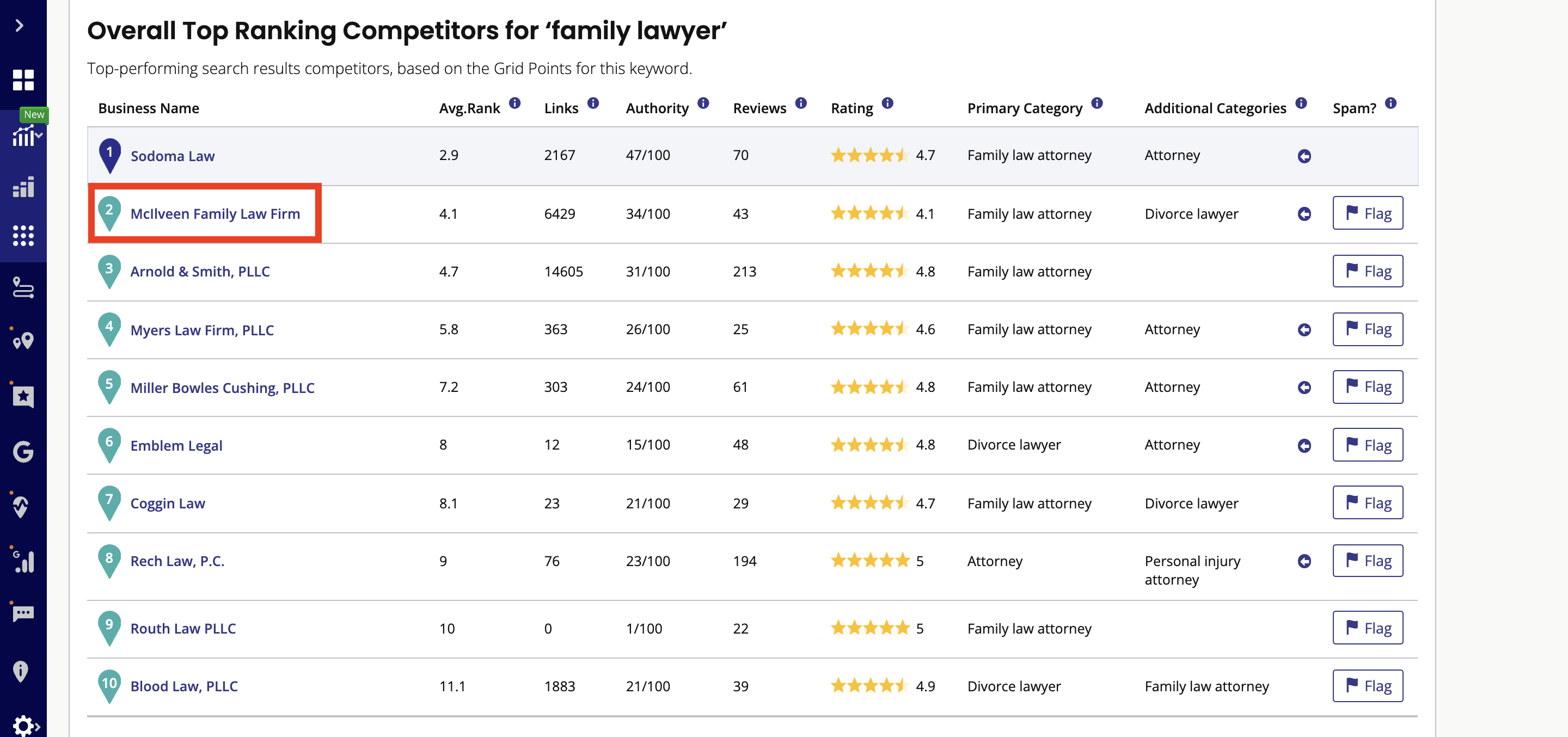
2. To see individual competitors’ grid ranking results #
Click the name of the competitor within the ‘Overall’ competitors table.
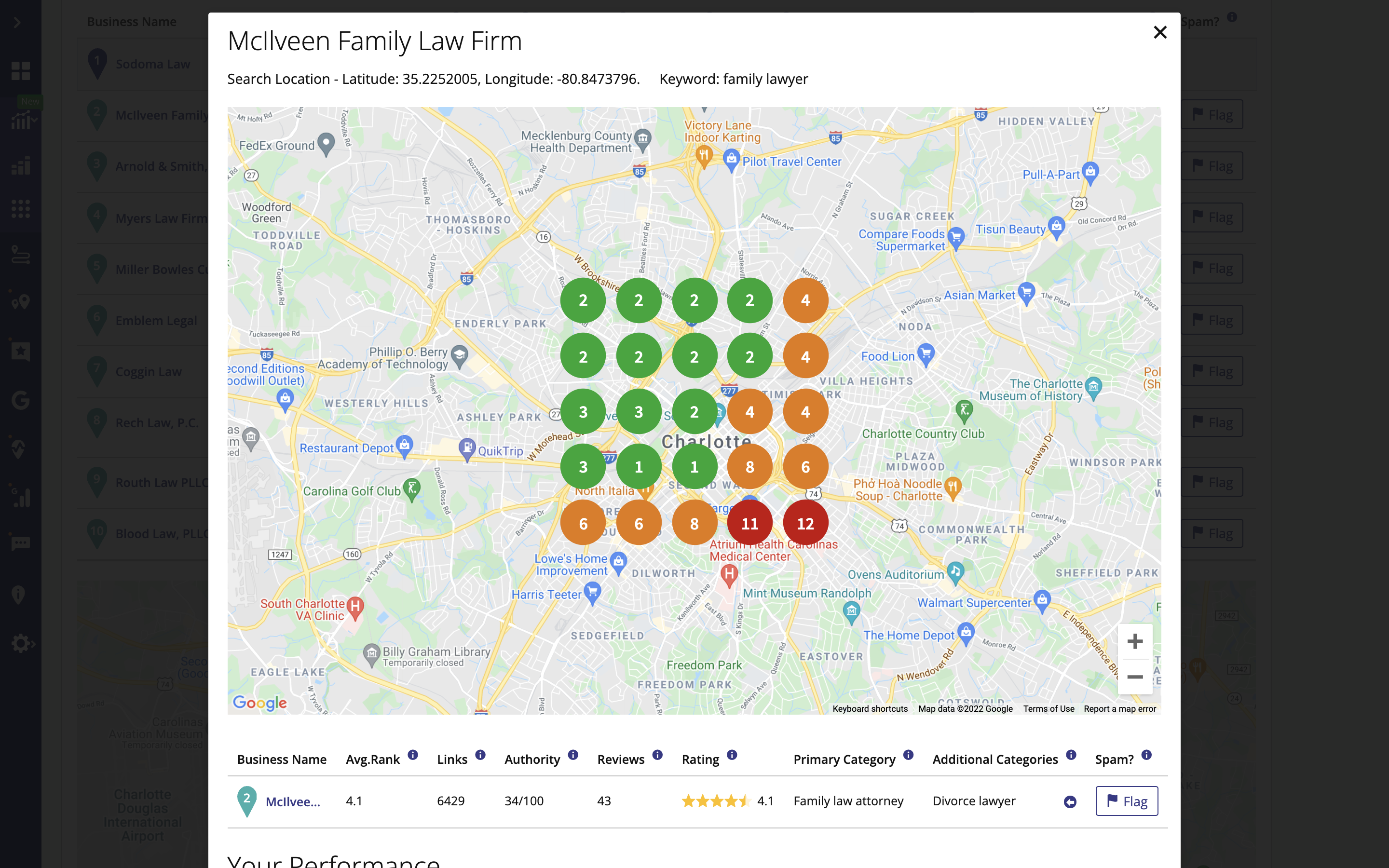
You will see a popup of a map and grid points with the competitor’s ranking. Here you can see clearly how well a particular competitor is doing overall.
What's your Reaction?
You have reacted on"Can I see my competitors’ ranking results..."
A few seconds ago


 Subscriptions
 My Orders
 My Wishlist
 Refer & Earn💸
 My Projects
 Conversations
 Website Services
 New Website Request
 Website Addons
 eCommerce Addons
 eCommerce Modules
 Software Development
 Graphic Design
 Video Production
 Content Writing
 Marketing Services
 Marketing Products
 Get a Marketing Plan
 Local SEO Audit
 Sales Automation
 Service Automation
 Operations Automation
 Marketing Automation
 Payments Automation
 Premium Modules
 Support Tickets
 Latest Updates
 Consultation Calls
 Tools & Extensions
 Tech Tips & Tricks
 Domains & Emails









