The Spacer widget is an effective tool for improving your site’s readability and aesthetics by adding vertical blank space between paragraphs, images, or other widgets. This helps create a professional and organized layout, making your content easier to digest. In addition to using the Spacer widget, you can manage spacing by utilizing the built-in blank space feature available in each widget.
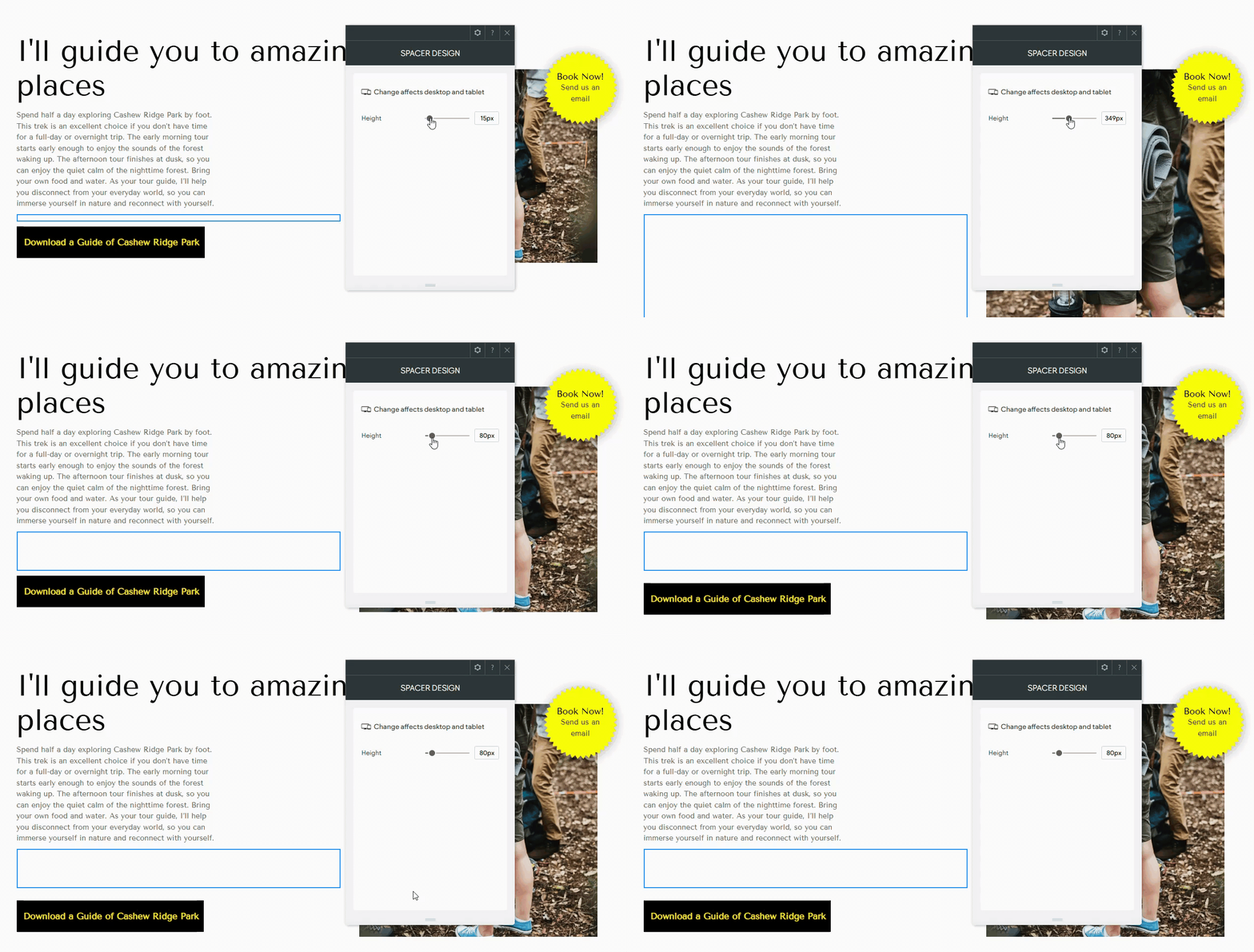
Adding the Spacer Widget #
- Access the Widgets Panel:
- Click on Widgets in the side panel.
- Add the Widget:
- Search for Spacer and drag it to your desired location on the canvas.
Design Editor #
To customize the spacer:
- Accessing the Design Editor:
- Right-click the element and select Edit Design.
By effectively using the Spacer widget, you can enhance the visual flow and structure of your Turnkey Websites™ site, contributing to a more engaging and user-friendly experience.
What's your Reaction?
You have reacted on"Utilizing the Spacer Widget"
A few seconds ago


 Subscriptions
 My Orders
 My Wishlist
 Refer & Earn💸
 My Projects
 Conversations
 Website Services
 New Website Request
 Website Addons
 eCommerce Addons
 eCommerce Modules
 Software Development
 Graphic Design
 Video Production
 Content Writing
 Marketing Services
 Marketing Products
 Get a Marketing Plan
 Local SEO Audit
 Sales Automation
 Service Automation
 Operations Automation
 Marketing Automation
 Payments Automation
 Premium Modules
 Support Tickets
 Latest Updates
 Consultation Calls
 Tools & Extensions
 Tech Tips & Tricks
 Domains & Emails









